








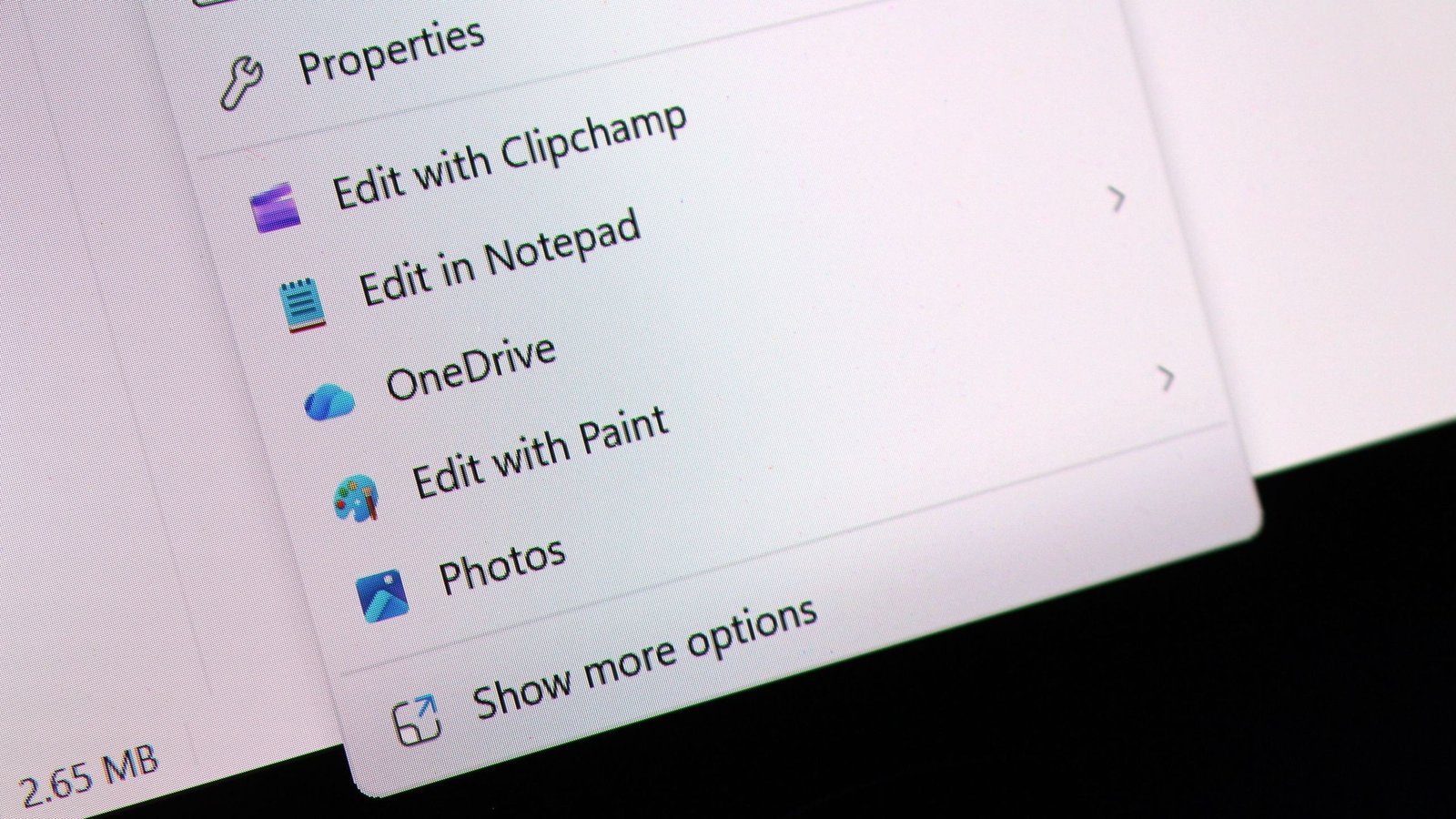
Last month, it was revealed that Microsoft is actively developing a significantly enhanced context menu system for Windows 11. This overhaul aims to deliver faster performance and, crucially, greater customization options for users. Now, the first glimpses of these new customization features have surfaced within the latest Windows 11 preview builds, offering an exciting preview of what’s to come.
Users will soon discover a new “customize menu” option conveniently located at the bottom of the context menu. Selecting this option will seamlessly transition users to the Windows Settings app, where a comprehensive suite of new configurations awaits. These settings will empower users to meticulously tailor both the layout and the specific actions that appear within their context menus.
The customizable actions, presented as toggleable options, include: “Send to,” “Print,” “Create shortcut,” “Copy as path,” “Rotate image,” and “App extensions.” Furthermore, users will have control over the arrangement of primary actions and the placement of cloud storage options. These granular controls are designed to streamline the user experience by allowing individuals to hide infrequently used actions, thereby accelerating their workflow.
A particularly noteworthy addition is the ability to modify the display of essential actions such as cut, copy, and paste. While these primary actions currently appear horizontally at the top of the menu by default in Windows 11, the new customization options will enable users to revert to the familiar Windows 10 style. This classic layout displays these actions vertically, alongside other menu items, offering a sense of continuity for those accustomed to previous Windows iterations.
It’s also important to understand that, upon the rollout of these changes, the context menu will, by default, have most actions disabled automatically. This proactive measure is intended to ensure a swift and efficient experience for all users from the outset. Those who wish to reintroduce specific actions will need to navigate to the new customization settings to do so.
These forthcoming customization options are a welcome development, signaling Microsoft’s responsiveness to user feedback regarding fundamental user interface elements like the context menu. While the legacy Windows context menu remains accessible, and can be re-enabled through customization settings, it will no longer be the default option, nor is there currently an option to set it as such.
The introduction of these customizable context menus is imminent, with a formal announcement from Microsoft anticipated within the next week or two. This exciting update promises to bring a new level of personalization and efficiency to the Windows 11 user experience. For more updates on tech news, stay tuned.