







Pixel Weather App Undergoes Visual Refresh and Minor Functional Tweaks
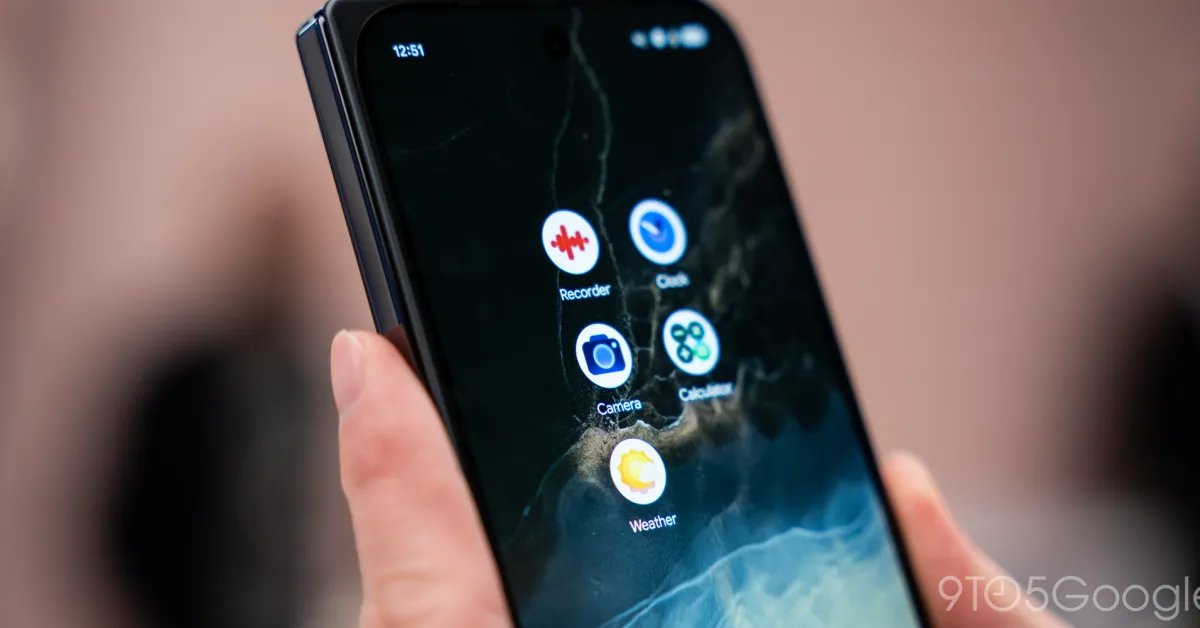
Mountain View, CA – August 19, 2026 – Google’s suite of Pixel applications continues to receive design refinements, with the Pixel Weather app being the latest to unveil a fresh new icon and subtle interface adjustments. This update is part of a broader initiative by Google to standardize the visual language across its core Pixel offerings.
A significant change in the visual refresh is the removal of the iconic blue background that previously characterized the Weather app. This shift aligns with Google’s push for greater consistency across all Pixel applications. The impact of this design mandate has also been observed in other key apps such as Pixel Recorder, Google Calculator, and Clock, all of which have seen their distinctive background colors replaced with a more uniform aesthetic.
Beyond the new icon, the update introduces a minor yet practical enhancement within the application’s interface. Users will now consistently see an "Updated xx:xx" timestamp displayed directly below the city name in the top-left corner. This addition provides immediate confirmation that the weather data being viewed is current and up-to-date, addressing a common user desire for transparency regarding information freshness.
Furthermore, the "AI Weather Report" feature, previously found within the app’s feed and settings, has been rebranded to "Weather Brief." While the name has changed, the underlying functionality of this feature appears to remain unchanged, suggesting a purely cosmetic adjustment rather than a significant overhaul of its capabilities.
Despite these updates, the Pixel Weather app’s widget offerings remain limited. Currently, users are still restricted to only two widget styles, a point of contention for many who desire more customization options and design variety for their home screens. The call for more diverse widget styles continues to be a prominent request from the Pixel community.
The latest version of the Pixel Weather app, identified as 1.1.20260626.962582759, is now being widely rolled out to users via the Google Play Store. Users can expect to see these visual and minor functional changes appear on their devices in the coming days as the update propagates across the platform. This ongoing refinement of Pixel apps underscores Google’s commitment to delivering a cohesive and polished user experience within its ecosystem.