








A Long-Awaited Solution for Keyboard Interruptions
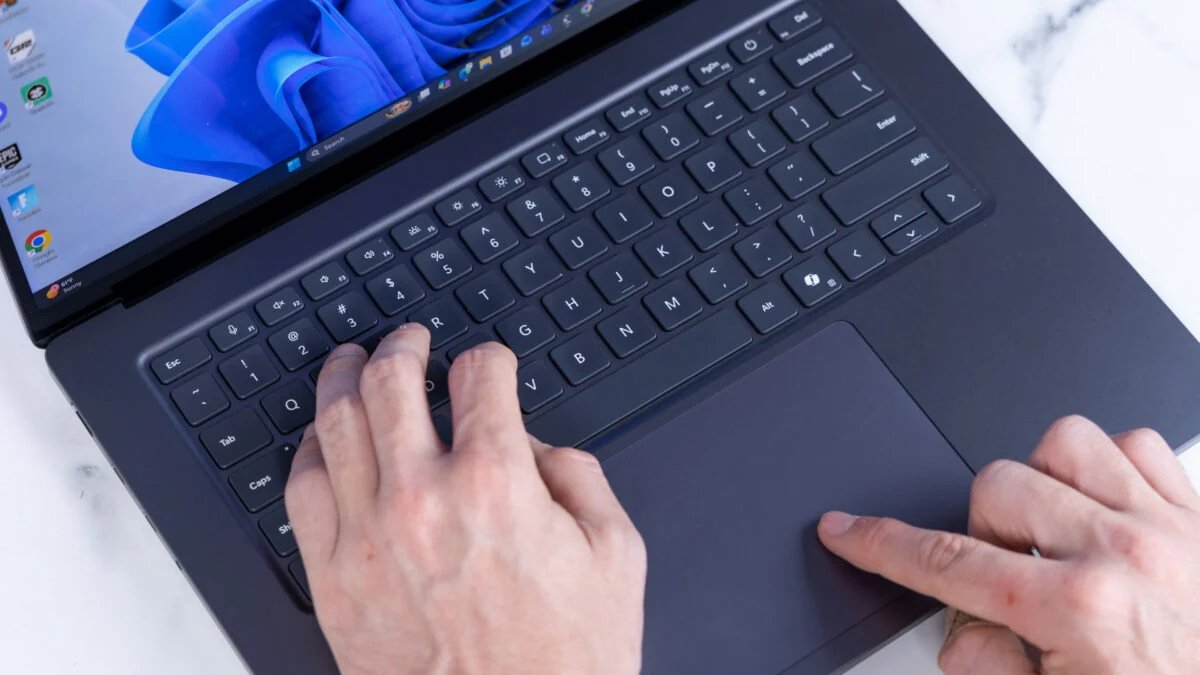
For decades, Windows users have been acquainted with the Sticky Keys prompt—a persistent dialog box that triggers whenever the Shift key is pressed five times in rapid succession. Designed as an accessibility feature to assist individuals who have difficulty holding down multiple keys simultaneously, the function has historically been a source of frustration for gamers, programmers, and power users who inadvertently trigger the dialog during intense typing sessions or rapid gameplay. Microsoft has finally addressed this persistent nuisance in the latest Windows 11 beta update, introducing a streamlined method to permanently disable the feature.
This update introduces a toggle mechanism directly within the system settings, removing the need for registry edits or complex workaround scripts. By providing a clear checkbox within the Accessibility menu, Microsoft is acknowledging that while accessibility tools are vital, they must not impede the standard user experience for those who do not require them. This change reflects a broader shift in Microsoft’s software development philosophy, which increasingly prioritizes user agency and the minimization of intrusive system notifications.
Understanding the Mechanics of Sticky Keys
Sticky Keys is fundamentally a software-based latching mechanism. When active, it allows modifier keys—such as Shift, Ctrl, Alt, and the Windows key—to remain engaged after being pressed, effectively allowing the user to perform complex keyboard shortcuts (like Ctrl + Alt + Delete) using a sequential key-press approach rather than a simultaneous one. While this provides essential support for motor-impaired users, the default behavior of spawning a modal dialog box after five consecutive Shift presses has long been criticized for its “interruptive” nature.
In previous versions of Windows, disabling this feature often required navigating through the Control Panel to the Ease of Access Center, or worse, manually modifying the Windows Registry. For the average user, these pathways were opaque and intimidating. The new beta update integrates this setting into the modern Windows 11 Settings app under the Keyboard section of the Accessibility tab. By centralizing this control, Microsoft ensures that users who accidentally trigger the prompt can quickly identify how to turn it off without having to perform a deep dive into legacy system menus.
Improving Productivity for Power Users
The impact of this update on productivity is most significant for professionals who rely on high-frequency keyboard input. Software developers and data entry specialists often utilize complex command-line interfaces where rapid key toggles are common. In these environments, an unexpected dialog box popping up can break the flow of work, result in lost focus, or accidentally trigger unintended commands if the user hits “Enter” before realizing the focus has shifted to the Sticky Keys prompt.
By allowing users to permanently disable the prompt, Microsoft is effectively smoothing out the “friction points” in the Windows operating system. This is particularly important for professionals working in mission-critical environments where every millisecond of efficiency matters. The ability to customize system behavior to fit specific workflows is a hallmark of a mature operating system, and this update represents a move toward a more modular approach to system features. For high-end workstations and enterprise environments, these small adjustments collectively contribute to a more stable and less jarring computing environment.
The Gaming Perspective and Input Latency
Perhaps no demographic has been more vocal about the Sticky Keys issue than the gaming community. During competitive play, where players often rely on Shift for sprinting, crouching, or complex ability rotations, triggering the Sticky Keys dialog box can be catastrophic. When the prompt appears, the game window often loses focus, minimizing the application or freezing the input stream, leading to predictable losses in fast-paced scenarios.
While gamers have historically dealt with this by disabling the feature via hidden menus, the new update makes this process official and accessible. Furthermore, the removal of the underlying interrupt logic can potentially prevent micro-stutters associated with the system calling the dialog service. By explicitly offering a permanent off-switch, Microsoft is validating the needs of the gaming community, acknowledging that accessibility features should remain an intentional choice rather than a mandatory, interruptive default.
Enhanced Customization and System Reliability
The inclusion of this checkbox is part of a larger initiative to modernize the Windows 11 user interface and backend management. As Microsoft continues to transition legacy components—many of which date back to the Windows 95 or XP eras—into the modern Settings framework, users can expect more granular control over how the operating system manages its background services. This update is not merely about removing a nuisance; it is about refining the overall reliability of the user experience.
By moving these settings into the modern framework, Microsoft makes it easier for system administrators to manage fleet-wide configurations through Group Policy or Mobile Device Management (MDM) tools. Enterprises can now standardize keyboard behavior across their networks, ensuring that employees are not disrupted by legacy accessibility prompts unless they are explicitly required. This level of administrative control is vital for organizations that value consistency and want to minimize support tickets related to common interface frustrations.
The Future of Accessible Computing
Ultimately, the introduction of this feature highlights the importance of balancing inclusivity with flexibility. True accessibility is about ensuring that tools are available when needed and unobtrusive when they are not. By making the Sticky Keys dialog easily suppressible, Microsoft is not removing support for those who need it, but rather optimizing the system so that it works for everyone.
As the Windows 11 lifecycle continues, it is likely that more legacy accessibility triggers will be brought under this unified, modern management system. This evolution benefits all users, whether they require accessibility tools to navigate the digital world or simply want a cleaner, faster, and more responsive desktop environment. This beta update serves as a template for how Microsoft can continue to refine the Windows experience: by listening to user feedback, identifying archaic pain points, and providing elegant, modern solutions that empower the individual user.
Disclaimer: This content is auto-generated for informational purposes only.
Source: Read Original News