








Apple Unleashes Critical Security Updates Across Its Ecosystem: iOS 26.6.1, macOS 26.6.2, and More
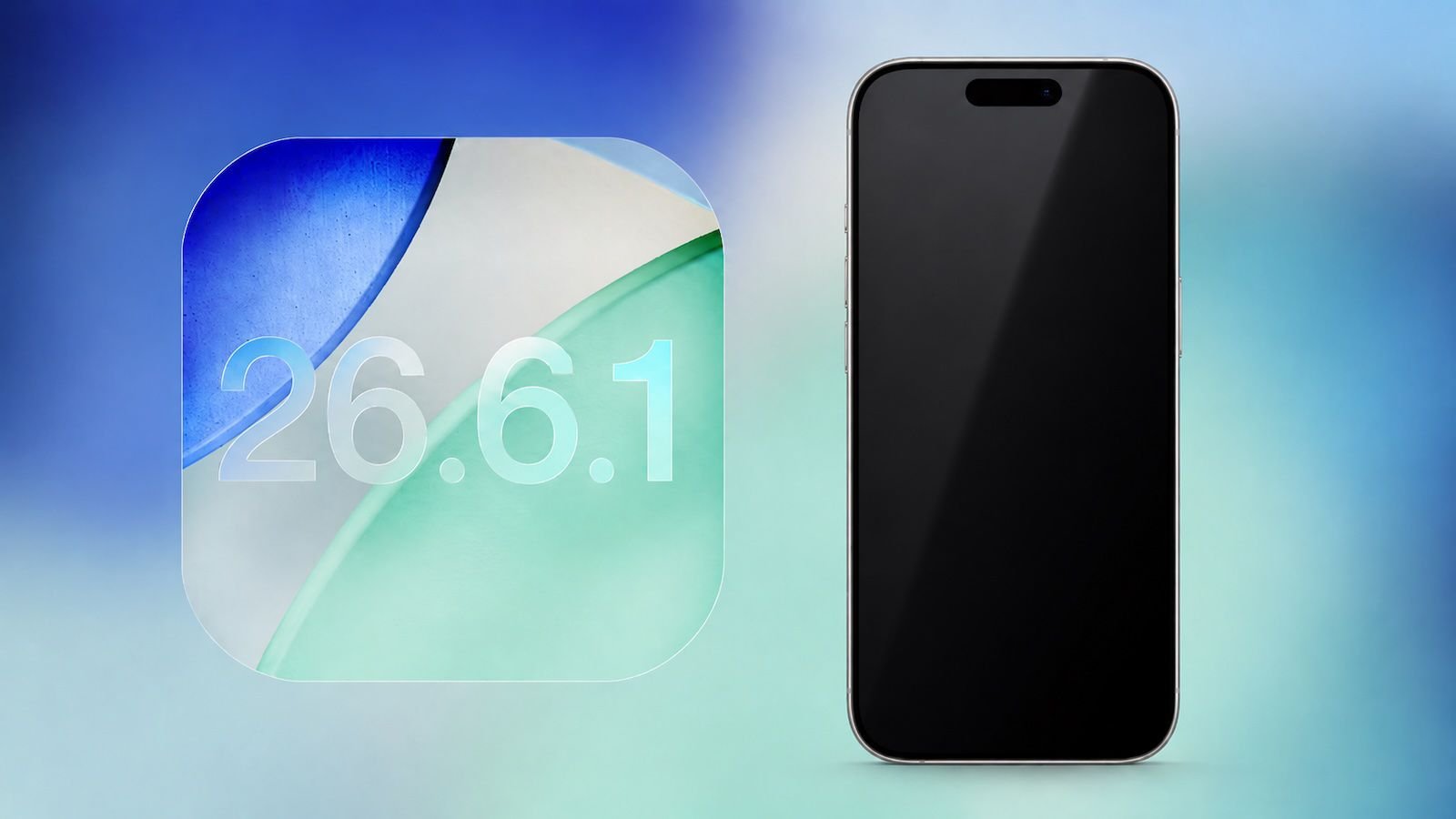
Cupertino, CA – August 17, 2026 – Apple today rolled out a comprehensive suite of vital software updates, addressing critical security vulnerabilities across its entire product lineup. Users are urged to update their devices immediately to the latest versions of iOS 26.6.1, iPadOS 26.6.1, visionOS 26.6.1, and macOS 26.6.2. These updates primarily focus on bolstering the security posture of Apple devices, safeguarding users against potential threats.
The release marks a significant effort by Apple to maintain the integrity and security of its operating systems. According to an official Apple support document, the iOS and iPadOS updates deliver crucial security fixes that were previously introduced in the ongoing iOS 27 and iPadOS 27 beta cycles. Similarly, macOS 26.6.2 incorporates security enhancements first seen in the macOS Golden Gate 27 beta.
In a proactive move to support older devices, Apple also released iOS 18.7.10 and iPadOS 18.7.10, ensuring that users with earlier hardware also benefit from essential security patches.
While specific details regarding the visionOS 26.6.1 security fixes are anticipated soon, Apple has confirmed that all these releases are dedicated to strengthening the security framework of their respective platforms.
It’s noteworthy that iOS 26.6.1, iPadOS 26.6.1, and macOS 26.6.2 arrive with new build numbers, indicating further refinements beyond the Release Candidate versions that were made available to developers just last week. This suggests Apple has continued to fine-tune these updates to ensure maximum stability and security for the end-user.
This series of updates underscores Apple’s unwavering commitment to user security, frequently pushing out patches to address newly discovered vulnerabilities. Users are highly encouraged to install these updates promptly to protect their devices and personal data from evolving cyber threats. To update your device, navigate to Settings > General > Software Update on your iPhone or iPad, or System Settings > General > Software Update on your Mac.