







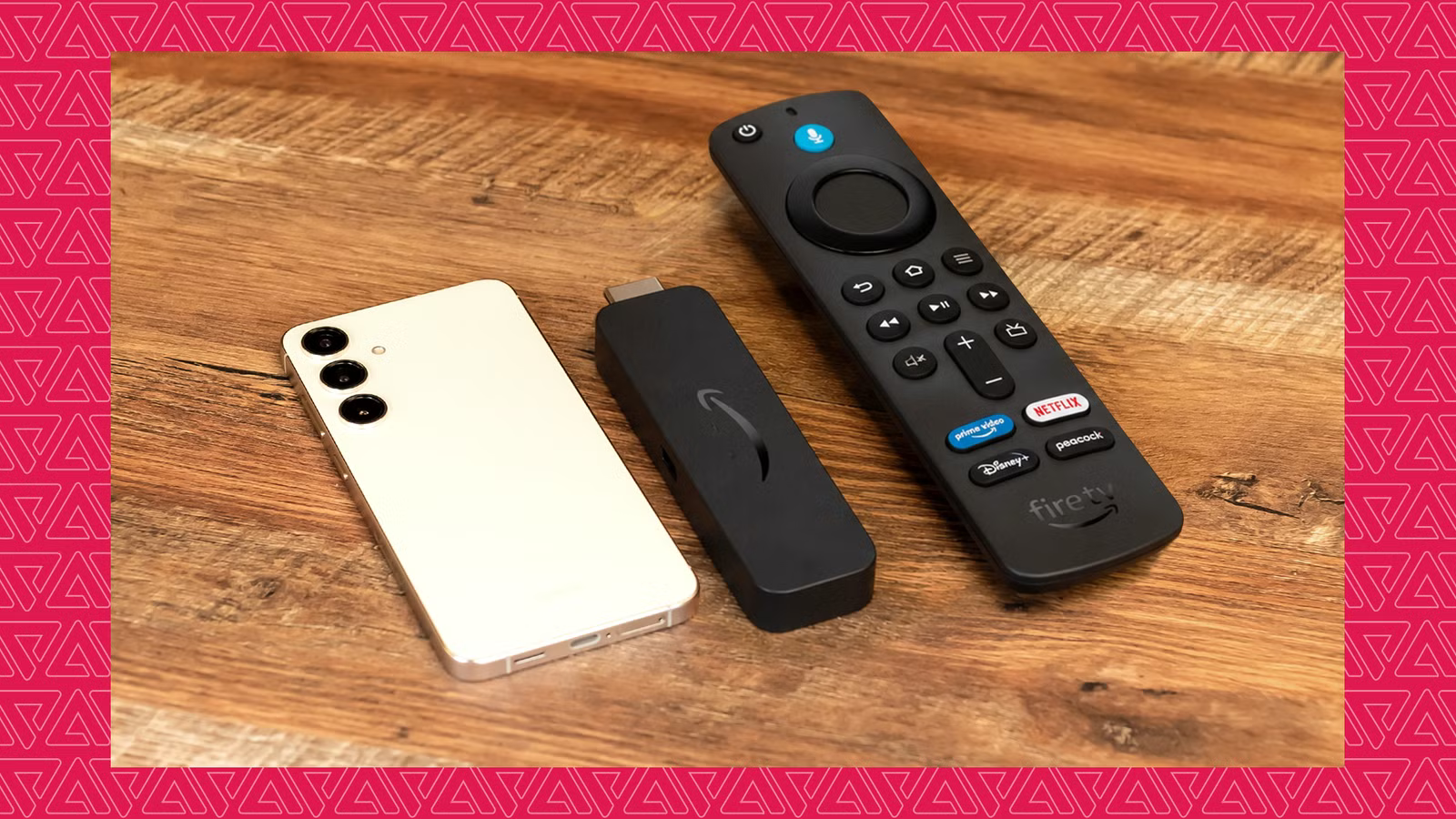
Why I Permanently Retired My Fire TV Stick in Favor of an Old Android Phone
For years, I looked for a practical way to repurpose my spare smartphone. After a week of researching DIY projects, I decided to attempt a simple but surprisingly effective transformation: turning my old Android phone into a full-fledged smart TV hub.
The process was straightforward, the performance was impressive, and the result saved me from ever needing to purchase another dedicated streaming stick again. In fact, the experiment was so successful that I have officially permanently retired my Fire Stick.
Unlocking Power Beyond the Fire TV Ecosystem
Amazon’s Fire TV devices operate on Fire OS, a fork of the Android Open Source Project (AOSP). While it is technically Android, the experience is severely restricted by the Amazon Appstore. Users are often locked out of the vast library available on the Google Play Store, making it difficult to run essential apps without tedious workarounds.
By using an old Android phone instead of a Fire Stick, I effectively removed these barriers. My spare phone offers more raw processing power than a typical streaming dongle, but more importantly, it provides access to the entire Google Play Store. I can now run YouTube, check my Gmail, use Google Maps, and even play mobile games on the big screen—things that were either impossible or clunky on my Fire TV.
The shift in experience is profound. I no longer have to spend time searching the web to see if a specific app has a compatible Fire TV version; if it runs on Android, it runs on my TV. Furthermore, with Amazon shifting its focus toward the new, unproven "Vega OS," I feel much more comfortable sticking to a versatile Android environment that I already understand and control.
The Setup: A Simple DIY Project
Getting this system to work required minimal effort. While I could have used a wireless connection via Smart View, I opted for a wired USB-C-to-HDMI cable to ensure zero latency and a more permanent, reliable connection.
To make the setup feel more like a traditional living room experience, I added a wireless keyboard with an integrated trackpad. While a Bluetooth gaming controller would be a superior choice for those looking to play games, the keyboard is more than enough for daily navigation.
The configuration steps were simple:
- Connectivity: Plugged the USB-C-to-HDMI cable into the phone and the TV.
- Activation: Selected "Mirror Switch" from the phone’s notification panel.
- Optimization: Installed a third-party app called "Screen Orientation Control" to ensure all apps force-open in landscape mode, filling the TV display perfectly.
Audio configuration was nonexistent—the HDMI cable seamlessly carried both video and audio to my TV speakers, requiring no extra setup.
A Better Way to Stream
My spare Android phone has become the streaming device I always wanted but couldn’t find on the market. It isn’t just a "replacement" for a Fire Stick; it is a more capable, flexible, and powerful computer connected to my television.
While a phone isn’t technically "meant" to be a streaming stick, Android’s inherent versatility allows it to function as one better than the dedicated hardware currently available. I’ve stopped looking for the next streaming gadget, and I have no plans to go back.