








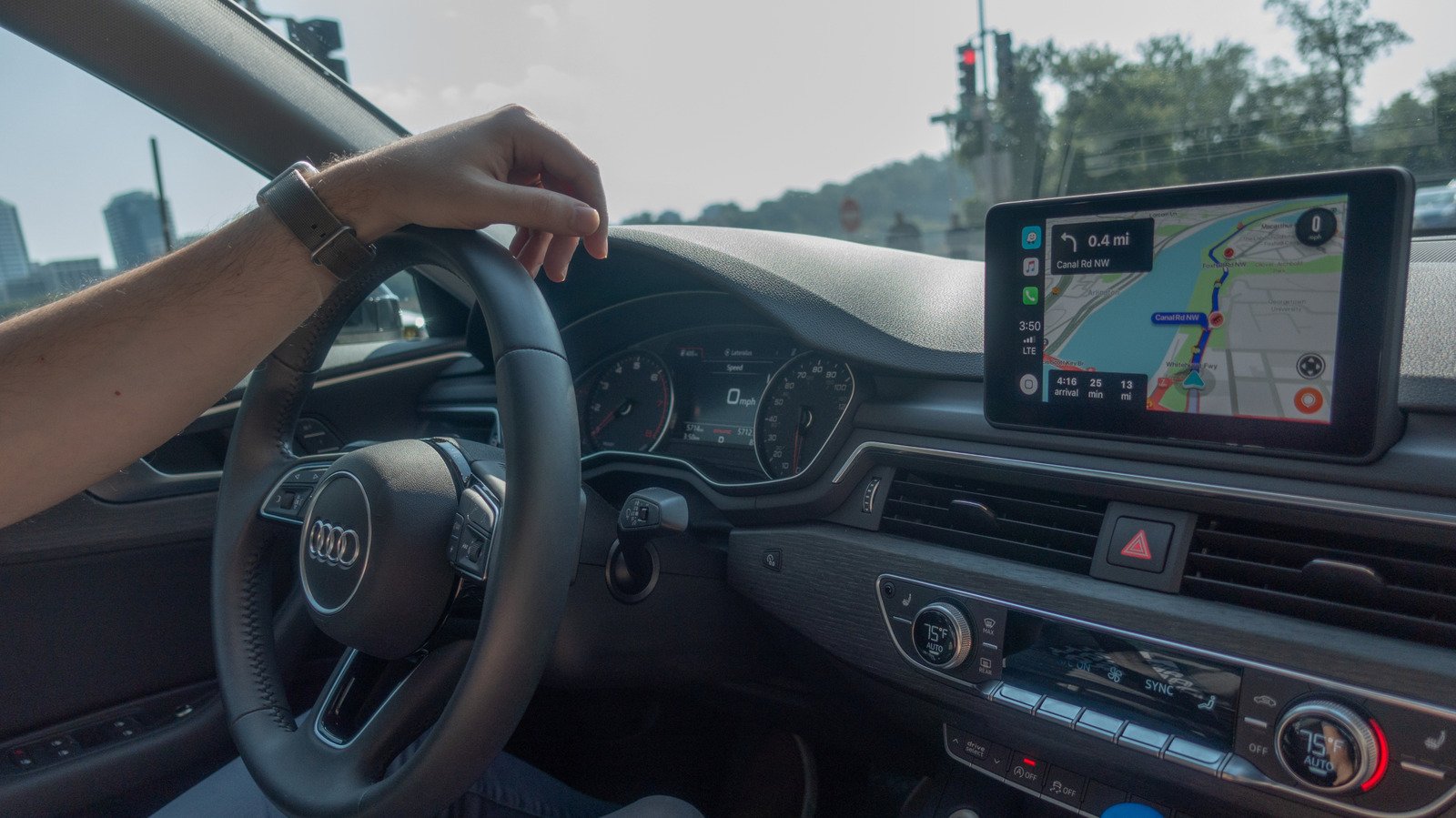
Apple CarPlay has fundamentally transformed the in-car experience, bridging the gap between mobile device utility and automotive infotainment systems. While the primary appeal of CarPlay lies in its navigational accuracy and simplified interface, its role as an audio hub is equally significant. For many drivers, the car serves as a primary listening environment, yet the default configuration often fails to leverage the full technical capabilities of the vehicle’s sound system. To achieve high-fidelity playback, users must look beyond the convenience of wireless connectivity and address the fundamental settings governing data transmission and streaming quality.
Prioritizing Wired Connectivity for Signal Integrity
The most common trade-off in automotive technology is between the ease of wireless pairing and the stability of a physical connection. Wireless CarPlay typically functions through a combination of Bluetooth and Wi-Fi Direct. While this allows for an automated, seamless connection the moment a driver enters a vehicle, it introduces limitations in data bandwidth. Because wireless transmission must account for interference and data packet loss, the audio signal is subjected to heavy compression.
By switching to a wired connection via a high-quality USB cable, users can mitigate these bandwidth constraints. A physical connection provides a consistent data stream, which not only improves audio fidelity but also significantly reduces latency. This latency reduction is particularly noticeable when using steering wheel controls to skip tracks or adjust volume, as the response time becomes instantaneous. Furthermore, a wired setup bypasses the occasional audio dropouts and jitter common in crowded wireless environments, ensuring a cleaner delivery of audio signals to the vehicle’s digital-to-analog converters.
Optimizing Streaming Service Settings
High-quality hardware is ineffective if the source material is compressed beyond recognition. Most popular music streaming services default to standard or data-saver modes to minimize mobile data consumption. However, these settings discard significant amounts of audio data, resulting in lost details in the high and low-frequency ranges. To extract the best performance from Apple CarPlay, users must manually override these defaults.
For Apple Music subscribers, navigating to the iPhone’s Settings application is essential. Under the Music menu, the Audio Quality section allows for the selection of “Hi-Res Lossless.” Tidal provides a similar configuration, where selecting “Max” quality under the Audio and Playback settings ensures the highest possible resolution is streamed. Spotify users should navigate to the app’s internal settings, locate the Media Quality section, and toggle the streaming quality to “Very High.” It is important to note that these settings drastically increase cellular data usage. For those with limited data plans, downloading high-resolution files to the device while on Wi-Fi is a practical solution to maintain sound quality without incurring overage charges.
Leveraging Equalization for Cabin Acoustics
Automotive interiors are challenging acoustic environments, frequently plagued by road noise, engine vibrations, and unconventional speaker placement. Default audio profiles often attempt to provide a generic sound signature that may not suit the specific cabin architecture of every vehicle. To compensate, internal Equalizer (EQ) adjustments act as a vital tool.
If the user identifies a lack of depth in the music, moderate adjustments to the lower frequencies can enhance bass response without sacrificing clarity. Conversely, for listeners who primarily consume vocal-heavy content like podcasts or audiobooks, boosting the mid-range frequencies can help voices cut through ambient road noise, improving intelligibility. Many modern vehicles provide factory-set sound presets designed by audio engineers to mitigate the specific acoustic limitations of that vehicle’s speaker arrangement. Auditioning these presets is often more effective than attempting a custom calibration without professional equipment, as they are tuned for the specific cabin volume and resonance patterns of the car.
Addressing Limitations of Compressed Formats
It is vital to distinguish between platforms that offer lossless streaming and those that do not. Services like YouTube Music remain a popular choice due to their vast content library, yet they lack the technical infrastructure for lossless playback. For users primarily utilizing these platforms, the objective should shift from seeking “lossless” status to ensuring the service is operating at its peak potential.
In platforms lacking lossless support, the goal is to prevent the app from dynamically scaling down audio quality based on perceived network strength. Manually locking the stream to “Always High” prevents the compression artifacts that occur when a streaming service detects a slight dip in connectivity. While this may increase the likelihood of occasional buffering in areas with poor cellular service, it maintains a superior, consistent audio output for the majority of a commute. Recognizing the source material’s limitations is the final step in ensuring that the digital signal arriving at the car’s amplifier is as clean and detailed as the platform allows, providing the best possible listening experience within the constraints of the mobile ecosystem.
Disclaimer: This content is auto-generated for informational purposes only.
Source: Read Original News