







Google has released a comprehensive update for the Google Home ecosystem, targeting both the underlying Gemini-powered smart speaker experience and the core functionality of the Google Home application. This release, centered on version 4.31.27.1 for Android, addresses long-standing user feedback regarding device reliability, setup consistency, and intelligent voice command execution. By refining how the application interacts with local network hardware and cloud-based automation, the company aims to provide a more responsive smart home environment.
Advancements in Gemini Voice Recognition
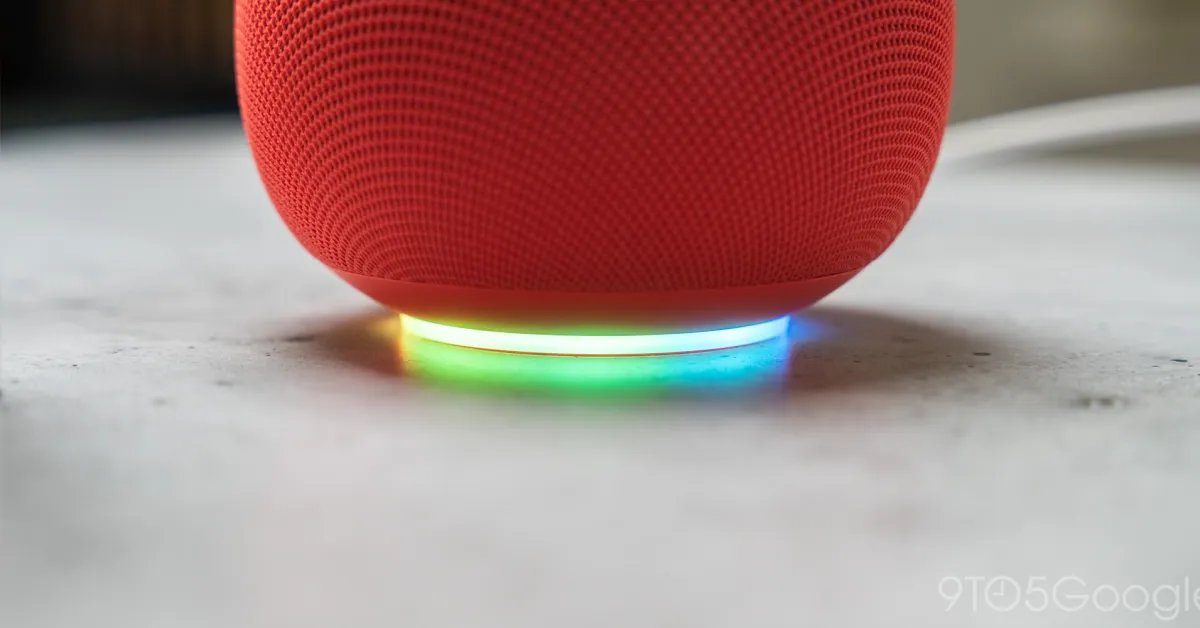
The most notable shift in this update involves the integration of Gemini on Google’s smart speakers. Specifically, Google has focused on enhancing the “Find My Phone” utility. While this feature has been a staple of the Google Home ecosystem for years, it has often suffered from inconsistent performance due to network latency or complex acoustic environments.
The update provides technical quality and reliability improvements to this command, ensuring that when users request assistance locating their handsets, the system triggers the alert process with greater success rates. Beyond this specific command, the Gemini early access branch now includes improved noise cancellation algorithms designed to filter out background chatter and non-intended voices. By isolating commands from ambient sound, the assistant becomes significantly more accurate in busy living spaces. Furthermore, the update brings latency reductions to response times, making the interaction feel more instantaneous, while simultaneously improving the system’s ability to parse complex, custom-triggered Routines and automations.
Smart Light and Device Control Logic
A significant portion of the Google Home app update focuses on rectifying logical errors in device communication. One of the most common user frustrations involved dimmable light bulbs; historically, dragging a brightness slider to 0% in the app often left the hardware in a low-power “ghosting” state rather than cutting the power completely.
The new update forces a definitive power-off command whenever the slider reaches the zero threshold. This change prevents energy leakage and ensures that smart lighting reflects the software state. In tandem with these light controls, the app has introduced clearer visual status indicators for cameras and doorbells. Previously, distinguishing between an active camera and an idle one could be difficult in the device list. Now, these devices utilize filled icons and accented tile colors to convey their status immediately at a glance. For users invested in the Matter smart home standard, the update addresses a critical bug where switches would incorrectly appear as offline. The app now accurately updates the UI to reflect a disconnected state, preventing users from attempting to toggle unresponsive devices.
Standardizing Device Setup and Connectivity
Setup procedures for new hardware have received a technical overhaul aimed at reducing the dropouts and connection stalls often associated with pairing smart devices via Bluetooth or Wi-Fi. The update includes improved backend protocols for establishing the initial handshake between a smartphone and a Nest device. This ensures that the pairing process remains stable even in areas with dense wireless interference.
A particularly useful addition is the new standalone setup flow that enables the Google Home app to securely cache network credentials. When users add multiple devices to their home network, the application now reuses these cached credentials, removing the need for repetitive manual input. This streamlined approach minimizes the time spent during the installation of new smart home components, directly addressing the friction associated with expanding a modern connected home.
Refining UI Interactions and Accessibility
The interface within the Google Home app has been stabilized to ensure that user gestures are always registered correctly. Users had previously reported difficulties with the “Favorites” tab, where long-press gestures—used to access granular device controllers or routine editors—would frequently fail to trigger. Through improved touch-event handling, the app now ensures these long-press inputs are consistently recognized.
Furthermore, the intelligence behind how the app categorizes devices has been sharpened. The system now includes more precise detection for window coverings. Where the app previously defaulted all motorized window treatments to “blinds,” it can now correctly distinguish between awnings, curtains, and shades. This accuracy ensures that the correct control UI is presented, providing users with the appropriate open-and-close functionality for their specific hardware.
Impact on the Modern Smart Home
These updates represent a strategic move toward reliability as the smart home market matures. By resolving “ghost” states in lighting, improving the visual language of the device dashboard, and hardening the connection protocols for new installations, Google is prioritizing the stability of its ecosystem over experimental features. For the average user, these changes manifest as a system that is less prone to “offline” errors and more predictable in its response to voice and touch commands. As the Gemini integration continues to evolve, these backend improvements serve as the foundation for a more capable and trustworthy voice assistant, capable of managing complex, high-density smart home configurations without the common pitfalls of earlier iterations. The update is currently pushing out across Android devices, with the Gemini-specific improvements arriving silently via server-side updates for those already enrolled in the early access program.
Disclaimer: This content is auto-generated for informational purposes only.
Source: Read Original News