








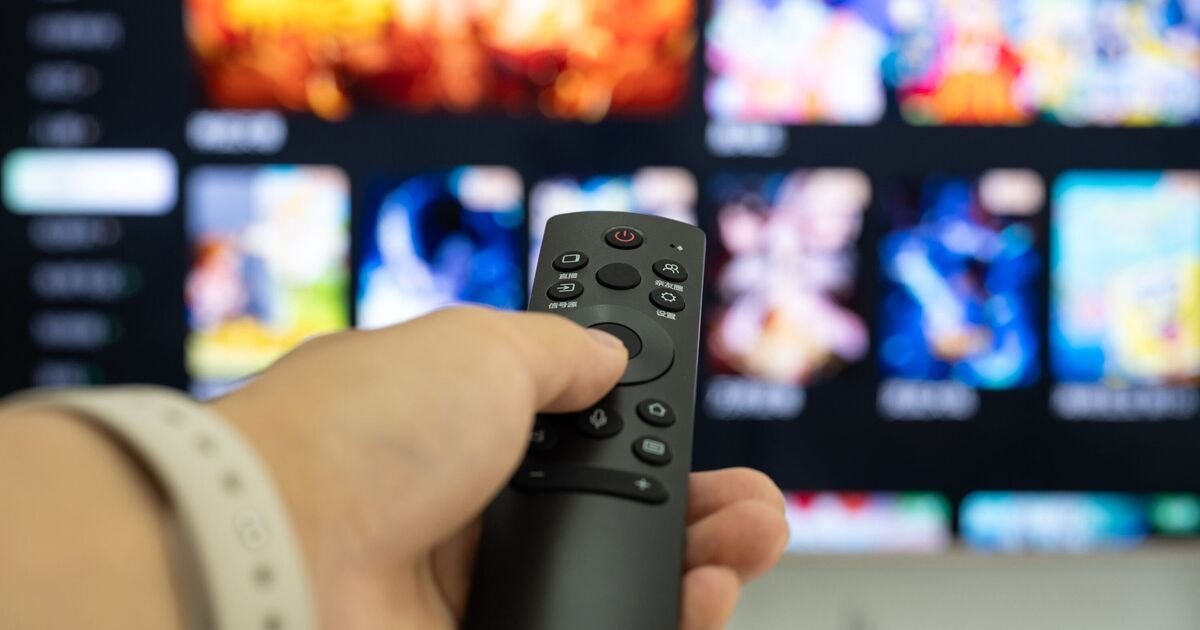
Getting a brand-new television is one of those household milestones that feels genuinely exciting. You unbox it, get it mounted or placed on the stand, and prepare for a weekend of binge-watching your favorite series. However, modern TVs are incredibly sophisticated pieces of hardware, and the out-of-the-box settings are often designed to grab your attention in a store showroom rather than provide the best experience in your living room.
If you have been feeling like your screen isn’t quite living up to its promise, you are not alone. Experts have pointed out that many of us accidentally ruin our viewing experience by tweaking settings that should simply be left alone. To help you get the most out of your home cinema setup, here are the essential adjustments—and habits—to reconsider.
Steer Clear of Dynamic Contrast
When browsing through your picture settings, you might be tempted to toggle features with fancy names like Dynamic Contrast, Auto Contrast, or Contrast Enhancer. These features are designed to make the picture look bolder by artificially pushing the deepest blacks and brightest whites. While that might sound beneficial, it often results in a picture that lacks detail and looks unnatural. By pushing these boundaries, your TV can lose the subtle nuances in a scene, making dark areas look like solid black holes. It is usually best to keep this setting turned off entirely to ensure you are seeing the image as the director intended.
Manage Your Screen Brightness
Have you ever been deeply immersed in a movie, only for the screen to suddenly grow dim or bright for no apparent reason? This is likely the work of Adaptive Brightness. While the intent is to adjust to the light levels in your room, it often creates a distracting shift that pulls you right out of the narrative. If your TV brightness feels like it has a mind of its own, hunt down the Adaptive Brightness or Auto-Brightness setting and disable it. You are far better off setting a consistent brightness level that suits your room during the evening so that the image remains stable and clear.
Reconsider Energy-Saving Modes
We are all mindful of our utility bills, so it is a natural reaction to switch on any feature labeled Energy Saving. However, testing suggests that the actual impact on your monthly power costs is minimal, while the impact on your picture quality is significant. In some cases, enabling these modes can cause a drastic drop in screen performance, turning a vibrant display into something dull and washed out. Instead of relying on this setting to save pennies, stick to a standard picture mode and simply remember to turn the television off when you are not actually watching it.
Clean With Care
It is easy to reach for the household glass cleaner or a bottle of polish when you notice a smudge on your screen. Please, put them away. Modern TV panels are coated with specialized materials that can be easily stripped or permanently damaged by harsh household chemicals. Even standard glass cleaners contain substances that are far too aggressive for delicate screens. To keep your display pristine, stick to a dry, clean microfiber cloth. Use gentle, circular motions to buff away dust or fingerprints. If you have a stubborn smudge that needs a bit more attention, check your manufacturer’s manual for specific cleaning instructions, but avoid liquid sprays unless they are specifically designed for electronic screens.
Take a Moment with Data Settings
When you first plug in a smart TV, you are often presented with a flurry of screens asking you to agree to terms and conditions. Many of us just hit “Accept” as quickly as possible to start watching. However, these menus frequently contain pre-selected choices regarding data collection. By slowing down and reading through these prompts, you can often opt out of unnecessary tracking. Not only does this keep your personal habits private, but it can also help reduce the volume of targeted advertisements that appear in your TV’s smart menus, leading to a much cleaner and more streamlined user interface.
Disclaimer: This content is auto-generated for informational purposes only.
Source: Read Original News