






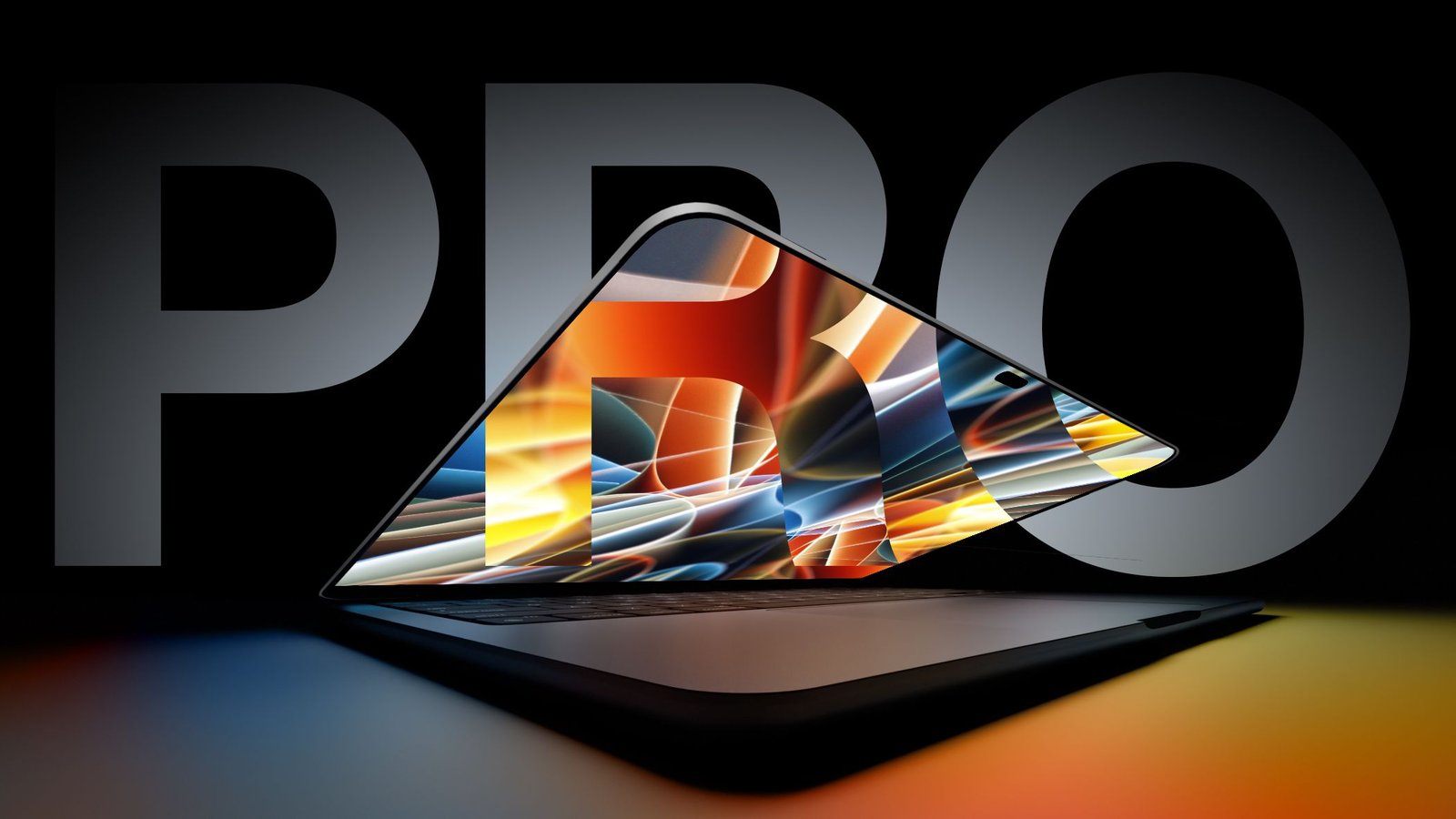
The landscape of professional computing is on the cusp of a significant transformation. As Apple prepares to unveil its latest high-end laptop series, industry observers are bracing for the most substantial hardware shift in the history of the Mac lineup. While the base-level 14-inch MacBook Pro models utilizing the new M6 chip have already begun their rollout, the spotlight remains fixed on the premium, touch-enabled variants arriving at the upcoming “Pro and tell” event. Whether branded as the long-rumored “MacBook Ultra” or continuing under the professional nomenclature, these machines signal a departure from established design paradigms.
Transitioning to OLED Display Technology
The most prominent hardware upgrade coming to these high-end machines is the integration of OLED display panels. For years, Apple has relied on mini-LED technology to provide high brightness and contrast, but OLED offers inherent structural advantages that align with a premium-tier offering. By sourcing these panels from industry leader Samsung, Apple intends to deliver superior color accuracy and higher contrast ratios.
The technical superiority of OLED stems from its self-emissive nature; each pixel functions as its own light source. Unlike mini-LED, which requires a backlight array, OLED pixels can power down completely to produce true blacks, eliminating light bleed around bright objects on dark backgrounds. This not only improves color depth but also enhances power efficiency, as the screen consumes less energy when displaying dark content. While brightness levels for OLED historically lagged behind mini-LED, recent developments in production processes suggest these panels will provide the necessary performance for high-dynamic-range (HDR) professional workflows.
The Introduction of Direct Touch Input
Perhaps the most debated feature arrival is the inclusion of a touchscreen. For years, the official stance from Cupertino was that the desktop environment was better served by precision pointing devices rather than direct manipulation. However, the introduction of touch-friendly elements in macOS Golden Gate suggests a reversal in strategy.
This implementation is designed to complement, rather than replace, traditional interaction methods. By enabling touch input directly on the screen, Apple allows for a hybrid workflow where users can switch between trackpad navigation and direct screen interaction. Evidence of this integration is already appearing in the system software, with features like pull-to-refresh gestures migrating from mobile platforms to desktop applications such as Mail, Safari, and News. This functionality bridges the gap between the familiar touch gestures found on the iPad and the robust power of the Mac environment.
Structural Reinforcement for Touch Stability
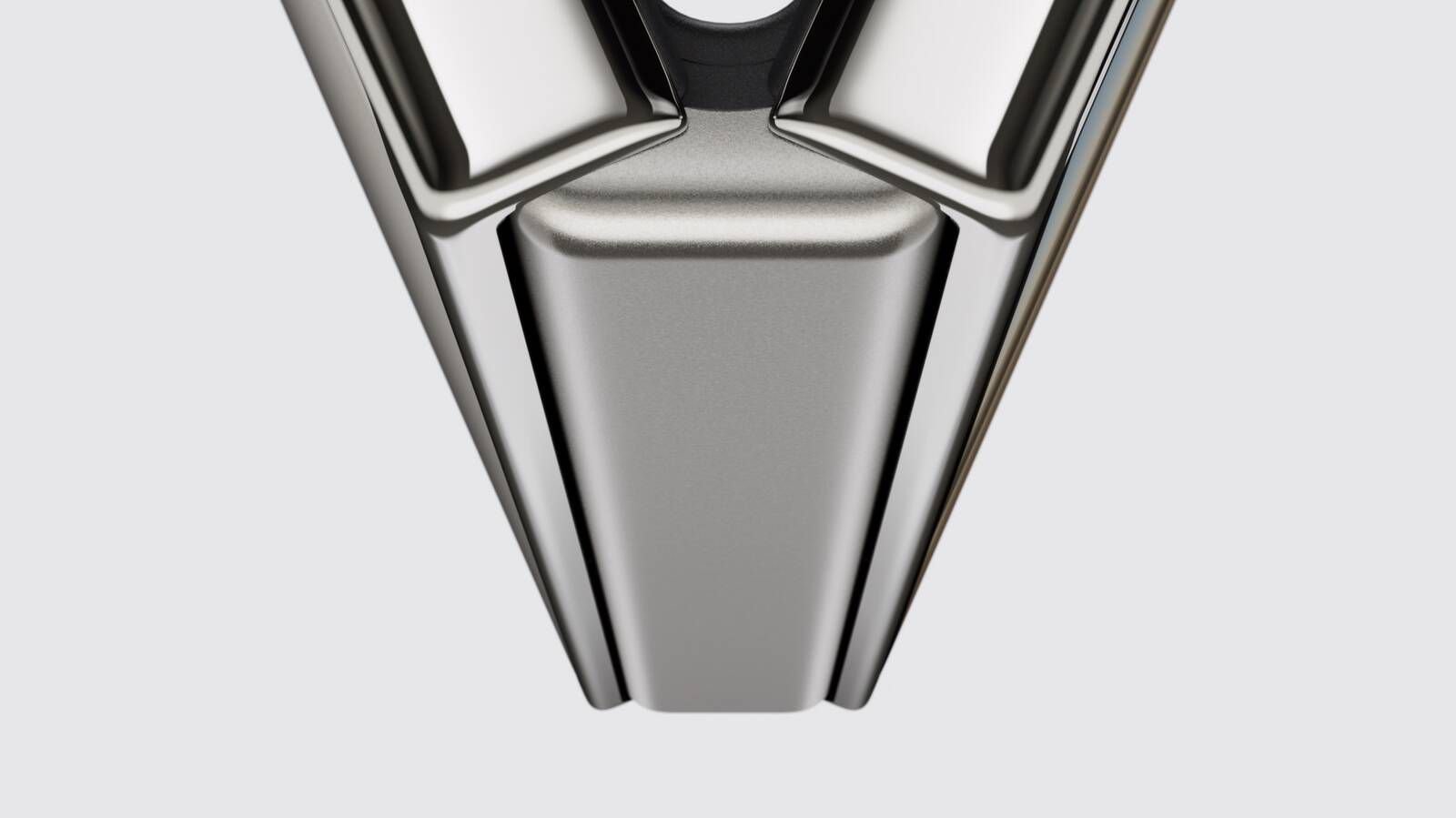
A recurring criticism of touchscreen-enabled laptops in the broader industry is the tendency for the display to wobble or flex when pressed. Apple has acknowledged this physical limitation and has reportedly engineered a reinforced hinge mechanism specifically for these models. This redesign is critical for maintaining stability under the pressure of physical touch inputs.
Furthermore, the integration of a new cooling system is expected to assist in balancing the internal layout. By optimizing airflow through the hinge region, Apple aims to maintain thermal performance while managing the increased space requirements of the new display technology. This approach ensures that the tactile experience remains consistent, preventing the jittery motion often associated with touch interfaces on clamshell designs.
Adopting the Dynamic Island
The MacBook Ultra is expected to refine the user interface by replacing the static notch with a functional Dynamic Island. Originally debuted on the iPhone 14 Pro, this hardware cutout integrates with the software to provide contextual information, alerts, and live activity tracking.
On the macOS menu bar, this shift could effectively transform a dormant area of the screen into an interactive dashboard. Whether monitoring background processes, managing media playback, or displaying active calls, the Dynamic Island offers a more sophisticated method for multitasking. This design choice effectively resolves the common user complaint regarding the notch occupying screen real estate, turning a purely aesthetic cutout into a core functional component of the interface.
Market Positioning and Premium Pricing
These machines are not intended to supersede the current MacBook Pro lineup but rather to reside at the pinnacle of Apple’s offerings. By retaining the M5 Pro and M5 Max chip architecture for the initial launch, Apple is focusing on physical hardware innovation and chassis design before transitioning to the M7 generation in late 2027.
Consumers should prepare for a significant adjustment in pricing. Given the rising cost of components and the premium nature of OLED and touch-sensitive hardware, the entry price for these devices is expected to be notably higher than existing models. Current estimates from financial reports suggest a starting price of roughly $2,899 for the 14-inch version, with the 16-inch variant likely pushing well beyond the $3,300 mark. As these devices enter the market this November, they will represent a high-stakes test of whether professional users are ready to integrate touch-based interaction into their daily high-performance workflows.
Disclaimer: This content is auto-generated for informational purposes only.
Source: Read Original News