








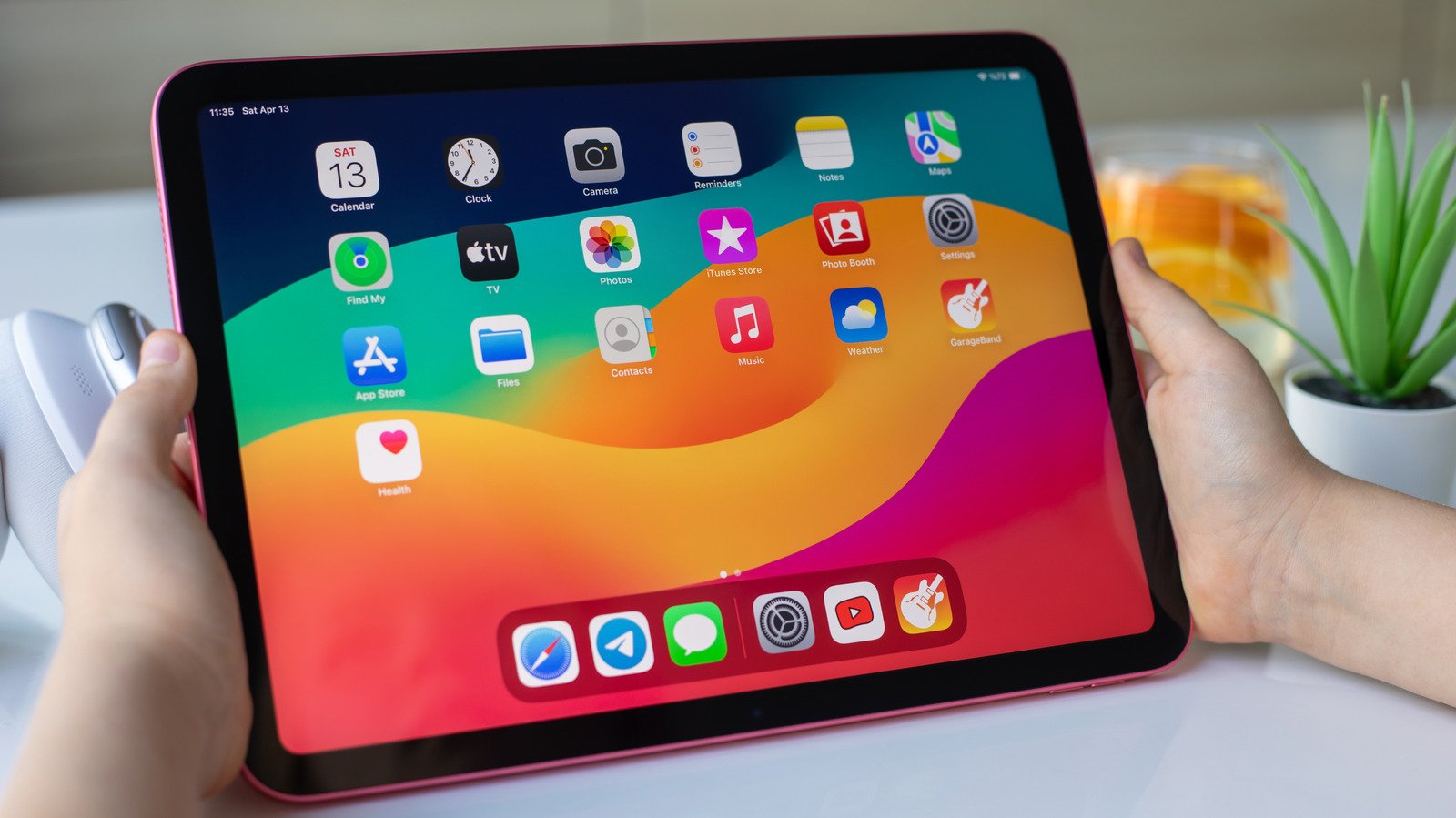
That old iPad gathering dust in your desk drawer holds significant value. Rather than letting it sit idle, you can repurpose the device to function as hardware that would typically cost between $150 and $300. By applying specific system configurations, you can transform these tablets into dedicated smart home controllers, digital photo frames, or secondary workstations.
Before committing to a project, verify the device’s compatibility with modern software. iPadOS 27 supports the 9th-gen iPad, the 6th-gen iPad mini, the 4th-gen iPad Air, and the 2nd-gen 11-inch iPad Pro (or 4th-gen 12.9-inch iPad Pro) and newer models. For devices that no longer receive official security patches, it is best to restrict their use to offline tasks to avoid security risks associated with banking or personal accounts.
To optimize the hardware for static roles, navigate to Settings, select Display & Brightness, and set Auto-Lock to Never. To ensure the device remains dedicated to a single task, utilize the Guided Access feature found under Accessibility settings. This allows you to lock the tablet into a specific application; once activated, you can trigger it by triple-pressing the power button.
Replacing Smart Displays and Bedside Gadgets
Modern smart home displays often retail for high prices, yet an iPad can perform many of the same functions. By placing a tablet on a stand in the kitchen, you can use the Home app to manage lighting, security cameras, and thermostats. While it may lack the advanced facial recognition or specialized AI context found in dedicated hardware, it excels at displaying recipes, managing timers, and handling video calls. Note that using the iPad as a central hub for Matter-based accessories typically requires a dedicated device like a HomePod or Apple TV.
For the bedroom, an iPad can replace high-end sound machines and light-based alarm clocks. You can leverage the built-in Background Sounds feature—located in Accessibility settings—which offers various white noise and nature sounds. To emulate a sunrise alarm, which gradually brightens the room, you can use applications like Glow Alarm or link the tablet to HomeKit-enabled bulbs via automations, provided a home hub is present.
Desktop Productivity and Creative Tools
Professionals can utilize older iPads as secondary monitors. If you are using a Mac, the Sidecar feature is built-in, allowing you to extend your desktop or mirror your screen wirelessly or via cable. For Windows users, third-party software like Duet Display provides similar functionality. Furthermore, the Universal Control feature allows for a seamless workflow by letting you use a single mouse and keyboard across both your primary computer and the iPad.
For digital artists, an iPad can serve as a professional pen display. Applications such as Astropad Studio turn the tablet into a drawing tablet for a Mac or Windows PC, enabling pressure-sensitive input with the Apple Pencil. This is a practical way to test professional creative workflows without investing hundreds of dollars in specialized hardware like a Wacom display.
Home Management and Multimedia
Shared family management is another area where an iPad shines. Instead of purchasing an expensive digital calendar system, you can wall-mount an iPad and dedicate it to a shared iCloud calendar. By using apps like Cozi or the native Reminders and Calendar apps, you can centralize grocery lists, chore schedules, and family events. This provides a communal reference point for the entire household.
For entertainment, the device can easily become a dedicated media hub. With the Delta emulator, users can run retro games from various classic consoles without the need for complex software sideloading. When paired with a Bluetooth controller, the tablet provides a gaming experience that rivals specialized retro handhelds. Additionally, the iPad remains an excellent vessel for library services like Libby, allowing you to read ebooks or listen to audiobooks. While the screen may not offer the same performance as an E Ink display in direct sunlight, it remains a highly capable option for casual reading.
Retirement and Hardware Transitions
If none of the functional roles suit your needs, you can recoup some of the investment by selling or trading in the device. Apple offers a trade-in program that provides credit toward new purchases or gift cards, and the company handles the recycling of older, ineligible models. Before letting the device go, ensure you protect your privacy by backing up your data, signing out of your Apple Account, and performing a full factory reset. This is achieved by navigating to Settings, selecting General, and choosing Transfer or Reset iPad to erase all content and settings. This process effectively disables Find My and removes the activation lock, preparing the tablet for its next owner.
Disclaimer: This content is auto-generated for informational purposes only.
Source: Read Original News