








How a New Third-Party App Finally Unlocks the Potential of the Pixel 11 Pro’s HiLight LED
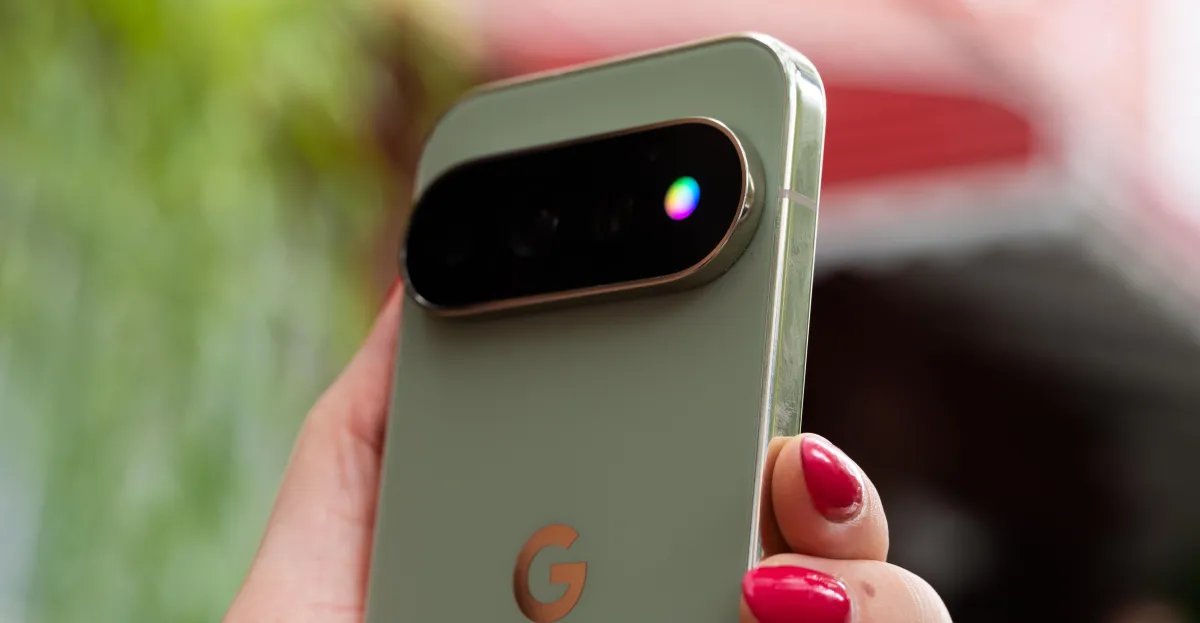
The Pixel 11 Pro’s highly anticipated "HiLight" notification LED was meant to be a nostalgic throwback to the glory days of Android. However, for many early adopters, the reality has been underwhelming. Out of the box, Google’s implementation is frustratingly limited: the LED only activates when the device is placed face down during a Gemini interaction or when receiving a call from a pre-defined "favorite" contact. Furthermore, users are restricted to a meager palette of just five colors, turning what should be a signature hardware feature into a neglected afterthought.
Recognizing the massive gap between Google’s restrictive software and the feature’s potential, the developer community has stepped in to do what the tech giant wouldn’t.
Enter HiLight Studio
X user @Dhananjay_Tech has officially released HiLight Studio, a powerful utility that transforms the phone’s rear LED array into a fully customizable notification hub.
The app grants users granular control that goes far beyond the official settings. With HiLight Studio, the hardware becomes truly expressive:
- Dynamic Patterns: Users can program the LED to pulse, spin, or wave in various patterns based on specific triggers.
- Contextual Alerts: You can set unique animations for specific apps—for example, creating a rainbow pulse for urgent Slack mentions or a subtle green wave for incoming text messages.
- Deep Customization: Beyond the basic patterns, the app allows for precise adjustments to cycle timing, brightness, intensity, and color saturation.
- Color Freedom: While Google limits you to five colors, HiLight Studio provides a full color slider, allowing for infinite customization.
- Shareable Presets: The app includes import and export functionality, enabling the community to create, share, and download custom light sequences.
A "Power User" Experience
Because Google has not opened the HiLight API to third-party developers, accessing these features requires a bit of technical legwork. The app is not currently hosted on the Google Play Store; instead, users must source it directly from the official GitHub repository.
Installing the app requires sideloading and necessitates that the user unlock the device’s developer settings to grant the required permissions. While this process is certainly more involved than a typical app store download, the result is a dramatically improved experience for those willing to tinker.
For Pixel 11 Pro owners who felt let down by the stock functionality, HiLight Studio represents the "must-have" upgrade. It effectively turns a gimmicky hardware inclusion into the high-utility tool it was always meant to be.
Photos by David Imel / The Verge