







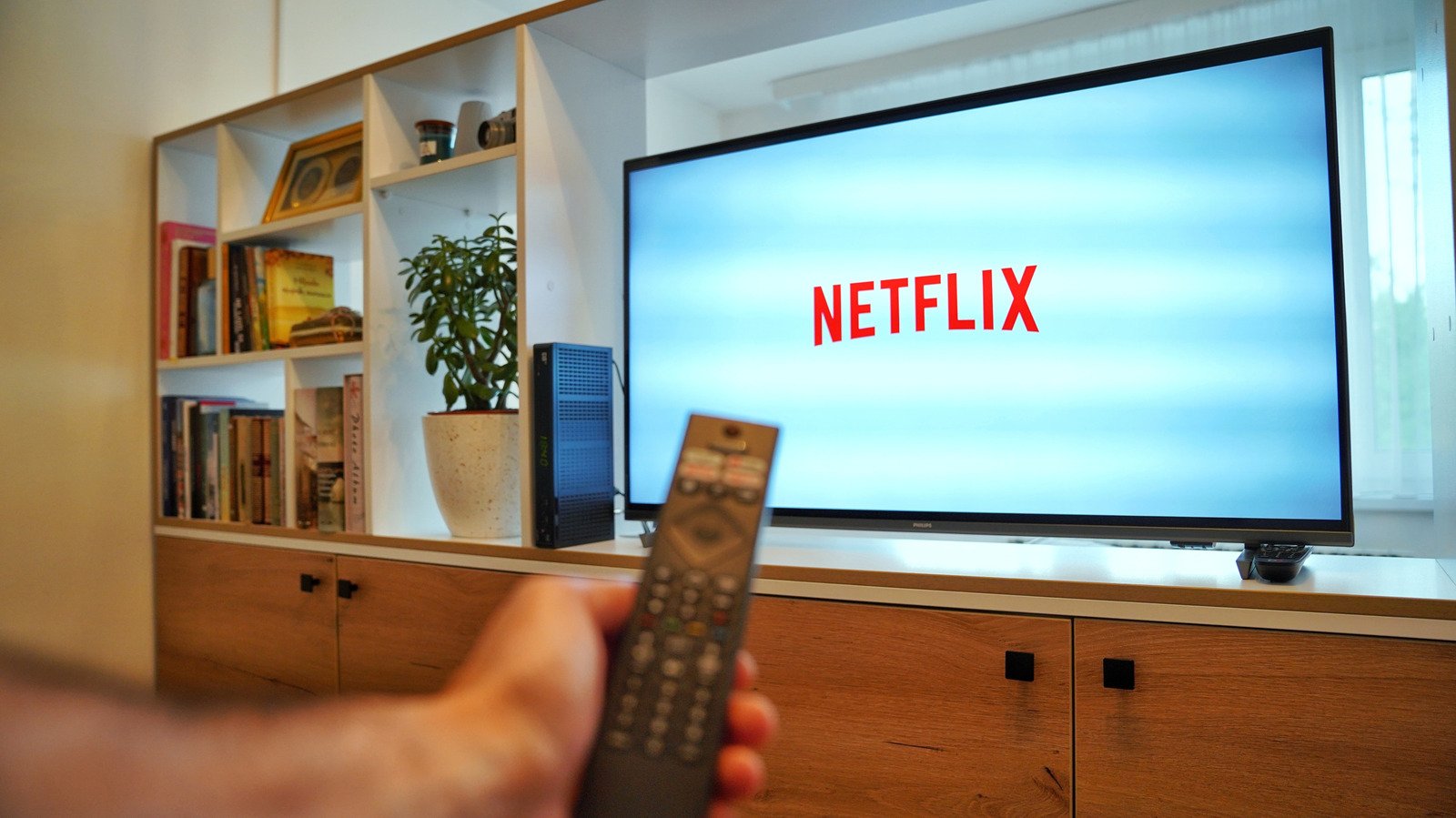
Immersive viewing experiences are increasingly sought after, and technologies like Dolby Vision play a crucial role in delivering them. This advanced high dynamic range (HDR) format significantly enhances visual fidelity, making scenes appear richer and more cinematic. Viewers can expect to see much greater detail, a wider spectrum of colors, and a more pronounced contrast between the darkest shadows and the brightest highlights. While standard HDR10 also offers these benefits, Dolby Vision, along with its counterpart HDR10+, distinguishes itself through the use of dynamic metadata. This innovative feature allows for real-time adjustments to the HDR effect, optimizing it on a scene-by-scene or even frame-by-frame basis. This is particularly advantageous for content with extreme variations in lighting, such as the intensely dark sequences featuring Vecna in “Stranger Things” or the vibrant, richly colored costumes and elaborate backdrops found in “Bridgerton.” A static HDR grade simply cannot perfectly display both very dark and very bright segments on a typical consumer television, highlighting the superiority of dynamic metadata in achieving optimal picture quality.
However, realizing the full potential of Dolby Vision requires a seamless chain of compatible components. Every device involved in the viewing process must support the technology, starting from your subscription plan and extending to your source device, which could be a smart TV, a dedicated streaming stick, or even a mobile device. Any connected equipment, such as an audio receiver through which you might be streaming, must also be compatible. Furthermore, it’s imperative that all firmware and software across these devices are up to date. For external devices not using a built-in app, premium HDMI cables are essential. These cables must be plugged into a port that supports high-resolution playback, specifically one that includes HDCP 2.2 or a later version, to ensure the secure transmission of high-quality digital content.
Netflix offers a diverse library of titles that leverage Dolby Vision to enhance the viewing experience. As previously mentioned, popular series like “Stranger Things” and “Bridgerton” are prime examples. Other notable shows include the critically acclaimed “The Crown,” the fantasy epic “The Sandman,” and the action-adventure series “Outer Banks.” The cinematic experience extends to movies as well, with titles such as the high-octane “The Gray Man,” the charming mystery “Enola Holmes,” and the witty whodunit “Glass Onion” all available in this superior format.
For those who wish to confirm if they are indeed experiencing content in Dolby Vision, or if there’s a concern that Netflix might be downgrading the picture quality, there are several ways to verify. If you’re using a smart TV, the simplest method is to press the “info” button on your remote control, which typically displays details about the currently playing content. For users streaming on a Mac or Windows computer, the keyboard shortcut Ctrl + Alt + Shift + D will reveal comprehensive details about the streaming session, including the video codecs and HDR format in use. Mobile device users can check the “Playback Specification” option within the app’s settings to ascertain the active viewing parameters.
Ultimately, achieving the optimal Dolby Vision quality for movies and TV shows hinges on ensuring that all necessary settings, devices, cables, and subscriptions are correctly aligned. Even a single weak link in this chain can prevent you from enjoying the content at the intended high level of visual fidelity.