





Motorola Finally Embraces Themed Icons in Android 17: A Look at the Upcoming Features
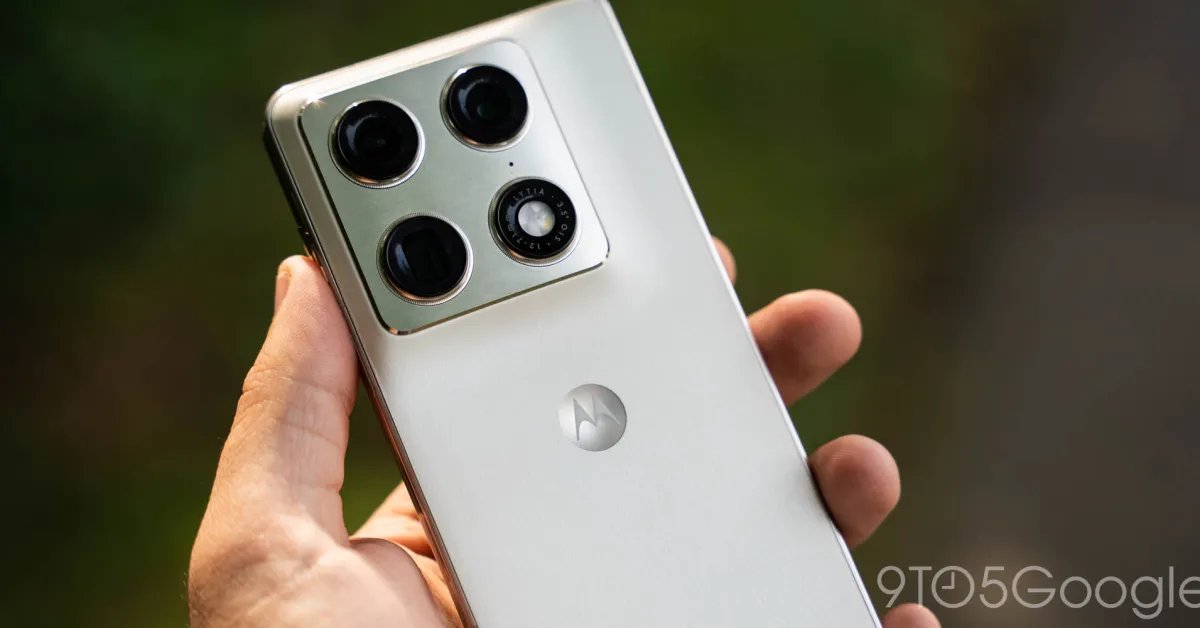
Motorola has long faced criticism for its sluggish and unpredictable update schedule. However, for users willing to play the waiting game, there is finally some good news on the horizon. The company has officially published a support page detailing the features coming to its devices with the Android 17 update, and it includes a long-overdue quality-of-life improvement: native support for themed icons.
Catching Up with Android Customization
For years, Pixel users and those on other Android skins have enjoyed the sleek, unified aesthetic of themed icons—a feature introduced by Google back in Android 12. Despite this, Motorola users have been left out in the cold, with even the company’s latest high-end Razr foldables lacking native support.
With the Android 17 rollout, Motorola is finally closing this gap. A new “Themed icons” section will appear under “Home settings,” allowing users to coordinate their icon colors with their system-wide theme.
What’s New in the Android 17 Update?
Beyond visual tweaks, Motorola’s changelog highlights a suite of productivity and organizational tools designed to streamline the user experience:
- Stackable Widgets: Home screen management is getting an overhaul, allowing users to stack multiple widgets into a single block to save space. Users can swipe through stacked widgets to access their calendar, weather, or battery stats without cluttering their display.
- Intelligent Notification Management: Android 17 leans heavily on machine learning to declutter your status bar. The update introduces “Notification summaries,” which provide a quick one-sentence breakdown of lengthy group chats, and “Organized notifications,” which automatically bundle automated alerts and low-priority messages into a “Silent” folder.
- Live Updates: Similar to live activities seen on other platforms, this feature allows apps to display ongoing, real-time data directly in the status bar or notification shade without requiring a flood of individual alerts.
- Enhanced HDR Control: For media enthusiasts, Motorola is introducing granular control over HDR brightness. Users can now limit the intense brightness spikes that often accompany HDR content in Google Photos or YouTube to a more comfortable level.
- Streamlined Sharing: New “Connected devices” settings introduce “Tap to Share” for quick file transfers between two devices, and “Quick Drop,” which facilitates sharing files with a pre-set group of friends or team members simultaneously.
The Waiting Game
While these features represent a welcome modernization of the Motorola interface, the company has yet to provide a concrete roadmap for the rollout.
Because Motorola is bad at updates, the timeline remains uncertain. It is safe to assume that the latest Razr flip and fold devices, alongside international “Signature” flagships, will be at the front of the queue. Owners of the Moto G and Edge series, however, will likely need to exercise significantly more patience.
As always, these system upgrades are expected to bring standard under-the-hood improvements, including critical security patches, enhanced malware protection, and general performance optimizations to keep devices running smoothly. While the arrival of these updates may be slow, the inclusion of themed icons and widget stacking suggests that Motorola is finally prioritizing a more polished, contemporary user experience.