









The Memory Crisis in Modern Computing
For much of the past year, the industry has grappled with a significant rise in RAM costs, pushing the standard entry-level specification for Windows laptops back down to 8GB. This shift has proven particularly challenging for Windows 11, an operating system that requires substantial resources to manage its background processes, modern interface, and integrated AI features. While 16GB was quickly becoming the new floor for consumer laptops, the current market reality has forced many users back to a capacity that often struggles under modern multitasking demands.
The impact of this hardware limitation on the user experience has been profound. When a system lacks sufficient physical memory, the operating system is forced to move data from the high-speed RAM to the significantly slower persistent storage, such as an SSD. This process, known as paging, is a primary culprit behind system sluggishness. Users frequently encounter these “hard faults” when attempting to switch between browser tabs or background applications, leading to noticeable delays, stuttering, and the dreaded automatic refresh of inactive tabs.
Microsoft’s Strategy for Efficiency
In a recent technical disclosure, Microsoft leadership confirmed that they are actively addressing these performance bottlenecks to ensure that 8GB systems remain functional. Pavan Davuluri, Executive Vice President of Windows and Devices, detailed significant adjustments to the operating system’s memory management architecture. According to Microsoft’s internal metrics, these refinements have resulted in a 20 percent increase in system responsiveness and a 40 percent improvement in multitasking efficiency within controlled laboratory testing.
The core of this improvement lies in more intelligent data management. Windows now prioritizes keeping more critical data within the system memory rather than offloading it to storage. By keeping approximately 2GB more of active data in physical RAM, the operating system reduces the frequency of hard faults. This means that applications, documents, and web browser sessions are much more likely to remain in a ready state when a user returns to them, effectively minimizing the need for background reloading.
Performance Testing Under Real-World Loads
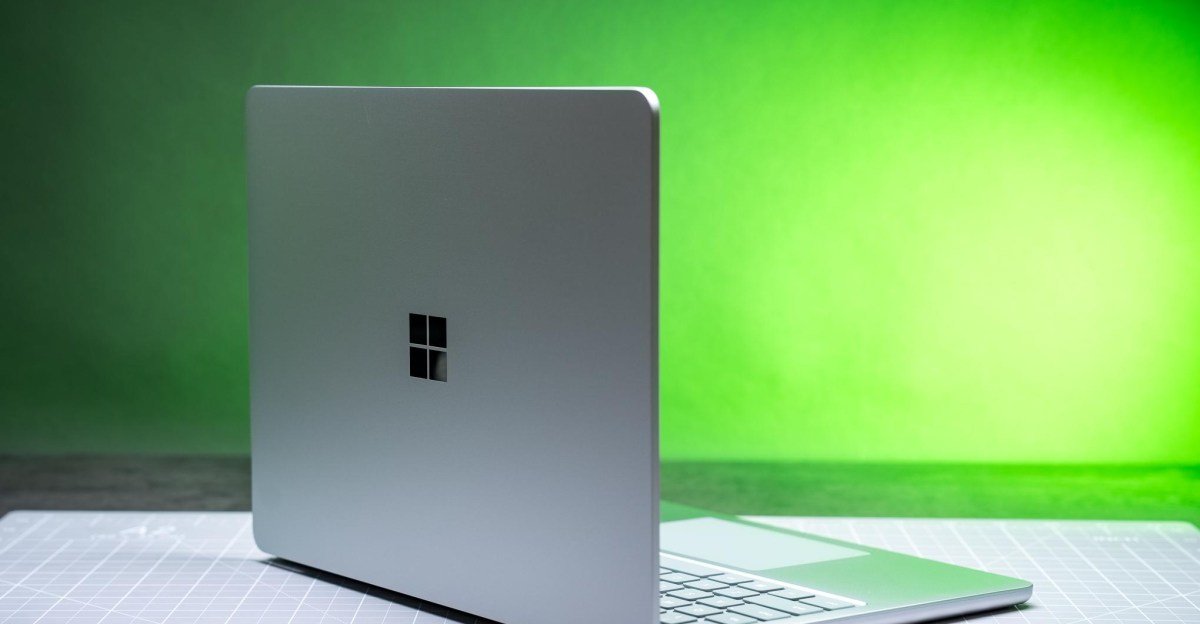
To verify these claims, an examination of an 8GB Surface Laptop provided clear evidence of the shift in performance. Prior to the recent updates, the machine consistently struggled with a standard professional workload, which included maintaining roughly 20 browser tabs, streaming 4K media, and managing multiple communication applications like Slack and Signal. During these sessions, the system frequently exhibited high hard fault counts—reaching up to 29,000 faults per second—which effectively brought the interface to a crawl. The cooling fan remained active almost constantly, signaling the high thermal and resource stress placed on the processor as it worked to manage the memory deficit.
Following the transition to the updated build of Windows 11 (26H2, build 26300.9974), the same hardware demonstrated a marked improvement. Under a heavier load of 30 browser tabs and active streaming, the system maintained better stability. While the interface showed minor stutters during complex transitions, the extreme lag and constant tab refreshes were substantially mitigated. Resource monitor metrics confirmed the success of the update, with hard faults dropping to under 300 per second during normal operation, occasionally peaking at 1,000—a dramatic improvement from the pre-update state.
The Role of Browser Optimization
The study also highlighted the importance of software environment when working with limited memory. Microsoft Edge, optimized for the Windows memory management stack, displayed superior behavior under load compared to Chrome. Even with an identical workload, Edge maintained better responsiveness and triggered fewer hard faults. This suggests that the recent Windows improvements are designed to work in synergy with native Microsoft applications to extract maximum efficiency from the limited 8GB memory pool.
The Future of Hardware Headroom
Despite the positive developments in Windows memory management, the fundamental challenge remains: 8GB is a restrictive amount of memory for current computing needs. While these software improvements make entry-level laptops significantly more usable for casual tasks, they do not turn these systems into powerhouses. For those who can afford the upgrade, investing in a 16GB configuration remains the most effective way to ensure longevity and consistent performance, especially as applications continue to grow more complex.
Microsoft’s efforts signify a recognition of the current “RAMageddon” affecting the hardware industry. By refining how Windows 11 handles memory, the company is attempting to mitigate the friction caused by the hardware constraints of the current era. It is a necessary shift, particularly after several years of adding feature bloat and AI-driven processes to the operating system. While these updates do not represent a miracle solution for entry-level hardware, they do provide a necessary and welcome boost to the usability of current 8GB systems, ensuring that they can fulfill their role in a cost-sensitive market without consistently failing to meet user expectations.
Disclaimer: This content is auto-generated for informational purposes only.
Source: Read Original News