

The Digital Spring Cleaning Your Tech Needs Right Now
We often think of self-care as hitting the gym, drinking enough water, or organizing our physical closets, but in our modern era, our digital workspace deserves just as much attention. Just like a cluttered room can make your mind feel heavy, a neglected computer can be a hidden source of stress. When you hear about massive security updates, it is easy to view them as a chore—another notification to click through while you are trying to grab a coffee or finish a project. However, keeping your tech healthy is the foundation of a smooth, stress-free daily routine.
Recently, news emerged regarding a significant update for Windows 11. Microsoft has released a substantial patch addressing over a thousand issues, including dozens marked as critical. Among these is a specific security gap in Outlook that is currently being exploited by bad actors. While that might sound like something meant only for IT professionals, it is actually a reminder for all of us to maintain our digital hygiene. Taking ten minutes today to secure your machine is the ultimate act of wellness for your productivity.
Why Proactive Maintenance Matters
Think of your computer as an extension of your home office. You wouldn’t leave your front door wide open for strangers to wander in, yet running an outdated operating system can feel a bit like that. These updates are essentially the locks and security cameras for your digital life. They ensure that the software you rely on every day for work, communication, and personal projects remains reliable and private.
Beyond safety, regular updates often keep your machine running faster and more efficiently. When software engineers issue these fixes, they are often smoothing out internal processes that might be slowing your device down. By ignoring these notifications, you are not just risking security; you might also be missing out on performance tweaks that make your computer feel brand new again. Treating your technology with this kind of respect ensures that your tools work for you, rather than causing frustration when you need them most.
The Simple Path to a Secure System
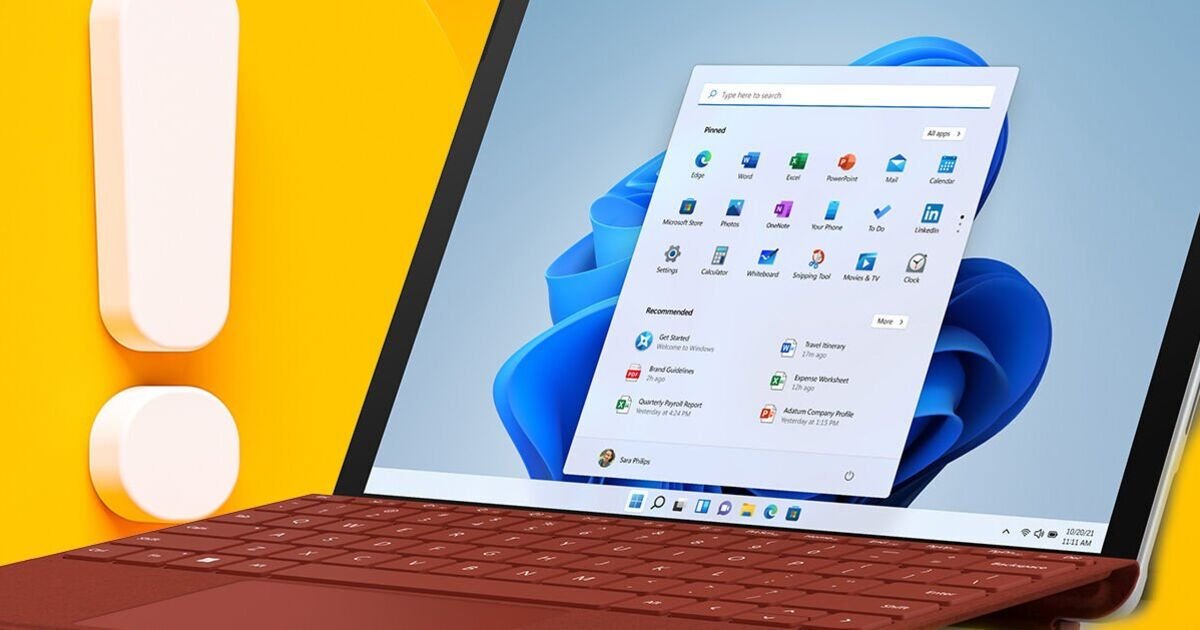
Updating your system is far easier than it sounds. You do not need to be a tech wizard to navigate the settings menu. Simply tap your Start button, head over to your Settings, and select the Windows Update tab. From there, your computer will tell you exactly what it needs. Hit that check button, and if there is a download waiting, let it do its work.
The most important part of this process is the final step: the restart. Many of us keep our computers running for days or even weeks on end, merely closing the lid when we are finished. Giving your machine a full restart allows the system to clear its cache and properly install the new security layers. It is a tiny sacrifice of time that pays off in long-term stability and peace of mind.
Building Better Digital Habits
If you want to make these tasks less daunting, try incorporating them into your weekly routine. Maybe you tackle your digital chores every Friday afternoon before you clock out for the weekend. Or, perhaps you do it every Monday morning while your first cup of coffee is brewing. By tying this habit to a part of your schedule that you already follow, you remove the mental weight of having to remember to do it.
Beyond software updates, consider taking a look at the other aspects of your digital footprint. Are you using strong, unique passwords? Do you have two-factor authentication enabled on your main accounts? These small, intentional moves are the building blocks of a secure lifestyle. When you stop viewing technology as a source of mystery or anxiety and start viewing it as a tool you maintain with care, you reclaim your focus and create a more serene workspace.
Enjoying a Worry-Free Digital Life
At the end of the day, your computer exists to help you achieve your goals, whether that means staying connected with friends or managing your professional tasks. By staying on top of these updates, you create a buffer between yourself and the noise of the internet. You are allowed to be picky about how you spend your time, and spending it on a quick system update is a smart investment that keeps your digital environment safe.
Once your update is finished and your computer has restarted, you can get back to your day knowing that you have checked the essential boxes. There is a quiet satisfaction in knowing your tech is as polished and protected as your physical space. So, take the moment now—go to your settings, install the update, and enjoy the relief of a job well done. Your future self will thank you for the extra attention to detail.
Disclaimer: This content is auto-generated for informational purposes only.
Source: Read Original News