





The Hotel TV Struggle: Why You Should Always Pack Your Own Streaming Device
Jean-Paul Sartre famously declared that “hell is other people,” but for the modern traveler, a more accurate update might be: “Hell is other people’s streaming accounts.”
Whether you are staying in a sleek Airbnb or a high-end hotel chain, you have likely experienced the specific, hollow dread of turning on the television only to be greeted by a content wasteland. These systems are often populated by obscure, low-budget services that look like fun-house mirror versions of your favorite platforms, or familiar apps that have been warped by a bizarre, uncurated sprawl of programming that your personal algorithm would never suggest.
While the vacation goal is to unplug and perhaps tackle a novel, most travelers find themselves craving a bit of comfort after a long day of sightseeing. Yet, attempting to log into your own accounts on a foreign device is rarely the solution. It is a tedious, undignified process that requires hunting for long-forgotten passwords and navigating slow, clunky menus with a grimy, multi-purpose remote. Beyond the technical friction, there is something deeply “scuzzy” about entering your private credentials into a public interface—a digital equivalent of taking a loud, personal phone call on speaker in the middle of a grocery store.
Fortunately, there is a simple, effective way to bypass this entire ordeal: Bring your own streaming device on your trip.
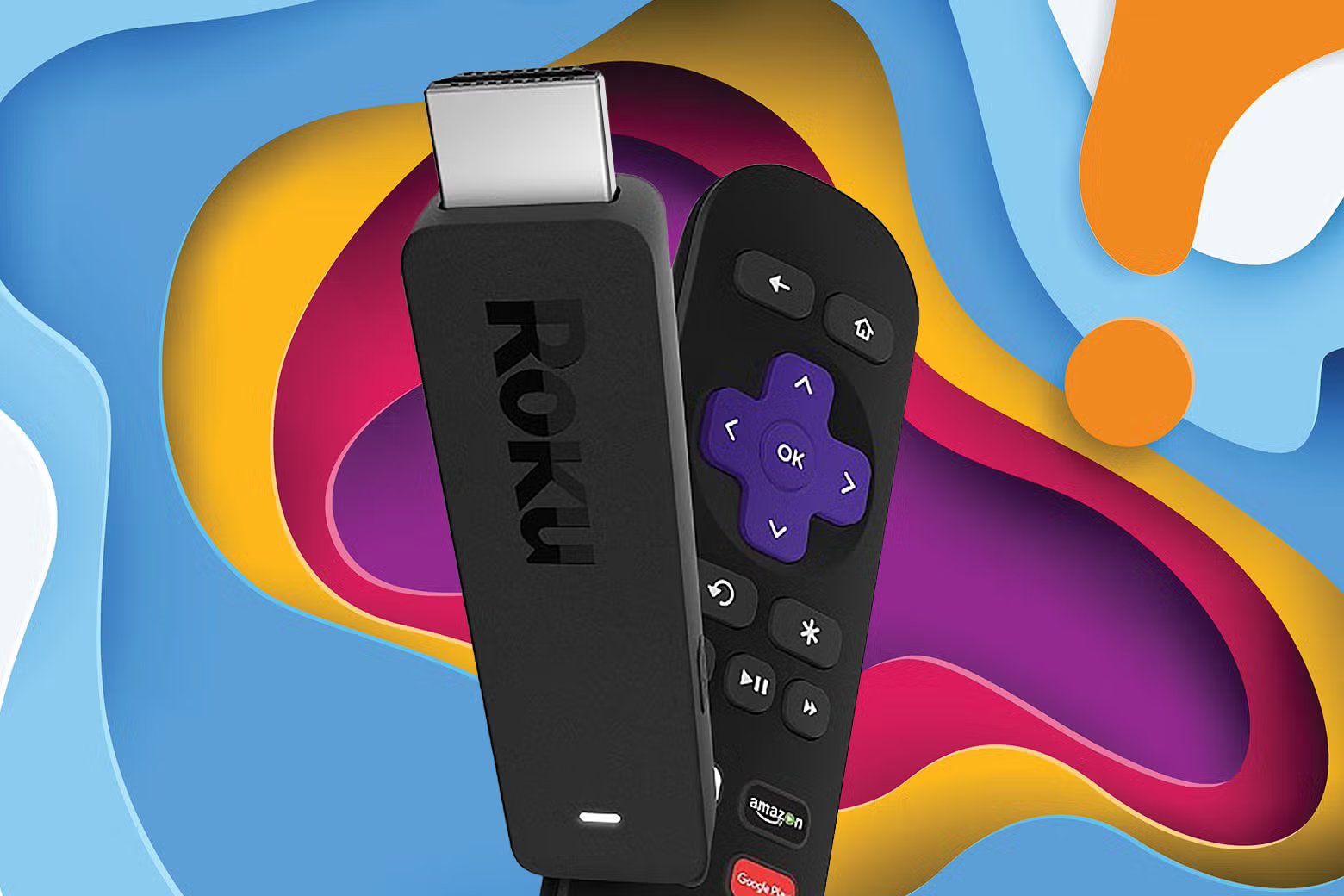
It is an obvious solution that is surprisingly underutilized. By packing a portable, plug-and-play device like a Roku, Amazon Fire Stick, or similar tool, you can instantly turn any hotel television into your personal, curated media sanctuary.
How to Master the “Bring Your Own Device” Strategy
If you decide to adopt this travel hack, a few best practices will ensure a seamless experience:
- Don’t Forget the Essentials: The device is useless without its power cord and remote. Double-check your bag before heading to the airport. While mobile apps can sometimes function as a digital remote, they often require you to be on the same local Wi-Fi network as the stick, which can lead to a frustrating morning of troubleshooting.
- Locating the HDMI Port: The most common hurdle is finding the HDMI port on the back of a wall-mounted TV. It can be a tight squeeze, but persistence is key. Once you’ve located it, simply switch the TV’s input source, connect to the hotel Wi-Fi, and you are ready to go.
- The Departure Protocol: Set a recurring reminder on your phone for your check-out day. It is easy to forget your device once it blends into the background of the room. Furthermore, remember to switch the TV back to its original settings before leaving. You certainly don’t want to be the person who has to call the front desk to explain that you’ve “meddled” with their hardware or—worse—left your property behind for the housekeeping staff to find.
By taking control of your viewing experience, you ensure that no matter where you are in the world, your favorite shows and familiar interface are only a HDMI plug away. It’s a small, portable luxury that makes any hotel room feel just a little bit more like home.