









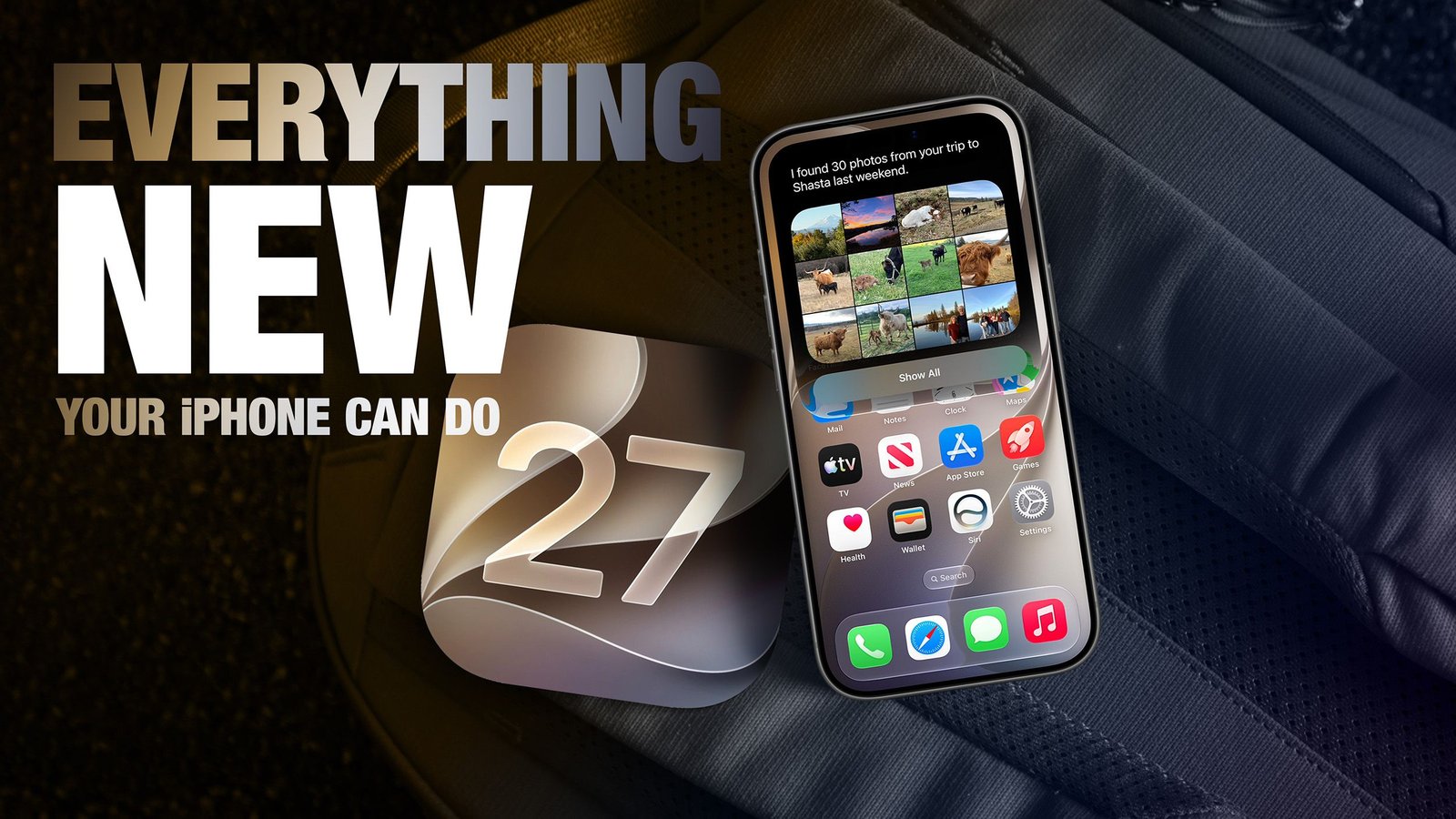
Apple’s rollout of iOS 27 marks a significant evolution for the iPhone, shifting the focus from simple interface tweaks to deep, system-wide integration of generative intelligence. While the update includes a robust set of productivity and utility improvements, the core of the release is a re-engineered Siri and an expanded suite of on-device processing capabilities. This update is available now for supported devices, providing a comprehensive refresh that touches everything from basic communication to complex image manipulation.
Intelligent Image and Visual Enhancements
One of the most immediate changes users will notice is the enhanced capability of the Photos and Camera apps. The new wallpaper extension feature utilizes Apple Intelligence to intelligently expand images, allowing users to fill their Lock Screen naturally without resorting to aggressive, quality-reducing crops. This same logic extends to the “Reframe” tool, which uses spatial data gathered during the initial capture to shift perspectives in post-processing, with AI filling in the resulting pixel gaps.
The Image Playground app has also seen a dramatic overhaul. Previously criticized for limited, cartoonish outputs, it now leverages a generative model running via Private Cloud Compute to produce high-quality, photorealistic imagery. To maintain transparency, all generated files are embedded with invisible SynthID watermarks. Complementing these changes is the ability to extract high-resolution stills directly from video files, eliminating the need for manual screenshotting.
Siri and Natural Language Integration
Siri has been fundamentally retooled to operate as a context-aware assistant. Beyond voice commands, Siri now features deep integration with the system’s writing tools, allowing users to ask for draft creation, tone adjustments, or summarization across Mail, Messages, and third-party applications. A new “Siri” mode in the Camera app introduces Visual Intelligence, enabling the iPhone to identify objects, provide caloric information for food, or translate text in real-time.
For those who prefer alternative AI models, iOS 27 allows users to swap the default Siri engine for ChatGPT. While the conversation context does not carry over between providers, the ability to pivot between assistants directly from the input field provides a new level of flexibility. Furthermore, “Onscreen Awareness” ensures that Siri can analyze content currently displayed on the screen, enabling it to answer questions about charts, translate menus, or summarize text without the user needing to provide manual descriptions.
Productivity and Communication Overhaul
The Safari browser and the Messages app have received significant attention to improve workflow. Safari now uses intelligence to automatically group open tabs into topic-based collections, helping users manage complex multitasking. Additionally, users can now task Safari with monitoring specific webpages for changes—a feature designed for tracking inventory or price updates.
In Messages, the barrier between platforms has been further reduced; users can now perform inline replies to Android-based green bubbles, a function previously reserved for iMessage conversations. Productivity is further bolstered by natural language entry in the Calendar and Reminders apps, which automatically parses phrases like “Pick up items tomorrow at 3 p.m.” into structured event data. For power users, the Shortcuts app now features a natural language builder, allowing for the creation of complex multi-app automations simply by describing the desired outcome.
System Utilities and Management
Apple has overhauled the Wallet app to support a broader array of pass types, including loyalty and membership cards that feature customizable layouts and quick-action buttons. A new “Insights” feature allows users to monitor spending across connected accounts, while a “Create a Pass” tool enables the digitization of physical tickets using the camera.
The Wallet app also introduces streamlined redemption for gift cards, allowing users to tap the physical card against the back of their device to register the code. For users managing multiple devices, a new Handoff feature allows a single phone number to be shared across two iPhones via eSIM, a feature currently supported by select carriers like T-Mobile and Deutsche Telekom.
Hardware Optimization and Accessibility
Performance remains a cornerstone of iOS 27, with Apple reporting significant speed improvements for devices as old as the iPhone 11. Apps launch up to 30 percent faster, and the system now optimizes the switching between Wi-Fi and cellular networks to reduce latency. Accessibility is also expanded through “Live Recognition,” which provides real-time descriptions of surroundings for visually impaired users.
For audio enthusiasts, the update introduces granular EQ controls for AirPods, accessible directly through the Bluetooth settings menu. Meanwhile, Health app users gain specific tracking features for perimenopause, accompanied by tailored Fitness+ workouts. To ensure a seamless experience for families, parental controls have been tightened to require explicit approval for new website access, providing a more controlled browsing environment for younger users.
From the ability to finally equalize audio output to the implementation of cross-device phone number sharing, iOS 27 demonstrates a focus on high-utility upgrades that solve long-standing user requests while aggressively pushing the boundaries of what on-device intelligence can achieve.
Disclaimer: This content is auto-generated for informational purposes only.
Source: Read Original News