








The Evolution of Multi-Device Connectivity
The introduction of iOS 27 marks a significant shift in how users manage mobile connectivity. For years, mobile service providers required a unique SIM card or eSIM profile for every individual device, creating friction for users who prefer to cycle between different hardware based on their specific needs. With the arrival of iPhone Handoff, Apple has fundamentally altered this paradigm, allowing a single mobile phone number to exist simultaneously across two distinct hardware units.
This feature is designed for high-level synchronization. When enabled, the secondary device mirrors the primary device’s call, message, and cellular data capabilities. The architecture relies on deep integration with Apple’s iCloud infrastructure, ensuring that once a device is authenticated, the network recognizes both units as valid endpoints for a single subscriber identity. This removes the administrative burden of managing multiple billing accounts or porting numbers between handsets.
Technical Architecture and System Requirements
To leverage iPhone Handoff, users must meet specific technical prerequisites. Both devices must be updated to iOS 27 or a later iteration of the operating system. Furthermore, the devices must share the same Apple Account, specifically maintaining synchronization for iCloud, iMessage, and FaceTime services. A stable connection to a Wi-Fi network is necessary during the initial handshake and configuration phase to establish the secure link between the hardware and the carrier’s backend servers.
Under the hood, the system utilizes a primary and secondary designation. The primary iPhone maintains the anchor eSIM profile, which handles the core administrative communication with the carrier. The secondary device functions as a mirrored node. While the setup process is streamlined, the complexity occurs within the carrier’s network core, which must support multi-SIM capability or advanced linked-device protocols. Because this requires backend changes from the provider, the feature is not globally universal and depends entirely on carrier-specific support.
Deployment and Configuration Procedures
Configuring iPhone Handoff is designed to be a guided, low-friction experience. By placing two iPhones in close proximity, the operating system initiates a handshake via Bluetooth and Near-Field Communication (NFC) to begin the pairing. Users navigate to the Cellular section within the Settings menu, where the interface provides an entry point labeled “Set Up Cellular” or “iPhone Handoff.”
Upon selecting the “Use Number on This iPhone and Another” instruction, the system validates the eligibility of the carrier and the current iCloud account status. Once the user designates a primary device, the secondary unit completes its registration. It is important to recognize that this is a persistent network-level setting. Because the cellular identity is tied to the carrier’s infrastructure, disabling the feature often requires direct interaction with the service provider’s support systems rather than a simple toggle in the device settings. Users should also ensure that their eSIMs are properly managed, as physical or digital SIM cards act as the foundation for this authentication chain.
Use Cases for Dual-iPhone Environments
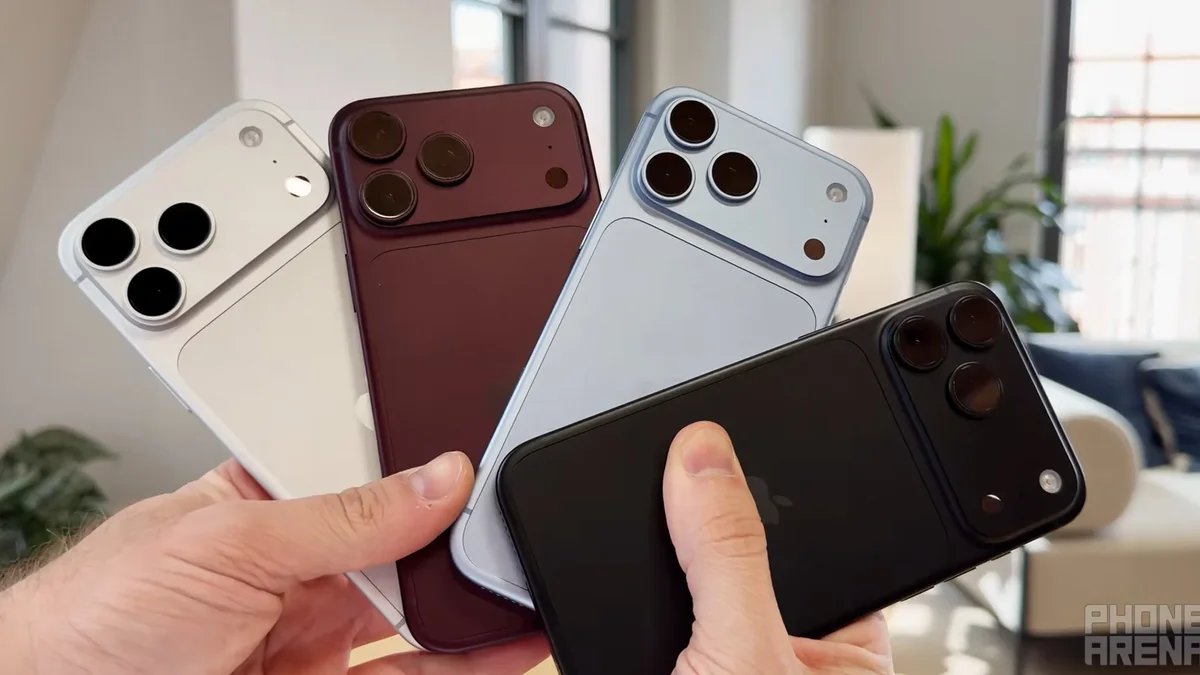
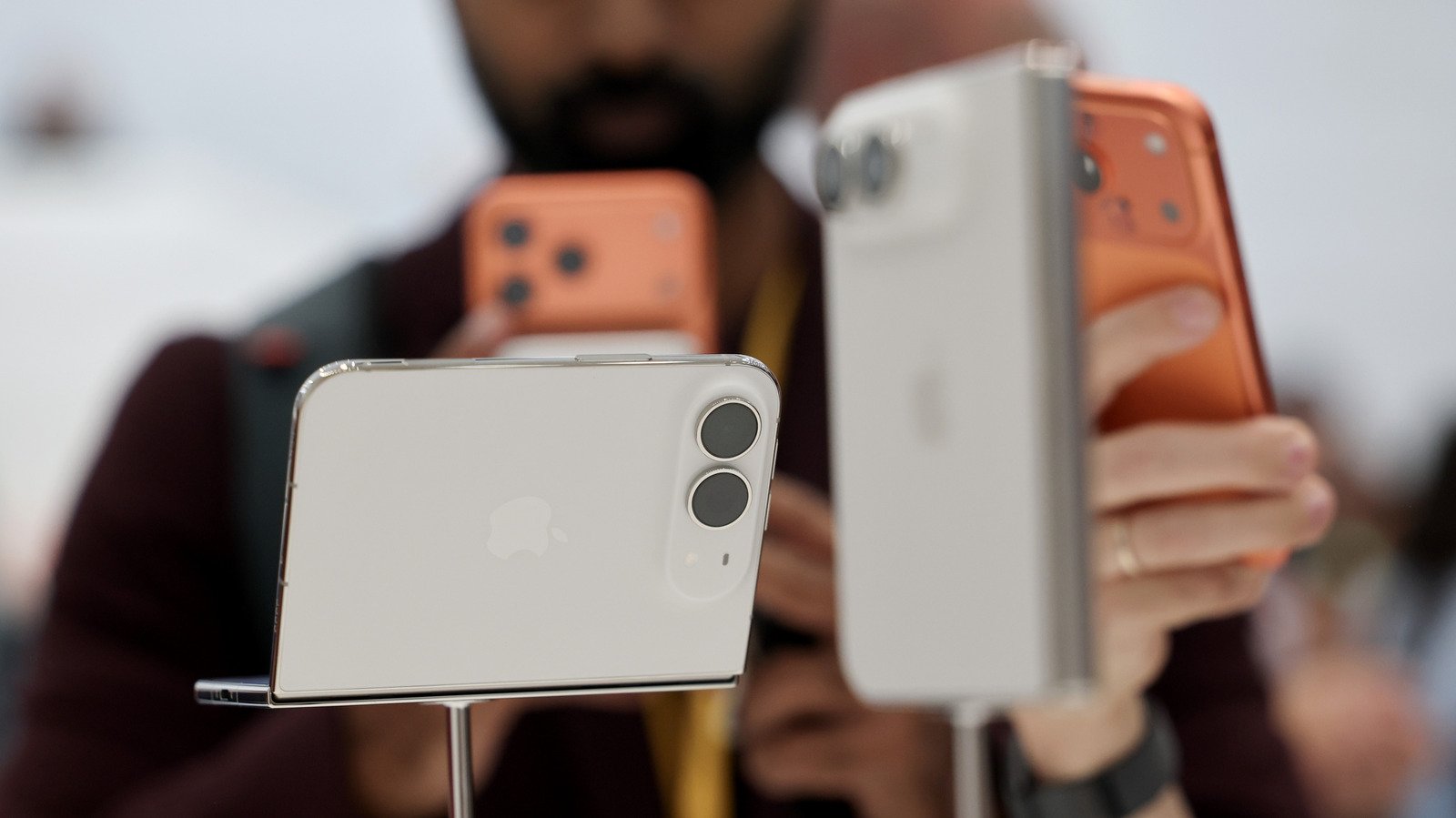
The utility of iPhone Handoff extends to several distinct user profiles. For professionals who maintain a high-end device for intensive tasks—such as the iPhone Duo—but require a more compact, rugged, or less expensive device for fieldwork or travel, Handoff provides a seamless transition. Users can switch between devices without missing incoming calls or SMS messages, as the network routes these communications to whichever device is currently active.
Furthermore, this functionality assists with the transition period when upgrading hardware. Rather than immediately wiping a legacy device, users can maintain both handsets as fully operational mobile nodes. This allows for a staggered migration of sensitive apps and data while ensuring that no communications are lost during the transition. It essentially transforms a secondary iPhone from a disconnected hardware piece into a functional extension of the user’s primary digital identity.
Limitations and Security Considerations
While iPhone Handoff provides a seamless interface, it is not without limitations. The most notable constraint is the lack of support for certain digital assets. Secure Wallet items, such as digital government-issued IDs, driver’s licenses, and specific localized transit passes, are often bound to the secure element of a single physical device. Consequently, these items may not synchronize or function on the secondary device, requiring the user to keep the primary device available for these specific tasks.
Additionally, hardware peripherals like the Apple Watch are currently restricted to a one-to-one pairing model. Linking an Apple Watch to two iPhones simultaneously remains unsupported in the current iteration of iOS 27. Users must also be cognizant of the costs associated with this convenience. Carriers currently providing support, such as T-Mobile and Telekom, treat this as a value-added service, typically imposing a monthly subscription fee. Before committing to a two-device workflow, users should evaluate their carrier’s terms and verify if the productivity gains justify the recurring monthly expenditure and the specific limitations regarding digital wallet and accessory compatibility.
Disclaimer: This content is auto-generated for informational purposes only.
Source: Read Original News