








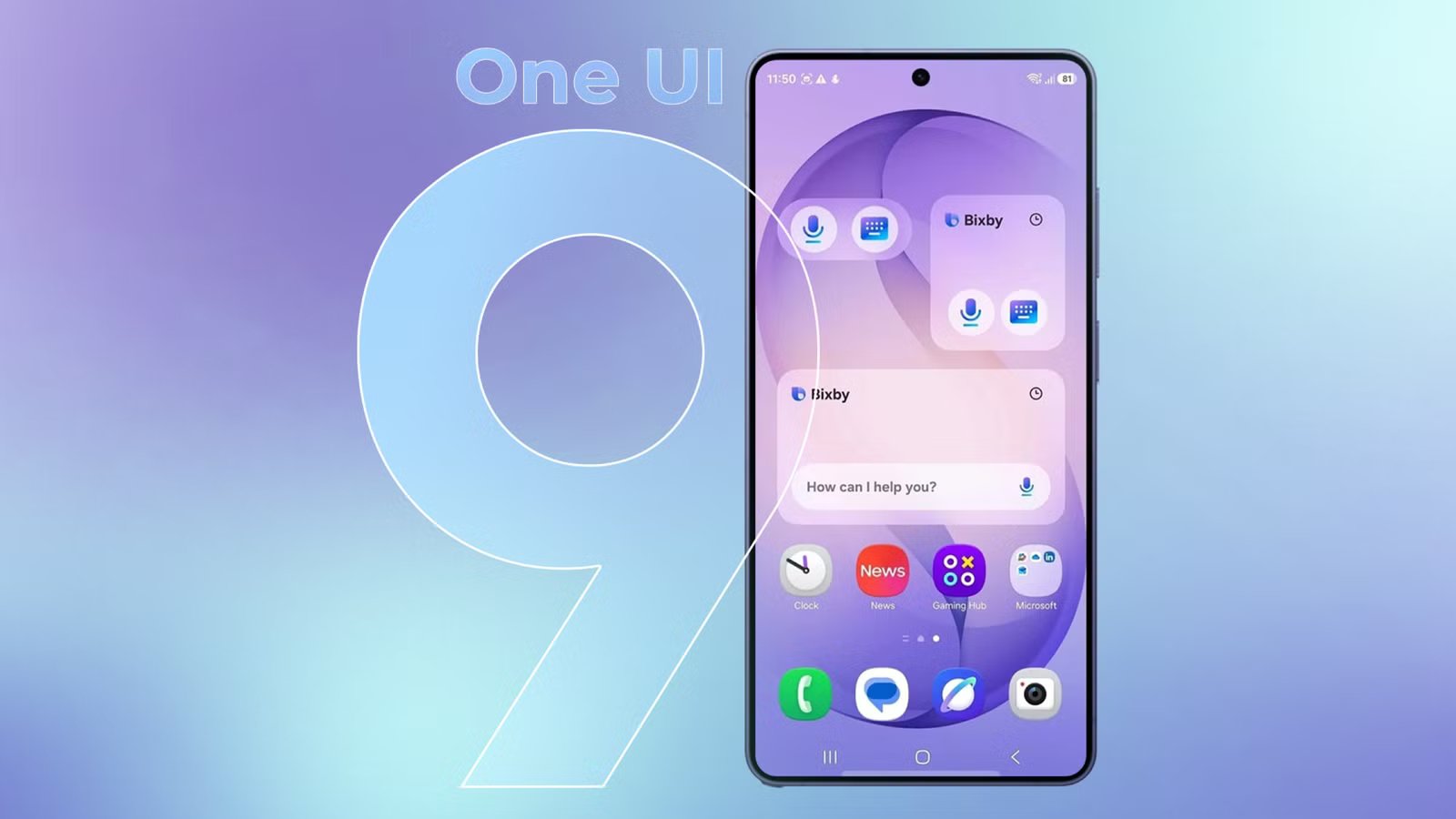
Samsung has officially commenced the global rollout of One UI 9 for the Galaxy S26 series, marking the latest milestone for the company’s software ecosystem. Initially introduced alongside the Galaxy Z Fold 8 earlier this summer, this update is now reaching the broader flagship lineup. Based on the Android 17 operating system, the update introduces a suite of intelligent tools and user interface refinements designed to streamline daily workflows and enhance device security.
Streamlining Video Editing with My FanCam
One of the most significant additions in this release is the My FanCam mode. This feature leverages advanced computational photography and artificial intelligence to simplify the process of video reframing. Users often struggle to keep moving subjects centered while recording, but My FanCam addresses this post-production by utilizing Galaxy AI to identify and track people within the footage.
When a user captures a wide horizontal shot—such as a sporting event—they can subsequently use My FanCam to crop that video into a vertical format suitable for social media platforms. By selecting the subject, the AI maintains focus on that individual throughout the duration of the clip, automatically adjusting the framing to ensure the subject remains the center of attention. To access this, users simply open a video in the Gallery app, select the Galaxy AI icon, and choose the My FanCam tool. From there, defining the subject and the desired aspect ratio allows the device to generate a stabilized, cropped output.
Enhanced Customization for the Quick Settings Panel
Samsung continues to lean into user-driven personalization by expanding the capabilities of the Quick Settings panel. Building on the foundation laid in One UI 8.5, this update provides granular control over the layout of the primary control hub. Users are no longer confined to static grids; they can now resize brightness and volume sliders or rearrange them into vertical orientations for better reachability.
The interface allows for the removal of redundant controls, enabling users to prioritize toggles that match their specific usage patterns, such as Dark mode or Mute. Accessing these modifications is intuitive: entering the Quick Settings menu and tapping the pencil-shaped Edit button reveals a workspace where elements can be shifted, resized, or supplemented with new controls via the Add a control function.
Refined Privacy Indicators and Location Transparency
Privacy remains a focal point in the Android 17-based update. While privacy indicators have existed in previous versions to notify users when an app accesses sensitive hardware, One UI 9 offers deeper transparency. When an application requests location data, the status bar displays a blue indicator.
If a user feels uncertain about why an application is accessing their location, they can swipe down to the Quick Settings panel and interact with the indicator directly. This action provides a detailed breakdown of which application is active, whether it is currently running in the foreground or operating in the background. Furthermore, a new See recent access summary allows users to review a history of location requests made by their applications over the previous few days, providing a clear audit trail of data usage.
Optimized Navigation with the Finder Shortcut
For those who rely on high-speed navigation, the update introduces a more accessible way to invoke Finder, Samsung’s comprehensive search tool. Previously, the home screen primarily facilitated Google Search above the app dock. One UI 9 now allows users to integrate the native Finder directly into this space.
When enabled through the Home screen settings, the search bar splits into two distinct segments: one side for web-based queries via Google, and the other for local search via Finder. This unified search bar permits users to quickly locate system settings, files, photographs, messages, and installed applications without the need for additional gestures or navigation steps.
Motion Assist and Native PDF Support
Among the practical utility upgrades is the inclusion of Motion Assist. While not exclusively a UI-specific feature, its integration into the Google services suite under Personal & device safety makes it highly relevant for mobile users. Motion Assist provides visual cues on the periphery of the display that respond to vehicle movement. These subtle animations assist in synchronizing visual perception with physical motion, potentially reducing the sensation of motion sickness during travel.
Furthermore, the My Files application has received a long-awaited native PDF viewer. Users no longer need to rely on third-party software or cloud-based applications to open, read, or manage standard PDF documents. The file manager now handles these documents natively, with seamless integration into Samsung Notes for those requiring annotation capabilities.
Security and System-Wide Refinements
Beyond the user-facing tools, One UI 9 strengthens the security posture of the Galaxy S26 series. The system now enforces a stricter 13-attempt permanent lockout policy for credentials. Should a user—or an unauthorized party—incorrectly enter security credentials 13 times, the device will move to a permanent lockout state, requiring a full system reset to regain access.
Other minor enhancements, such as updated support for Now Brief and Now Nudge, allow for more sophisticated custom dashboard scheduling. These additions, combined with improvements to voice assistant response times and simplified call-handling gestures, ensure that the transition to Android 17 is both performant and deeply integrated into the Samsung hardware experience. Users are encouraged to explore the settings menu to fully customize these powerful features to their specific needs.
Disclaimer: This content is auto-generated for informational purposes only.
Source: Read Original News