






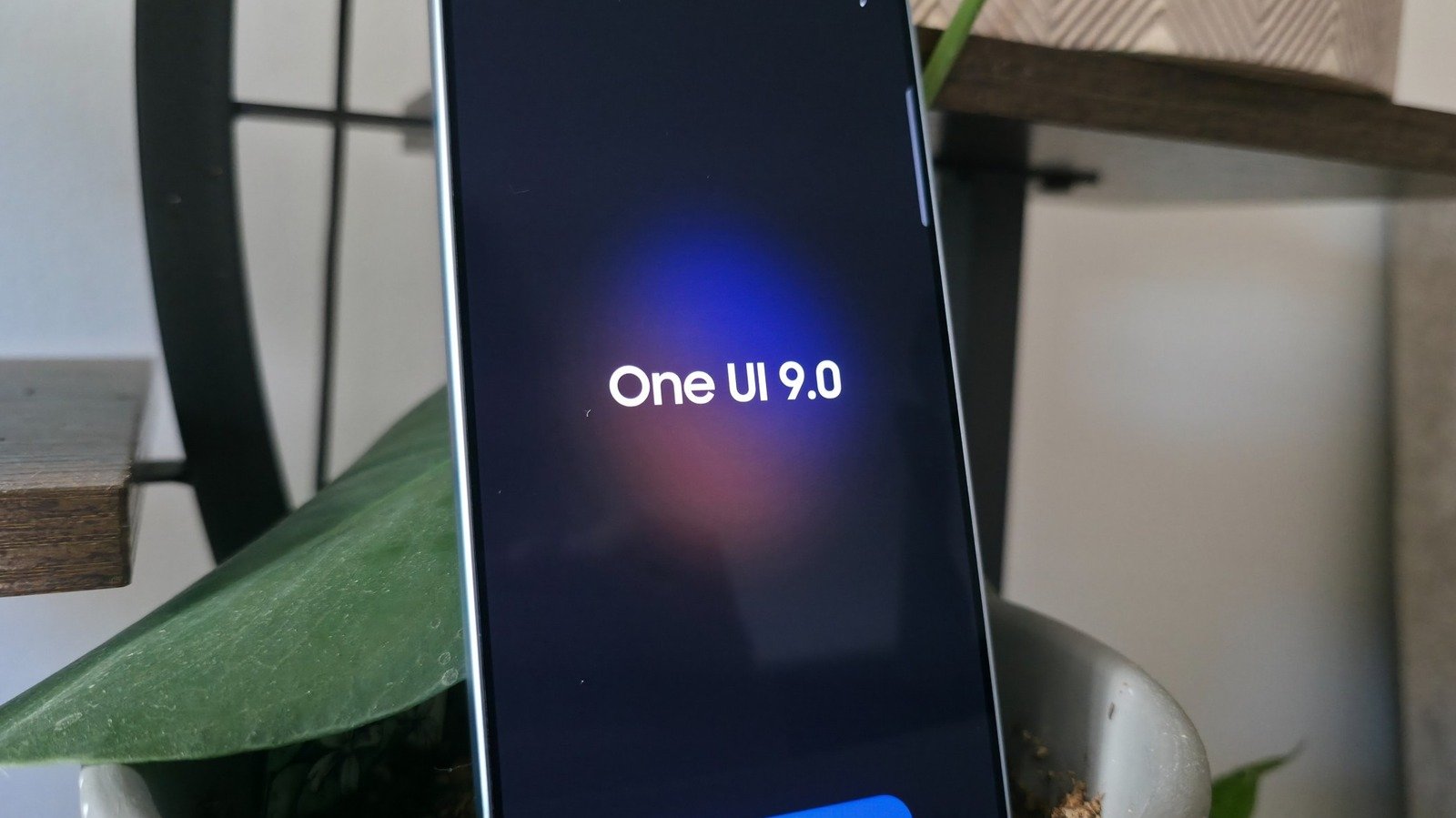
Samsung has officially initiated the rollout of One UI 9, the latest iteration of its custom interface for Galaxy devices. Built upon the foundation of Android 17, the update introduces several refinements to the user experience. While the tech industry has been inundated with generative AI tools that often prioritize novelty over utility, the latest Samsung software focuses on practical, grounded enhancements. After testing the update on the Galaxy S26 Ultra and S25 Ultra, it is clear that while some experimental features still lack polish, several new additions provide measurable value for day-to-day operations.
My FanCam Enables Advanced Tracking Shots
One of the standout additions in One UI 9 is My FanCam. This feature utilizes on-device processing to transform wide-angle footage into focused tracking shots of specific individuals. Previously, achieving this level of subject tracking in post-production required specialized software like Adobe Premiere Pro or significant manual editing time.
My FanCam is activated within the Samsung Gallery app by selecting a video and tapping the spark-shaped Galaxy AI icon. The tool identifies individual subjects within a wide shot, allowing the user to select one person to follow. The software then crops the frame around that individual for the remainder of the clip. This functionality is particularly useful for social media content creators, sports enthusiasts, or parents documenting events, as it removes the need to frame subjects perfectly while filming in the moment. Because the feature functions entirely on-device, it maintains data privacy and works without an active internet connection. Initial rollouts include the Galaxy S26 and S25 lineups, with backward compatibility reaching as far as the S24 series.
Expanded Quick Panel Customization
Samsung continues to refine the aesthetic and functional layout of the Quick Panel, which was significantly restructured in earlier versions. One UI 9 introduces a higher degree of granularity for user interface elements. The update allows for the decoupling of secondary shortcuts from primary sliders. For instance, users can now isolate the volume or brightness sliders from their previous pairings—such as the ringer mute or dark mode toggle—resulting in a cleaner, more minimalist interface.
The design language has also evolved; borders around individual tiles have been removed, and the overall footprint of sliders has been reduced. Additionally, the integrated music player widget now displays a dynamic waveform that syncs its color palette to the current album art. These adjustments indicate a shift toward a more modular design, allowing users to prioritize specific settings without visual clutter.
Enhanced Document Scanning Precision
The native document scanner in the Samsung Camera app has received a substantial update aimed at correcting common image distortion issues. Historically, scanning books or documents with curved edges—such as pages near the binding—resulted in warped text and uneven lines.
The One UI 9 scanner now employs automated image correction to flatten these curves, creating a digital render that appears as if the document were placed on a flatbed scanner. The update also introduces an intelligent “finger eraser” tool that automatically detects and removes thumbs from frames when a user is holding a document steady. Furthermore, the scanner can now mitigate moire patterns and light glare, which are common obstacles when photographing glossy or textured paper. A new home screen shortcut has been added, allowing for immediate access to the scanning interface without navigating the broader camera settings.
Generative Now Brief Cards for Personalized Data
The Now Brief feature, situated on the lock screen’s Now Bar, has been reimagined as a tool for personalized, time-sensitive updates. While its previous implementation offered limited utility, the new version allows users to define custom cards that aggregate data from specific applications, such as Samsung Health, Weather, and YouTube.
Users can create these cards through a prompt-based interface that defines what information is displayed and when it appears. For example, a user might configure an update to display total steps and calories burned at a specific evening hour. While the system is effective for staying updated without unlocking the device, it does rely on cloud-based processing. Consequently, Samsung has implemented a daily usage cap on the creation and editing of these cards to manage backend server loads.
Real-Time Security Brief Alerts
Perhaps the most functional inclusion in the update is the Security Brief, which enhances device safety through proactive monitoring. By enabling the “Security and privacy” toggle within the Now Brief settings, users receive real-time notifications on the lock screen if an application exhibits suspicious behavior or is flagged as potential malware.
This feature is designed to flag apps that may be abusing system permissions, such as excessive background location tracking. While standard Play Store applications are unlikely to trigger these alerts, the feature serves as a protective layer for users who sideload software or install experimental applications. By providing an immediate path to review and act upon security alerts, Samsung has moved toward a more transparent and responsive privacy framework. This development is particularly notable given the stagnation of the broader Now Bar ecosystem, suggesting that Samsung is committed to iterating on its lock screen interface despite the challenges of gaining third-party developer support.
Disclaimer: This content is auto-generated for informational purposes only.
Source: Read Original News