







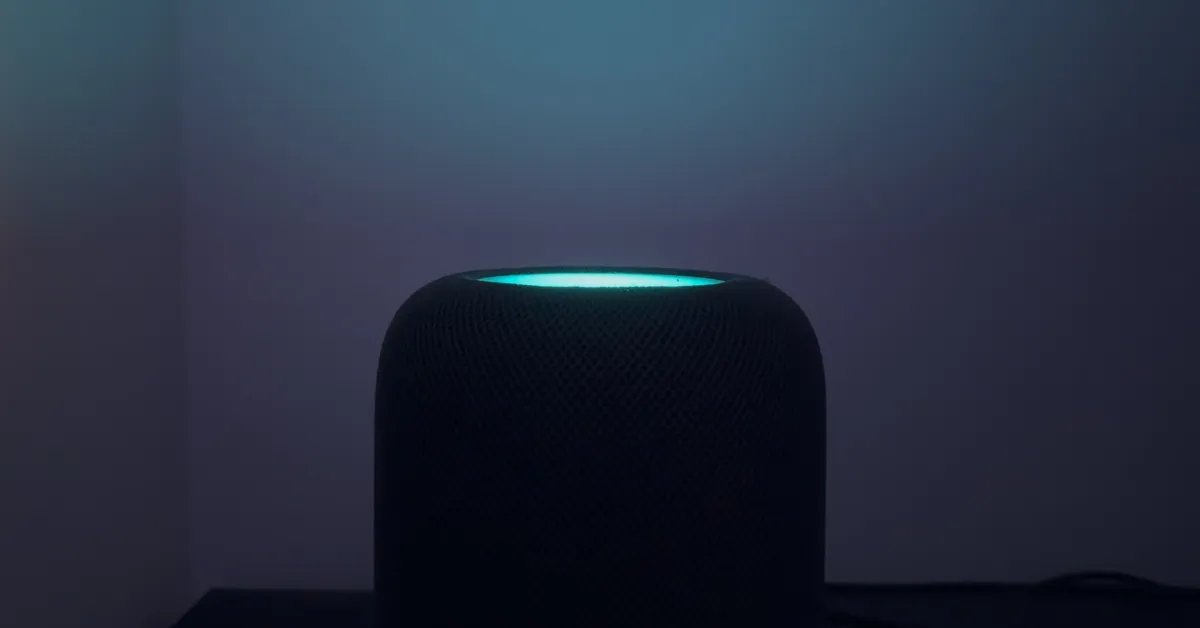
Apple has introduced a new visual enhancement for its smart speaker lineup, officially titled Sound Glow. This feature expands the utility of the touch-sensitive surface on compatible HomePod models, transforming the top interface into a dynamic light display that synchronizes with audio content. By analyzing the color palette of the album artwork associated with a track, the HomePod generates an animated representation of the music, effectively adding a visual dimension to the auditory experience.
Hardware Compatibility and Technical Requirements
The Sound Glow feature is specifically engineered for modern iterations of the HomePod hardware. It is fully supported on the HomePod mini and the second-generation HomePod. It is important to note that the original 2018 HomePod does not support this functionality, likely due to hardware limitations regarding the light array or the onboard processing capabilities required to generate these specific animations in real time.
To access this feature, users must ensure their devices are running the latest software, specifically version 27.2 or higher. Once the firmware is updated, the device will be capable of processing album metadata to drive the LED array on the touch surface. Because the system relies on metadata to pull color profiles, the feature only activates when playing media that contains associated cover art, such as tracks from major streaming services or podcasts with embedded thumbnails.
Functionality and Visual Implementation
When Sound Glow is active, the HomePod identifies two or three dominant colors from the current album artwork. These colors manifest as fluid, animated spheres of light that migrate across the circular touch surface. The movement is designed to be reactive, with the “balls of color” providing a subtle, rhythmic bounce that aligns with the playback.
While the illumination is not intended to serve as a primary room light, it provides a distinct glow that can interact with the surrounding environment. If the speaker is positioned near a neutral-colored wall, the light output is sufficient to cast a visible hue onto the surface behind it. This creates an indirect lighting effect that remains noticeable even if the top of the speaker is obscured from a direct line of sight. It serves as a passive visual indicator of what is playing, functioning as both a status light and an aesthetic addition to a room.
Configuring Sound Glow Settings
Apple has integrated the activation controls directly into the Home app, maintaining consistency with other smart home management tasks. After updating the device software to version 27.2, users can enable the feature by opening the Home app, performing a long-press on the specific HomePod tile, and accessing the device settings menu. Within this interface, a dedicated toggle for Sound Glow allows users to enable or disable the effect at will.
The implementation is designed for flexibility, recognizing that a constant light display may not be suitable for every environment or time of day. Because the setting is accessible via the software interface, users can toggle it off during standard use to preserve the speaker’s original minimalist appearance and enable it only when a specific, more active lighting effect is desired.
Integration with Apple TV
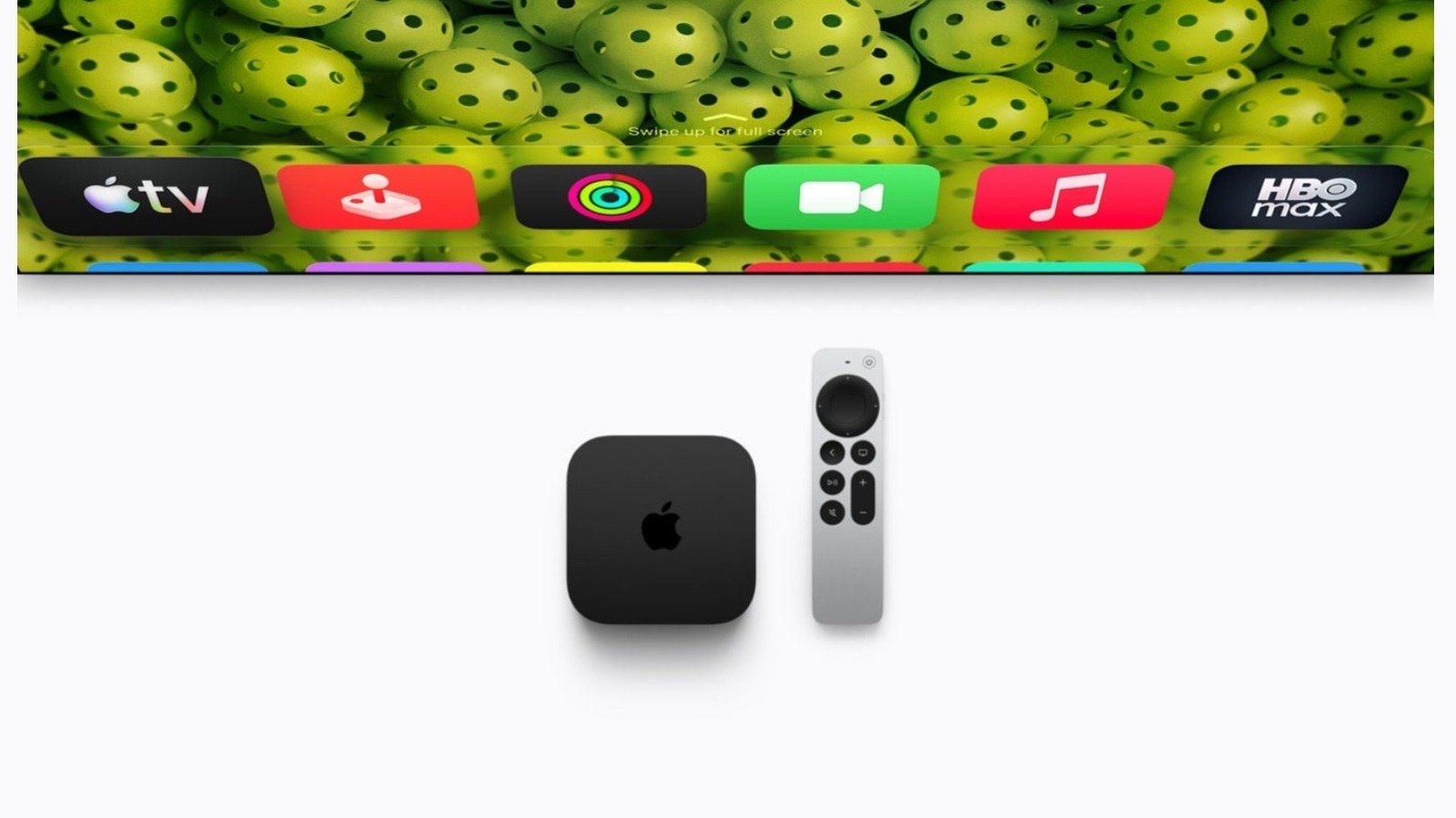
The feature extends beyond standalone speaker use, offering deep integration with the Apple TV ecosystem. When HomePods are paired with an Apple TV, users can manage Sound Glow settings directly through the Control Center on their television interface. By selecting the HomePod menu item after a long-press on the Apple TV remote, users can adjust the lighting settings without needing to retrieve a phone or tablet.
This level of access is particularly useful for users who use their HomePods as a primary audio output for home cinema setups. The ability to quickly toggle the light display ensures that users can deactivate the glow during movies or dark-room viewing to prevent distractions, while rapidly activating it for music-focused sessions. This streamlined control mechanism reinforces the role of the HomePod as a central component of an interconnected media environment.
Impact on User Experience and Smart Home Design
The introduction of Sound Glow represents a strategic evolution in how hardware devices communicate with their users. By repurposing the existing LED touch surface, Apple has unlocked new functionality without requiring additional physical components or hardware redesigns. This approach leverages the existing computational power of the devices to provide a more immersive interaction.
From a design perspective, Sound Glow transitions the HomePod from a purely utilitarian audio device into a more interactive element of home decor. By reflecting the artistic choices of the music being played, the device provides a degree of personalization that changes dynamically with the user’s library. Whether used as a subtle indicator of playback status or as a creative light source, the feature underscores the importance of visual feedback in modern smart home hardware, providing a functional bridge between digital audio content and the physical space it occupies.
Disclaimer: This content is auto-generated for informational purposes only.
Source: Read Original News