









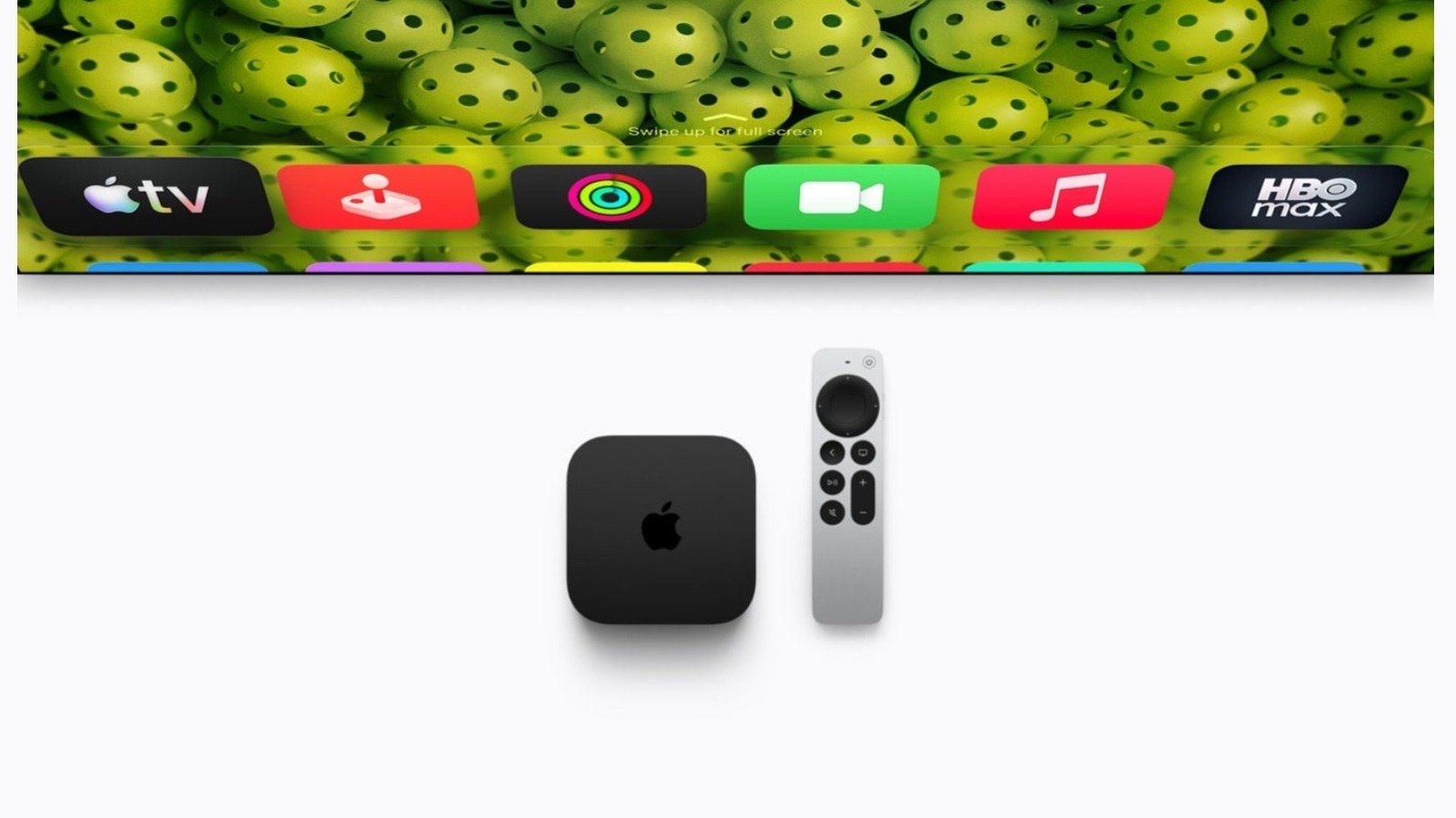
The Apple TV 4K stands as a centerpiece of the modern connected home, evolving from a simple streaming box into a multifunctional hub. By leveraging the power of tvOS, Apple has created a device that balances high-performance hardware—comparable to modern computing systems—with a user interface designed for shared household experiences. To maximize the utility of an Apple TV, users should look beyond basic content consumption and engage with specific software features that improve personalization, security, and social interaction.
Optimizing Personalization Through Multiple Profiles
The most effective way to ensure a seamless shared experience is the implementation of multiple profiles. Because the Apple TV ecosystem integrates deeply with Apple Music, Fitness+, and the Apple TV app, having a single profile can lead to cluttered recommendations that do not reflect the preferences of every household member. By establishing separate profiles, each user receives tailored content suggestions, maintains a distinct music library, and tracks individual progress in fitness activities.
Managing these profiles is straightforward. Users can navigate to Settings, select Profiles and Accounts, and choose Add New Profile. Alternatively, holding the TV button on the Siri Remote opens the Control Center, where users can switch or add accounts efficiently. For younger users, the system allows for the creation of Child profiles. These do not require a separate Apple Account initially, ensuring that age-appropriate content is prioritized while keeping the interface clear of material meant for adult viewers.
Facilitating Social Connection via FaceTime
With the introduction of tvOS 17, Apple integrated FaceTime directly into the living room experience. This functionality bypasses the limitations of small mobile screens, allowing families to gather around a television for high-definition video calls. The feature relies on Continuity Camera, which utilizes an iPhone or iPad as the high-resolution camera and microphone source for the Apple TV.
This setup offers technical advantages such as Center Stage, which automatically pans and zooms to keep everyone in the frame as they move. Users can also engage in SharePlay sessions, allowing participants to watch synchronized movies or television shows during a call. To initiate this, users ensure their iPhone and Apple TV are signed into the same iCloud account, then select the FaceTime application on the TV interface to trigger the connection.
Robust Parental Control Frameworks
As households share a single display, managing access to sensitive or age-inappropriate content becomes essential. Apple provides a granular set of tools through its Restrictions menu, accessible via Settings, General, and Restrictions. Once a four-digit passcode is established, the administrator can restrict access based on maturity ratings for movies and television shows, limit the installation of new applications, and disable explicit content within music and podcasts.
These controls extend to commerce, allowing parents to enable the Ask to Buy feature. When this is active, any purchase request from a family member—whether for an app or media—triggers a notification on the primary account holder’s device, requiring manual approval. It is important to note that while these restrictions govern the Apple ecosystem, users should check the settings within third-party applications like Netflix or Disney+ to ensure that in-app content filters are also synchronized with their household requirements.
The Integration of Siri AI
The intelligence capabilities of the Apple TV 4K are expanding with the support of Siri AI. Starting with the second-generation model and newer, the device is set to benefit from more advanced language processing. When paired with an Apple Intelligence-compatible iPhone, the Apple TV can process complex queries with higher accuracy.
This advancement shifts the role of the assistant from simple command execution to an information-gathering tool. For instance, users can ask natural language questions regarding the cast of a show, awards won by specific productions, or inquiries about content suitability for minors. Furthermore, the fourth-generation Apple TV 4K features dedicated far-field microphones, allowing users to invoke the assistant even when media is playing at high volumes. This hardware update ensures that voice commands remain responsive in busy, high-noise environments.
Interactive Entertainment with Apple Music Sing
Beyond passive media consumption, the Apple TV 4K serves as a platform for interactive group activities through Apple Music Sing. Available on the third-generation Apple TV 4K and later, this feature provides real-time lyrics and an adjustable vocal fader, effectively turning the device into a karaoke machine.
The technical implementation is designed for social scalability; by scanning a QR code, users can connect up to 30 iPhones to the session. This allows for a shared, collaborative queue where multiple family members can contribute to the playlist and participate in the performance. When combined with the Continuity Camera, users can project their own images onto the screen alongside their music, applying real-time filters to enhance the performance. By utilizing these integrated features, households can move beyond standard streaming, transforming their television into an interactive and highly personalized social hub.
Disclaimer: This content is auto-generated for informational purposes only.
Source: Read Original News