







Optimizing Biometric Authentication on the iPhone Duo
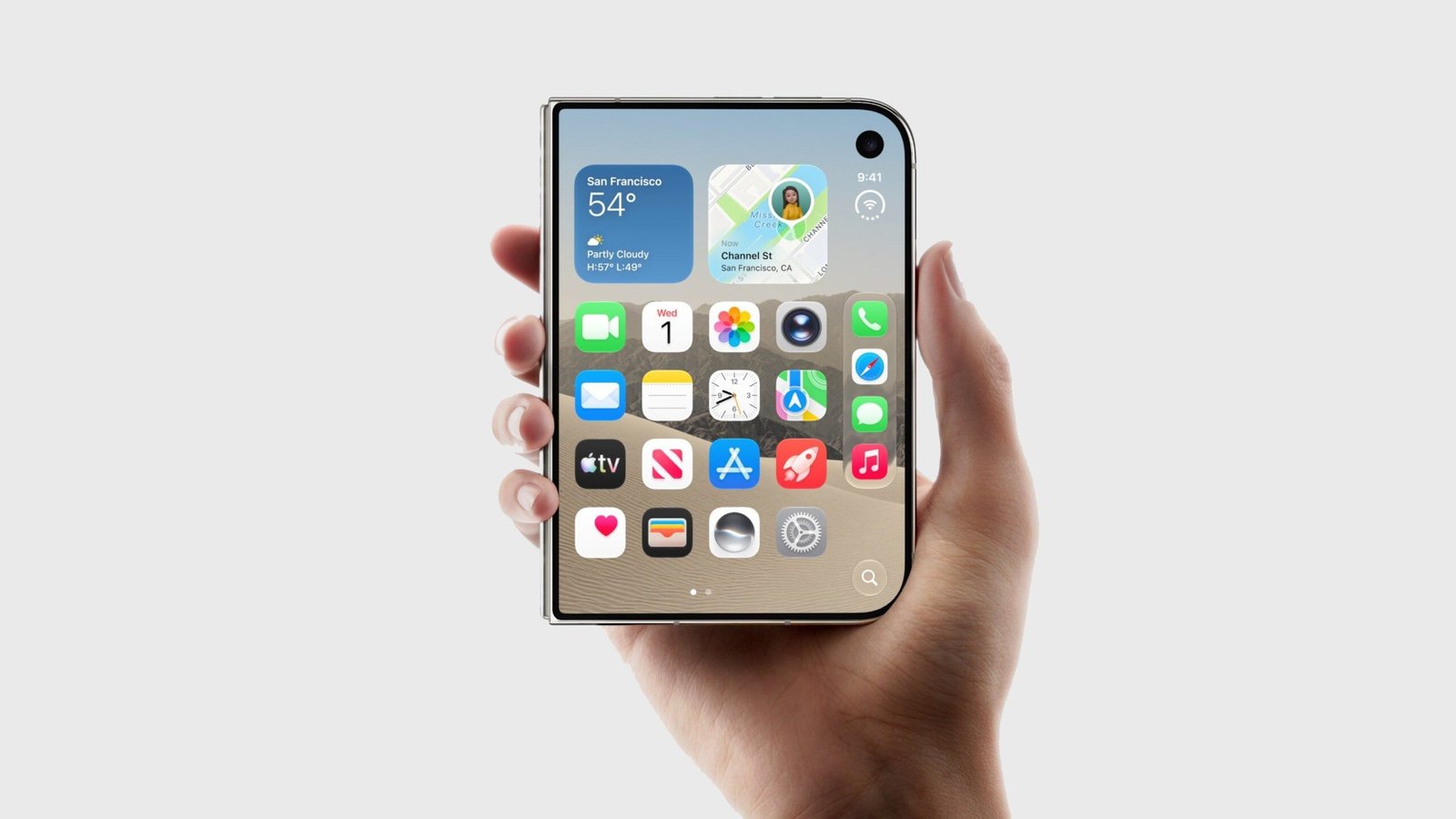
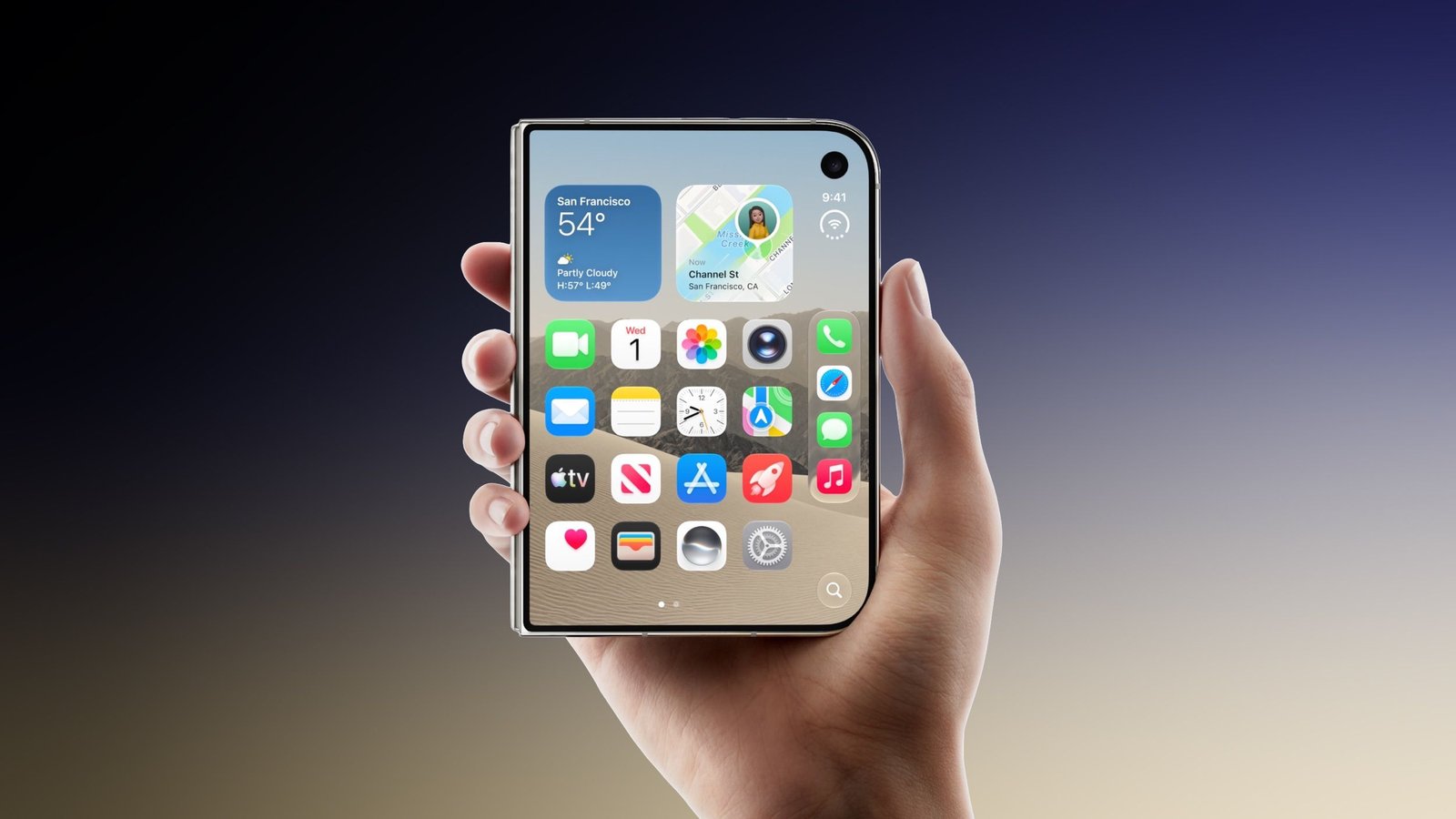
The introduction of the iPhone Duo has brought a series of unique hardware design considerations, particularly regarding how users interact with its physical input points. As enthusiasts and early adopters explore the capabilities of this new hardware, a community-driven discovery has emerged regarding the device’s Touch ID functionality. By shifting the registration point of a fingerprint from the traditional pad of the fingertip to the lower segment of the index finger, users are reporting a more fluid and immediate unlocking sequence that rivals the speed and convenience of facial recognition systems.
The standard procedure for biometric setup generally encourages users to scan the whorl and core of their fingerprints. However, the ergonomic architecture of the iPhone Duo dictates a specific grip pattern during the lifting and unlocking process. By intentionally registering the lower joint area of the index finger—the segment that naturally makes contact with the side-mounted sensor when pulling the device from a pocket or resting it in a palm—users can achieve a “pick-up-and-unlock” workflow that requires no deliberate adjustment of the hand.
Understanding the Technical Implementation
The process of implementing this biometric configuration is straightforward and utilizes the existing software infrastructure within the iOS settings menu. To begin, users navigate to the Touch ID & Passcode section. Rather than simply scanning the fingertip again, the system permits the registration of multiple points of contact. By systematically presenting the lower joint area—the area just below the first knuckle—to the sensor, the hardware creates a comprehensive profile of that specific dermal surface.
From a technical perspective, the sensor relies on capacitive scanning to map the unique ridge patterns of the skin. While the skin texture on the lower segment of the finger is different from the tip, it is just as distinctive and highly conducive to the high-resolution sensors currently deployed in the iPhone Duo. Because the surface area is larger and the contact point is consistent with the user’s natural grip, the sensor frequently achieves a faster authentication handshake. The device identifies the biometric signature almost instantaneously upon physical contact with the side button, effectively eliminating the micro-delay associated with shifting one’s grip to reach the sensor with a fingertip.
Ergonomics and Workflow Efficiency
The core benefit of this method lies in the alignment of hardware ergonomics with natural physiological movement. When a user reaches for a smartphone, the hand naturally assumes a grip that places the index finger along the side of the device chassis. Relying on the fingertip often requires a secondary movement—a subtle slide or adjustment of the hand—which introduces friction into the user experience. By utilizing the lower portion of the finger, the unlock action occurs as a byproduct of the act of lifting the phone.
This adjustment transforms the authentication process from a conscious task into a passive event. As soon as the device is held, the authentication occurs, providing access to the home screen or secure apps before the device is even fully centered in the user’s field of vision. This contributes to a smoother operation, especially for users who frequently toggle between tasks or require rapid access to notifications while on the move.
Expanding Biometric Versatility
For those looking to adopt this approach, there are no hardware limitations preventing the use of multiple finger segments. The iPhone Duo allows for the storage of several distinct prints, and users are encouraged to maximize this capacity. One could, for example, register the lower joint of the index finger for the primary grip, while also registering the standard tip of the thumb or index finger to ensure versatility in scenarios where the device is laying flat on a surface.
It is important to note that success with this technique may depend on the individual’s hand size and specific grip style. Because human anatomy is variable, the point of contact on the side button will differ between users. If the first attempt at scanning the lower joint does not yield a consistent recognition rate, users should experiment with slight rotations of the finger. The goal is to capture the specific ridge flow that occurs at the exact moment of natural contact. Once the software successfully maps these ridges, the reliability is reported to be as robust as any conventional fingerprint registration.
Future Implications for Device Security
While this tip serves as an efficient workaround, it also highlights the evolving nature of user interaction with hardware-based biometric sensors. As manufacturers continue to integrate sensors into power buttons or side rails, the way users “teach” their devices to recognize them becomes a critical component of device usability. The shift toward using unconventional parts of the finger underscores a broader demand for friction-less security.
As the iPhone Duo continues to see wider adoption, the crowdsourced findings regarding biometric optimization demonstrate the value of a flexible operating system that allows for user-defined authentication patterns. While Face ID continues to be a staple of modern mobile security, the refined use of Touch ID, particularly when adapted to the natural physical interaction of the handset, offers a compelling alternative. For users who value speed and seamless operation, taking a few extra moments to configure the lower index finger for biometric access provides a noticeable improvement in the daily utility of their hardware.
Disclaimer: This content is auto-generated for informational purposes only.
Source: Read Original News