







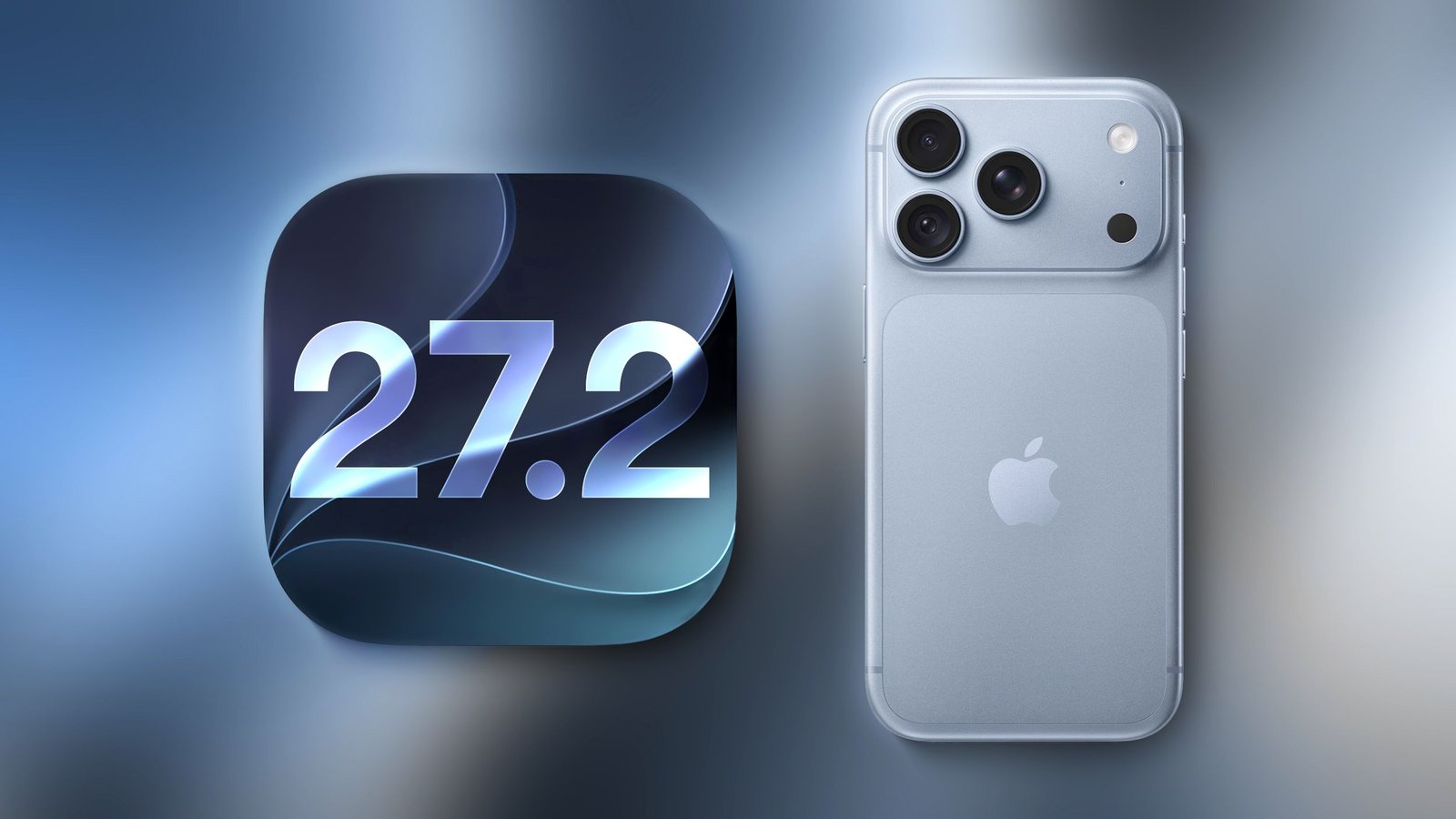
Apple has officially released iOS 27.2, a significant update that unifies the iPhone operating system across the product lineup, including the iPhone Duo. This version represents the first major enhancement to the iOS 27 ecosystem, delivering substantial improvements to artificial intelligence capabilities, communication tools, and media consumption across supported hardware.
Advanced Siri AI Capabilities
The core of the iOS 27.2 update centers on enhanced functionality for Siri. The AI assistant can now retain context from previous interactions, enabling users to query Siri about prior recommendations or discussions. To provide more relevant answers, Siri now integrates data from a broader range of sources, including photos attached to Messages, information from Calendar event attendees, and transcription data from voicemails.
Users also gain improved search accuracy within Safari history and the Reading List. Privacy controls have been refined with a redesigned “Excluded Apps” feature, allowing users to quickly manage which applications Siri, system search, and suggestions can access, replacing the previous method of manual per-app toggling. Additionally, a new granular text selection tool allows users to copy specific segments of a Siri response rather than the entire block of text. These AI features are available on the iPhone 15 Pro and later models. Furthermore, Siri AI support has expanded to include French, Japanese, Korean, Portuguese, and Spanish, though availability remains restricted in the EU and mainland China.
Enhanced Communication and Media Features
The Messages app introduces context-aware suggestions, which provide tappable shortcuts directly within conversations. These shortcuts allow users to track packages, add dinner invitations to the Calendar, or set reminders with a single tap. Users can customize which categories appear in these suggestions, such as Maps, Notes, or specific flight and package tracking data.
Apple Music has undergone a visual refresh, moving away from its traditional red color palette toward a monochromatic black and white aesthetic. This change extends to the navigation bar and UI highlights throughout the application. In the Podcasts app, the Home tab has been reorganized, replacing the “Up Next” section with dedicated areas for “New Episodes” and “Continue Playing” to streamline user navigation.
Multimedia and Productivity Tools
The Photos app now includes improved management for Shared Albums, allowing users to edit captions and comments after they have been posted. A new duplicate-prevention tool helps clean up libraries, while automated notifications provide reminders before temporary albums expire, ensuring important media is saved. For power users, the update includes SynthID labeling for images generated by Image Playground or modified through specific editing tools. Users can verify the origin of images using the publicly available SynthID Detector.
FaceTime receives a notable upgrade with the introduction of Dual Capture, which allows simultaneous use of the front and rear cameras during group calls. This feature is enabled automatically upon flipping the camera during a call on compatible devices, including the iPhone 17 and 18 series and the iPhone Duo. Furthermore, users can now incorporate third-party sign language interpreters or live captioners into their calls to increase accessibility.
Apple TV and Gaming Expansions
The Apple TV app now enables the creation of user profiles directly on the iPhone and iPad. These profiles allow for personalized content recommendations, with specific settings for child accounts. By default, child profiles are restricted to PG-rated content, though users can manually adjust age ratings for a more tailored experience. Additionally, the Multiview feature—previously limited to larger displays—is now available on the iPhone, allowing users to watch up to four live sports streams simultaneously, covering events such as MLS, F1, and Friday Night Baseball.
The Games app has been updated to include more context for friend suggestions, and player pages now display recent gaming activity, fostering a more social experience.
Device-Specific Updates and System Security
Owners of the iPhone Duo receive specific optimizations in this update, including support for the USB-C version of the Apple Pencil and the introduction of “Edge Light,” a feature designed to provide better illumination for the user’s face during video calls. Automation enthusiasts will also find improvements in the Shortcuts app, including triggers for when the device is opened or closed, as well as updated support for fitness-related automations.
In the Phone app, a new Call Context feature displays anniversaries stored in the Contacts app when initiating a call, providing helpful reminders to the user. Finally, for European users, the App Tracking Transparency feature has been updated to include an expanded prompt, which will be re-presented to users on an annual basis to ensure ongoing transparency regarding data usage.
This update includes over 160 security patches addressing various system vulnerabilities. While none of these flaws were reportedly exploited in the wild, the scale of the security reinforcement makes this a recommended installation for all compatible device owners to ensure the integrity of their data and device operations.
Disclaimer: This content is auto-generated for informational purposes only.
Source: Read Original News