










Understanding the Risks of Surveillance in Short-Term Rentals
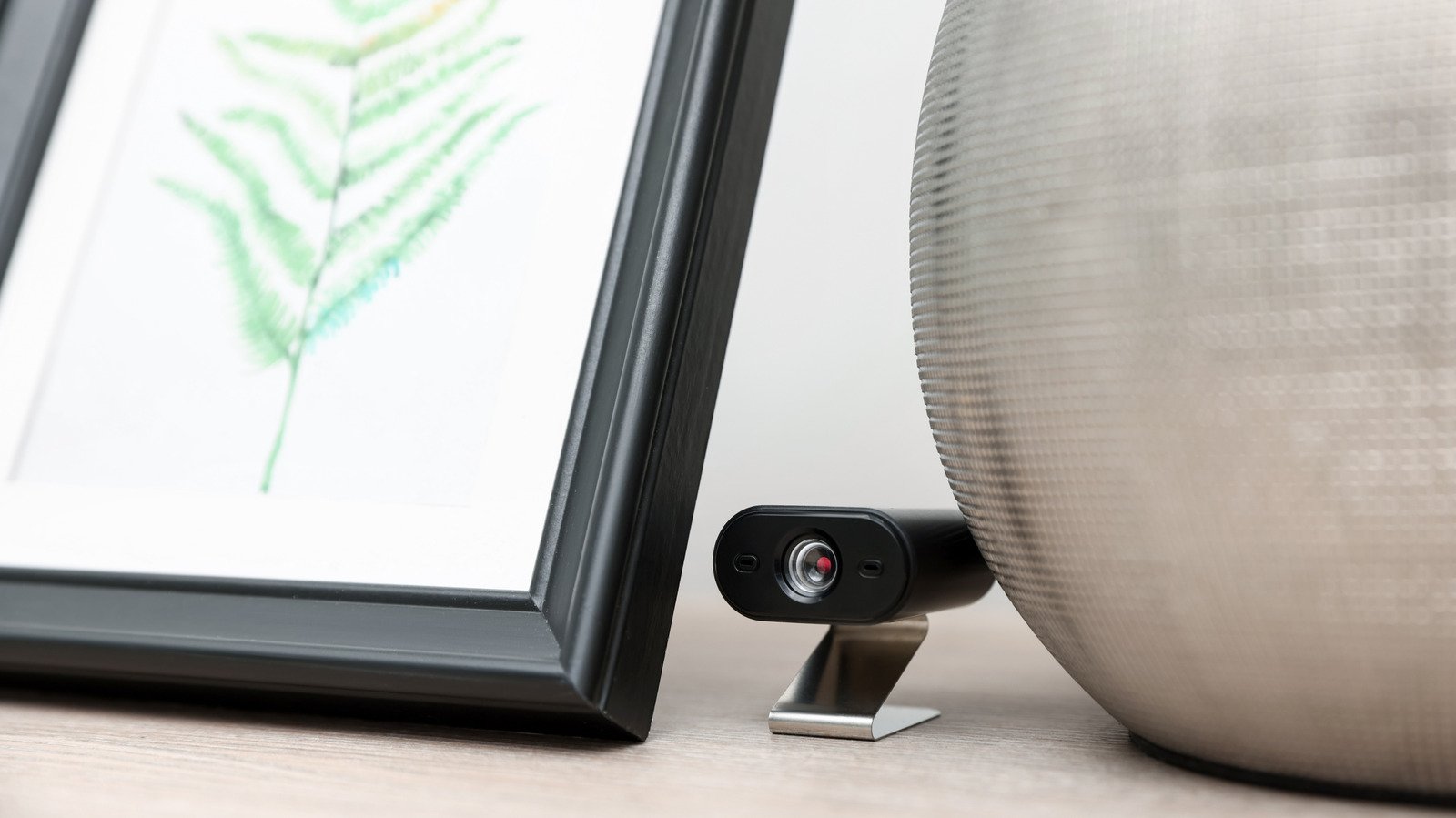
The rise of the sharing economy has transformed how we travel, but it has introduced new challenges regarding privacy and security. While the vast majority of rental listings are legitimate, the potential presence of unauthorized surveillance devices remains a point of concern for many guests. Indoor recording devices are strictly prohibited by the terms of service on major platforms like Airbnb and Vrbo, yet the miniaturization of technology makes it increasingly simple for bad actors to conceal cameras within mundane objects such as smoke detectors, charging adapters, wall clocks, and picture frames.
While reports of these incidents represent a statistically small fraction of total bookings—often cited at less than 0.1 percent—the breach of trust involved is significant. Because these devices can be difficult to spot with the naked eye, many travelers now rely on their personal smartphones as a primary defense mechanism. By leveraging the sensors already built into modern mobile devices, guests can conduct a systematic check of their accommodations, providing a layer of oversight in environments where they otherwise feel vulnerable.
Utilizing Hardware and Visual Sweeps
The most accessible method for identifying hidden cameras involves a combination of environmental observation and basic physical inspection. A thorough sweep begins with a “flashlight test.” By darkening the room and using a bright LED flashlight, you can scan for the characteristic glint of a glass camera lens. When light hits a lens, it produces a specific reflection that is often different from the diffuse light reflected by plastic or metallic surfaces. This is most effective when searching objects that have direct lines of sight to high-traffic areas, such as bathrooms or sleeping quarters.
Another physical check involves the examination of reflective surfaces. If you are suspicious of a mirror, perform the “touch test.” Place a fingertip against the glass; in a standard mirror, there is a distinct gap between your finger and its reflection due to the glass thickness. If the reflection appears to touch your finger directly, it may indicate a two-way mirror, which can sometimes conceal cameras or other equipment behind the glass.
Leveraging Smartphone Camera Sensors for Infrared Detection
Many modern surveillance cameras utilize infrared (IR) light to capture video in low-light conditions. Although human eyes cannot perceive this spectrum, many smartphone camera sensors can detect it. You can test your phone’s sensitivity to infrared light by pointing a standard television remote at your phone’s front-facing or rear camera and pressing any button. If your camera is capable of picking up the spectrum, you will see a purple or white flicker on your screen.
Once you have verified your device’s capability, you can dim the lights in your rental and scan the room slowly with your camera app active. If a camera is active and using infrared night vision, the lens will appear as a bright, pulsating dot on your display. This method is particularly useful for identifying devices designed to record in dark environments, though it will not detect cameras that do not utilize IR lighting.
Network Analysis and Wireless Detection
Modern, internet-connected cameras—often referred to as IP cameras—must communicate with a local router to stream video. By utilizing network scanning applications like Fing, Net Analyzer, or WiFiman, you can identify every device connected to the local Wi-Fi network. Once you have logged into the rental’s Wi-Fi, run a comprehensive scan to view a list of all connected hardware.
Look for entries labeled with brand names commonly associated with home security, such as “Blink,” “Wyze,” or “TP-Link.” If you encounter generic device names, or labels containing terms like “cam” or “ipc,” you should investigate further. While many legitimate devices like printers or smart home thermostats will appear, a suspicious device that does not correspond to the amenities provided by the host should be treated with caution. Keep in mind that sophisticated cameras may operate on a hidden, private network or record directly to internal SD cards, meaning they may not appear on a standard network scan. Therefore, digital scanning should be used as a supplementary tool rather than a definitive security solution.
Steps to Take Upon Discovering a Device
If your investigation leads to the discovery of a suspicious device, it is critical to prioritize your safety and the integrity of evidence. Do not attempt to disconnect, disassemble, or remove the device, as this could destroy forensic data or alert the individual who installed it. Instead, document the item by taking clear photographs or video from multiple angles.
Once the area is documented, vacate the premises if you do not feel secure. Contact local law enforcement immediately to file a report, as unauthorized surveillance is a criminal offense in many jurisdictions. Subsequently, reach out to the customer support department of the platform where you booked the rental. These companies have established protocols for handling such reports, which typically include immediate investigation, potential removal of the host from their platform, and provisions for refunds. By performing these checks, you transition from a passive occupant to an active participant in your own digital privacy, utilizing your hardware to ensure a more secure travel experience.
Disclaimer: This content is auto-generated for informational purposes only.
Source: Read Original News