









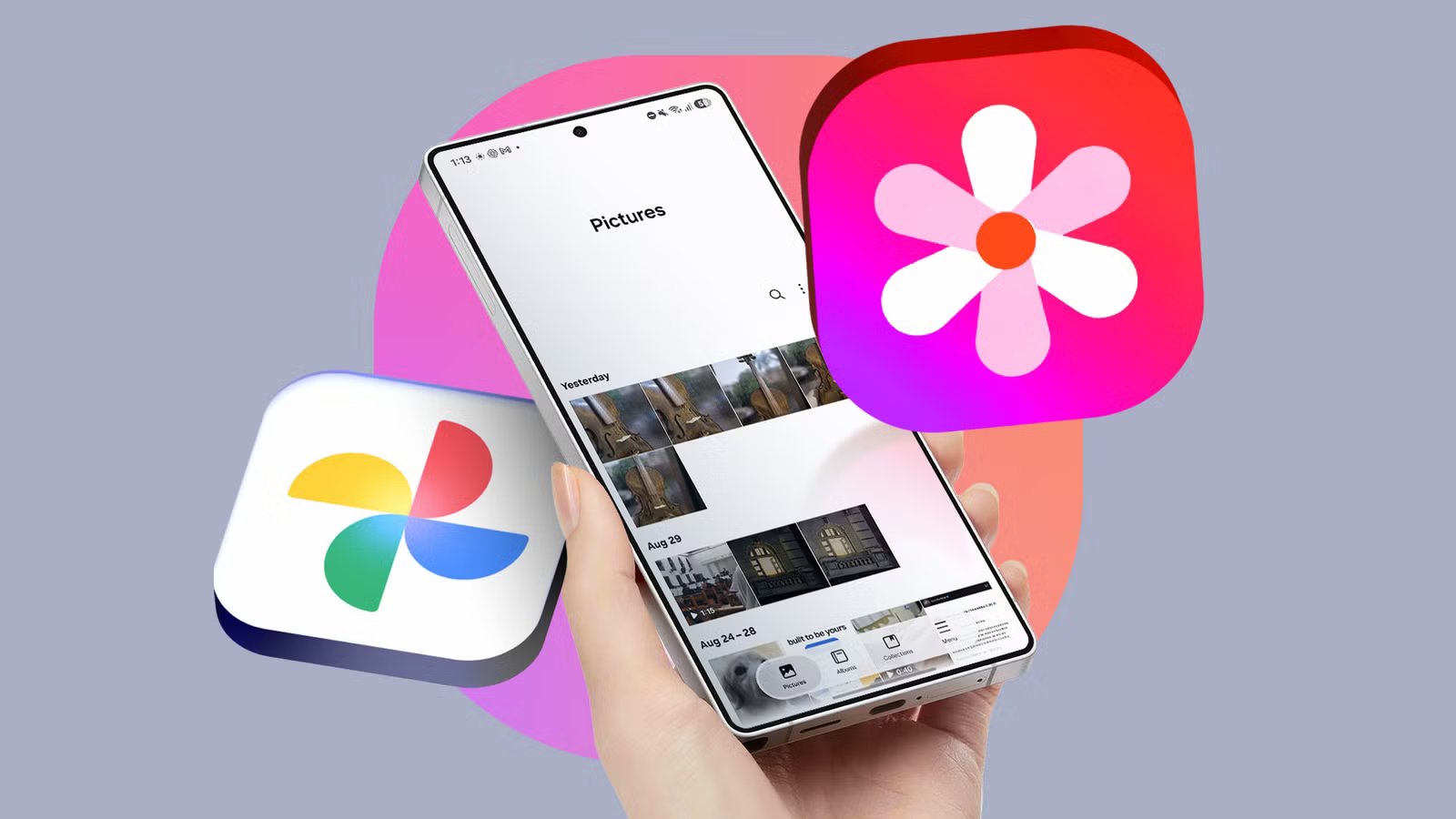
The integration of Google storage into the native Samsung Gallery application marks a significant shift in the ecosystem experience for Galaxy users. Historically, Samsung relied on a partnership with Microsoft OneDrive to handle cloud backups for media. While functional, this approach created a fragmentation point for users deeply embedded in the Google Workspace and Android ecosystem. By pivoting to native Google storage, Samsung has removed the most significant barrier to using its high-performance, locally optimized gallery software.
Samsung Gallery Was Held Back by a Major Chokehold
Samsung Gallery has long been praised for its responsiveness and feature set, offering a snappy interface that performs exceptionally well even when offline. However, the forced reliance on OneDrive for cloud synchronization served as a persistent inconvenience for the average Android user. Most Galaxy owners already maintain a Google account for Gmail, Drive, and other essential services, making OneDrive an extraneous layer of account management.
For users who prefer a unified ecosystem, the previous dependency on Microsoft necessitated a secondary login and a separate set of storage limitations. This often forced users to bypass the native app in favor of Google Photos, not necessarily due to a lack of functionality in Samsung Gallery, but because Google Photos provided a more coherent storage experience. Removing the OneDrive requirement is more than just a software update; it is a strategic alignment that restores the native Gallery app as a viable primary tool for media management.
Setting Up Google One Storage on Samsung Gallery
The rollout of native Google storage support, arriving with the One UI 9 update, has streamlined the backup process significantly. Users now find the transition to be as seamless as the previous OneDrive integration, but with the added benefit of a more generous free tier. While OneDrive typically offers 5GB of free storage, Google provides 15GB, making the shift more attractive for users with large photo libraries.
Configuring the system is intuitive. Within the Samsung Gallery settings, users can navigate to the cloud synchronization menu and select their preferred Google account. The system recognizes all Google profiles already signed into the device, eliminating the need to manually input credentials. Once a user links their account and ensures their Samsung account is active, the app automatically begins managing photo and video backups. While there is a current limitation—switching Google accounts requires toggling off sync and removing the profile from the device—the initial setup remains a straightforward process that works immediately upon activation.
I Finally Have a Reason to Skip Google Photos
The core advantage of this integration is the ability to maintain a robust, cloud-synced media library without sacrificing the local performance of the Samsung Gallery app. Because the system now communicates directly with Google storage, users can effectively bridge the gap between their local files and their cloud assets.
A key benefit for power users is the handling of duplicates. Since the native Gallery app now syncs directly to the user’s primary cloud storage, there is no risk of redundant copies being created if the user also has the Google Photos app installed. This friction-free synchronization allows media to be accessed across multiple devices, such as a Galaxy tablet and a primary smartphone, without manual intervention or storage bloat. The ability to manage specific albums and folders for backup within the Gallery settings provides granular control that further elevates the experience compared to relying solely on the standard Google Photos interface.
Free Up Local Storage Space
A critical component of this transition is the “Free up space” feature, which mirrors the utility found in Google Photos. While availability is currently being rolled out in stages to various models, this function allows users to purge locally stored media once it has been safely uploaded to the cloud. By deleting the local copies, users can regain significant internal storage capacity while still maintaining access to their full library through thumbnails and cloud-based previews.
When a user taps an image that is only stored in the cloud, the application manages the download process in the background. This provides an effective safety net for users who frequently hit their device’s storage capacity limits. When combined with the Google Files app—which helps identify and remove junk files or duplicates—users now have a comprehensive toolkit for managing their device memory without needing to exit the Samsung software environment.
There Are No More Excuses Left to Ignore Samsung Gallery
The move to integrate Google storage highlights a realization by Samsung: forcing users to adopt third-party cloud infrastructure on an Android device is a suboptimal strategy. By embracing Google as the default cloud provider, Samsung has effectively neutralized the primary reason users were fleeing the native Gallery app.
While some advanced features, such as the full reach of the “Free up space” tool, are still propagating across the global fleet of Galaxy devices, the current implementation is already a massive improvement. The integration is clean, the synchronization is reliable, and the overall experience is finally consistent with the high-quality hardware that Samsung produces. For Galaxy users, the native gallery is no longer a secondary tool or an afterthought; it is now a fully capable, cloud-connected powerhouse that prioritizes user convenience above all else.
Disclaimer: This content is auto-generated for informational purposes only.
Source: Read Original News