








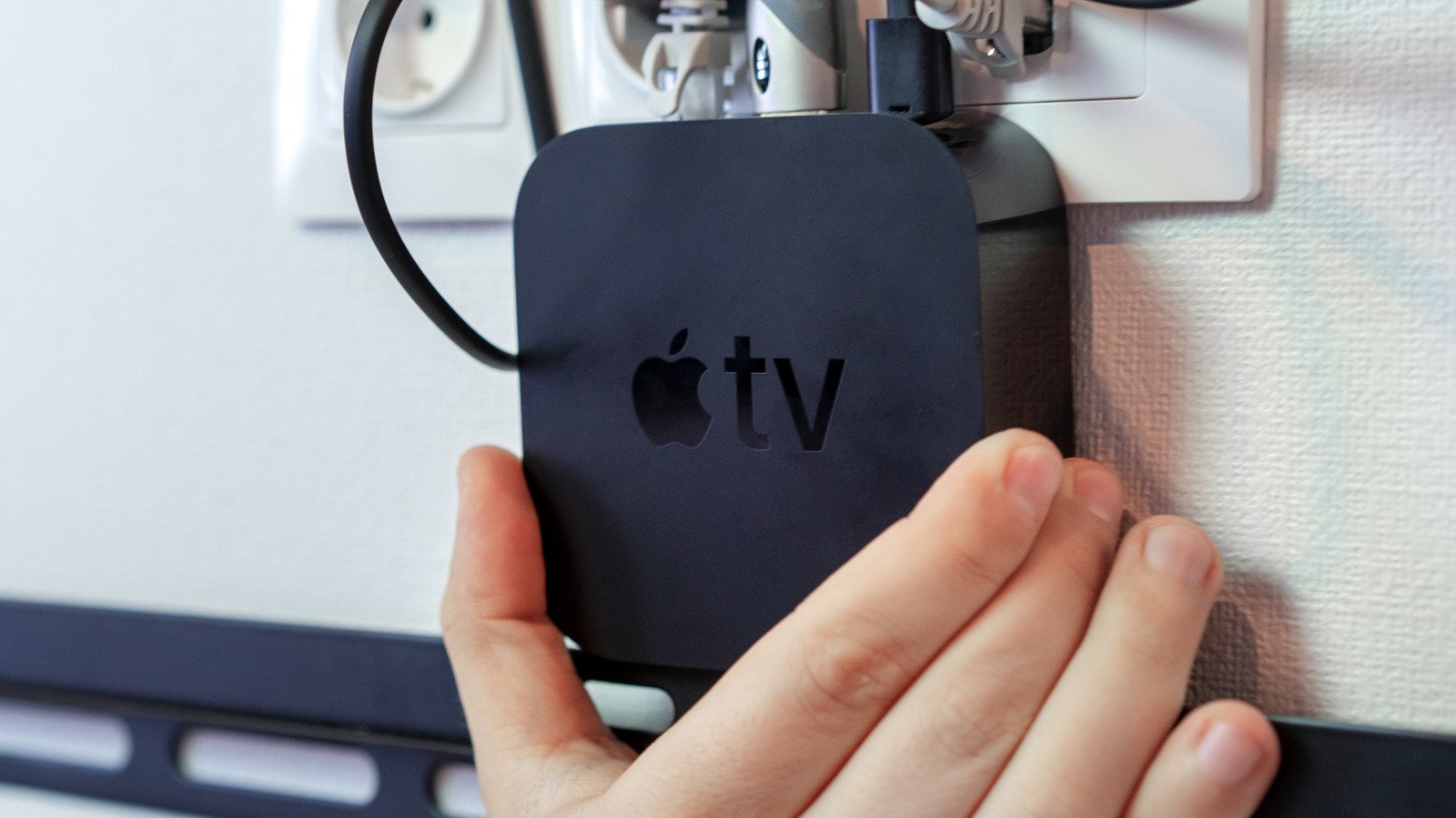
Upgrading to the latest generation of Apple TV often leaves a perfectly functional, previous-model device sitting in a drawer. While the temptation to discard older electronics is common, the Apple TV 4K series remains a remarkably potent piece of hardware. Because these devices utilize custom Apple silicon and a sophisticated version of tvOS, they are significantly more capable than standard, disposable streaming sticks. Repurposing these units allows you to extend the lifespan of your technology while enhancing your home environment.
Optimizing Secondary Displays
The most straightforward transition for an older Apple TV is to relocate it to a secondary television. Many displays found in guest rooms, home gyms, or workshops feature lackluster, sluggish smart interfaces. By connecting an older Apple TV, you immediately upgrade that screen with a snappy, polished interface that remains free from the invasive advertisements and aggressive data tracking often found on budget smart TVs.
Beyond simple video consumption, these older units remain highly competent gaming machines. Unlike entry-level streaming devices, an Apple TV 4K can handle complex, console-caliber titles such as Dead Cells or Wreckfest. For those who enjoy gaming in varied environments, connecting an Xbox or PlayStation controller via Bluetooth transforms the device into a dedicated micro-console. Furthermore, the platform excels at social gaming experiences. Titles like the Jackbox Party Pack series allow friends and family to use their personal smartphones as controllers, making the device an ideal centerpiece for gatherings in areas outside of your primary living room.
Leveraging Wireless Connectivity
AirPlay remains a fundamental feature for those within the Apple ecosystem, and it provides a compelling reason to keep an older device active. You can mirror the screen of an iPhone, iPad, or Mac to any display connected to an Apple TV. This is particularly useful for presenting documents, viewing high-resolution photos, or sharing educational content on a large screen without the need for cumbersome cabling.
While some modern smart TVs now include native AirPlay support, an Apple TV unit frequently offers a more stable, higher-bitrate connection that proves beneficial for professional or creative workflows. However, users should be mindful of limitations. Because wireless screen mirroring is susceptible to signal latency, it is not recommended for high-reflex action gaming. Additionally, to ensure the best image quality—specifically regarding Dolby Vision and high-dynamic-range content—it is always preferable to run applications directly on the Apple TV hardware rather than mirroring them from a secondary source.
Expanding Your Smart Home Infrastructure
Perhaps the most technical and valuable use for an older Apple TV is its role as a persistent Home Hub. In the context of Apple HomeKit, a Home Hub is essentially the brain of your automated residence. While HomeKit functions at a basic level without one, a Hub is mandatory for remote access and for executing complex automations that must run 24 hours a day.
Integrating an additional Apple TV into your home network increases the redundancy of your smart home. If your primary HomePod or Apple TV experiences a service interruption or requires a firmware update, a secondary hub can seamlessly take over, ensuring your automations—such as scheduled lighting, smart locks, and climate control—remain functional.
Strengthening Mesh Networking
Beyond acting as a central control point, modern iterations of the Apple TV 4K serve as critical components in contemporary wireless standards. By acting as Matter controllers, they enable seamless interoperability between accessories from various manufacturers within the Apple Home interface.
Crucially, many Apple TV 4K models function as Thread border routers. Thread is a low-power, self-healing mesh networking protocol designed specifically for smart home devices. By placing an older Apple TV in a corner of your home that currently lacks smart connectivity, you can effectively extend the reach of your Thread network. As you add more compatible smart sensors, bulbs, or switches, these devices communicate with each other rather than relying solely on a distant central router. The result is a more resilient, low-latency network that remains responsive even as the number of connected devices increases. By redeploying your old Apple TV as a bridge and border router, you are not just reusing a video player; you are actively strengthening the digital backbone of your home.
Disclaimer: This content is auto-generated for informational purposes only.
Source: Read Original News