








Ohio Joins Growing List of States Supporting Digital IDs in Google Wallet
After a brief hiatus in state-level integrations, Google has officially resumed its expansion of digital identification support. As of this week, residents of Ohio can now add their driver’s licenses and state IDs to the Google Wallet app on Android, marking a significant step forward for the platform’s accessibility.
Ohio becomes the 12th jurisdiction to support the feature, joining an expanding roster that includes Arizona, Arkansas, California, Colorado, Georgia, Iowa, Maryland, Montana, New Mexico, North Dakota, and Puerto Rico. This rollout follows a nearly 10-month pause in new regional integrations, signaling that Google is once again aggressively pursuing the digitization of personal identification.
Getting Started: How to Add Your Ohio ID
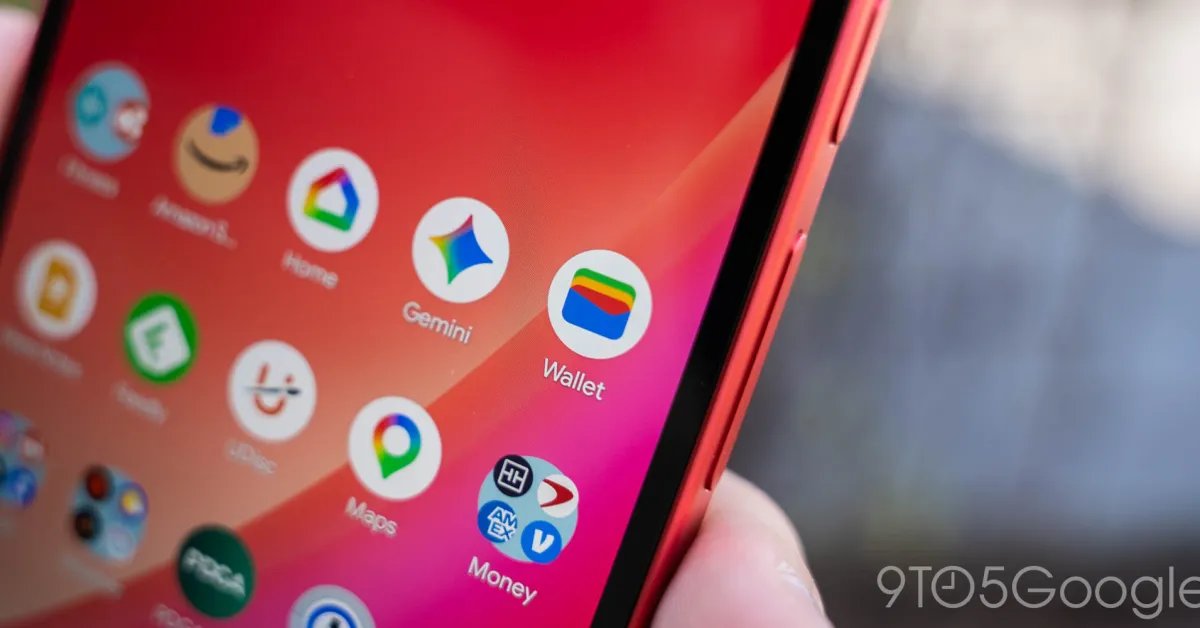
To digitize their identification, Ohio residents can navigate to the Google Wallet app, tap the “plus” button near the “View more” option, and select “IDs & personal info.” From there, choosing “Driver’s license or state ID” will prompt the user to begin the verification process.
The integration features a localized aesthetic, with the digital card displaying the Northern Cardinal—Ohio’s official state bird. The verification process is rigorous: users must submit photos of the front and back of their physical ID, followed by a short video selfie. This data is transmitted to the Ohio Bureau of Motor Vehicles (BMV) for authentication, with a confirmation typically provided via email and in-app notification once the digital ID is ready for use.
Security and Practical Use
Google has emphasized that the digital ID is designed with privacy at the forefront. The ID does not sync to the cloud and resides exclusively on the user’s device. For added peace of mind, users can delete their digital ID at any time directly through the app or remotely via the Google Account management portal.
When presenting the ID—whether at select TSA airport checkpoints or other official venues—users can share their information via NFC or by displaying a QR code. Importantly, users never need to hand their physical phone to another person; the data transfer is handled securely via Bluetooth. Security is further bolstered by the requirement to verify identity via biometrics (face, fingerprint, or PIN) before any information is shared.
A Note on Legal Requirements
While the convenience of a digital ID is significant, officials maintain a strict disclaimer: a digital ID in Google Wallet does not replace the legal requirement to carry a physical card. Users are still expected to have their physical documentation on hand for various legal and administrative scenarios.
To qualify for this feature, users must be running Android 8.0 or higher with a secure screen lock enabled. To learn more about the technical rollout, you can view the official details on the latest Google Wallet update for Ohio users.