








Optimizing Storage and System Resources for Peak Efficiency
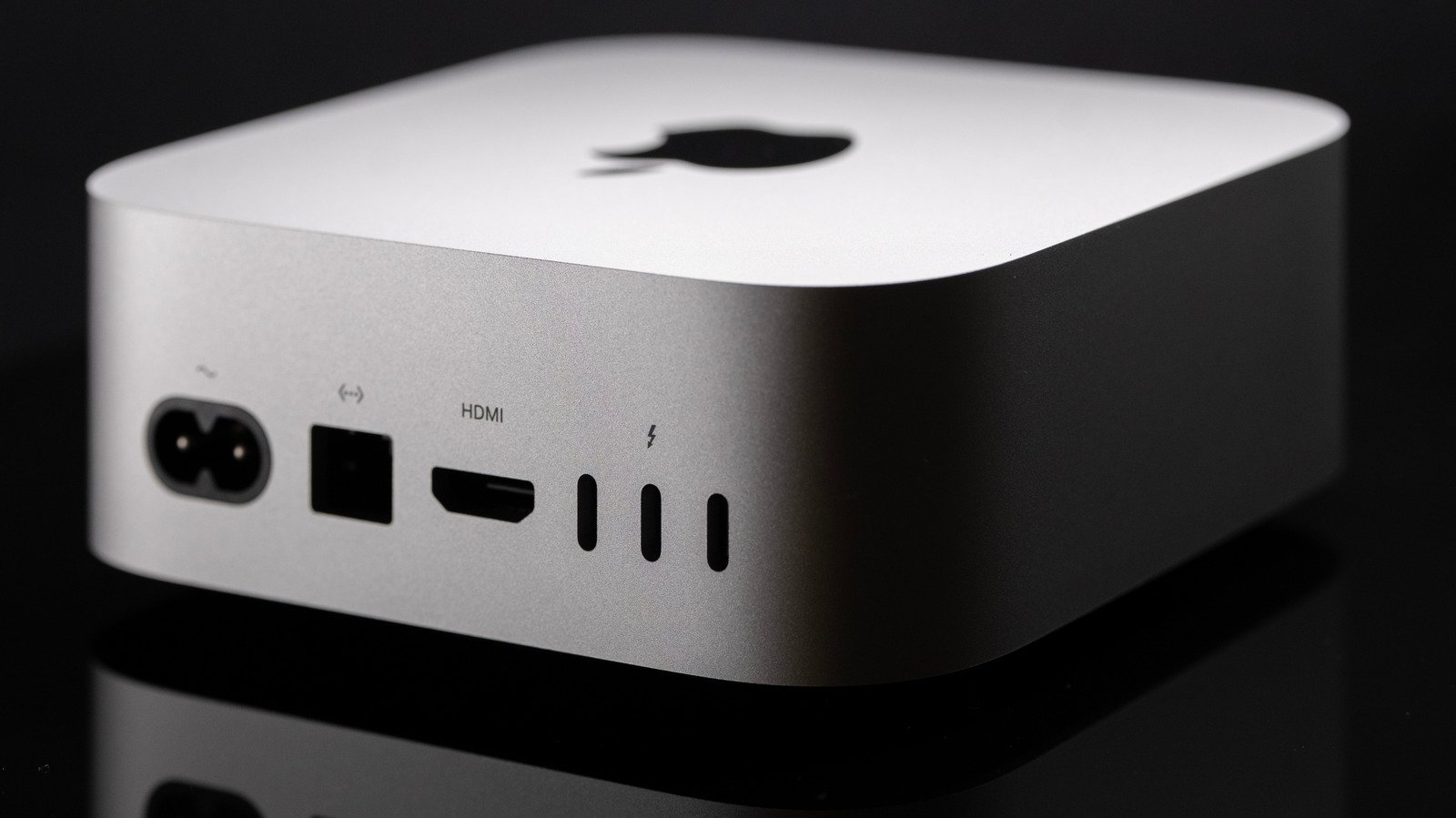
The Mac Mini has long been a staple of the Apple lineup, favored for its compact architecture and impressive computational capabilities. Whether utilizing the latest M6 chip or the high-performance M5 Pro, users expect seamless operation. However, even the most robust hardware can experience bottlenecks if the software environment is not properly maintained. The most immediate impact on system performance often stems from the startup disk. When a drive approaches its storage limit, the operating system struggles to manage virtual memory and temporary swap files, which can lead to noticeable latency.
To mitigate this, users should conduct a regular audit of their storage. Transferring large, infrequently accessed files—such as high-resolution video projects, archives, or photo libraries—to external solid-state drives is a practical solution that keeps the primary internal storage lean. Additionally, utilizing the Activity Monitor is an essential practice for diagnostic health. By navigating to the Memory tab, users can identify processes that are consuming a disproportionate amount of RAM. Quitting background applications that are not currently required can immediately reclaim system resources, allowing the Mac Mini to dedicate its unified memory to primary tasks rather than managing a surplus of idle processes.
Addressing Software Compatibility and Translation Overhead
While modern Apple Silicon chips are designed for incredible speed, they function most efficiently when running native software. Applications designed for older Intel-based processors rely on Apple’s Rosetta 2 translation layer to function on newer M-series hardware. While this technology is remarkably transparent, it introduces a layer of overhead that can impact performance, particularly in resource-intensive workflows like 3D rendering or professional audio production.
To ensure peak performance, users should prioritize native versions of their essential applications. Developers frequently release updates that migrate software from Intel compatibility to native Apple Silicon support. Checking for these updates within the Mac App Store or directly through the developer’s website can yield significant performance improvements. If an application is not yet natively supported, it is advisable to check the developer’s specific system requirements. Some legacy applications may require more overhead than the current system can comfortably provide, leading to sluggish behavior during execution.
The Hidden Cost of Browser Resource Consumption
Modern web browsers have evolved into sophisticated operating systems within an operating system, but this functionality often comes at a high cost to hardware resources. Third-party browsers, while offering cross-platform synchronization, are notorious for aggressive memory usage. Factors such as a high volume of open tabs, complex scripts, and—most notably—poorly optimized browser extensions can turn a browser into a significant performance drain.
Extensions that monitor traffic, inject code into web pages, or manage advertising trackers can consume excessive cycles on the CPU and tie up available memory. Users who notice their Mac Mini slowing down while browsing should evaluate the necessity of their installed extensions. Removing or disabling those that are not vital can prevent unnecessary resource leaks. Often, these background processes run silently, meaning the user may not realize their browsing habits are the primary contributor to overall system degradation.
Leveraging Safari for Hardware Optimization
For those seeking the most efficient path to performance, switching to Apple’s native Safari browser is frequently the most effective remedy. Safari is engineered with deep integration into the macOS kernel, meaning it is specifically tuned to utilize the hardware acceleration features of Apple Silicon. Because it is not a “port” of a cross-platform engine, Safari consistently demonstrates a lighter memory footprint and more efficient energy management compared to competitors like Google Chrome or Mozilla Firefox.
Safari utilizes features such as Intelligent Tracking Prevention and sophisticated memory management to ensure that active tabs do not cannibalize resources from other open applications. Furthermore, for users within the broader Apple ecosystem, Safari offers a consistent experience across devices, synchronizing browsing sessions without the need for resource-heavy third-party plugins. By prioritizing Safari, Mac Mini users can effectively reclaim the overhead lost to browser processes, ensuring that the machine remains responsive even during heavy multitasking.
Long-term Maintenance and Performance Hygiene
Beyond immediate fixes, maintaining a high-performance Mac Mini requires consistent hygiene practices. Regularly restarting the system is a simple yet effective way to clear temporary caches and reset the state of background daemons that may have become unresponsive over extended periods. Furthermore, ensuring that the macOS operating system is updated to the latest version is critical. Apple frequently includes performance patches and kernel-level optimizations that refine how the M-series chips allocate tasks.
By combining proactive storage management, a preference for native software, and a transition to resource-efficient browsing, users can ensure their Mac Mini performs at a level that matches its potential. These adjustments are not merely cosmetic; they directly address how the system hardware interacts with its software environment. Whether managing local AI models or handling professional creative software, a well-maintained system remains the foundation for a fluid and productive computing experience.
Disclaimer: This content is auto-generated for informational purposes only.
Source: Read Original News