








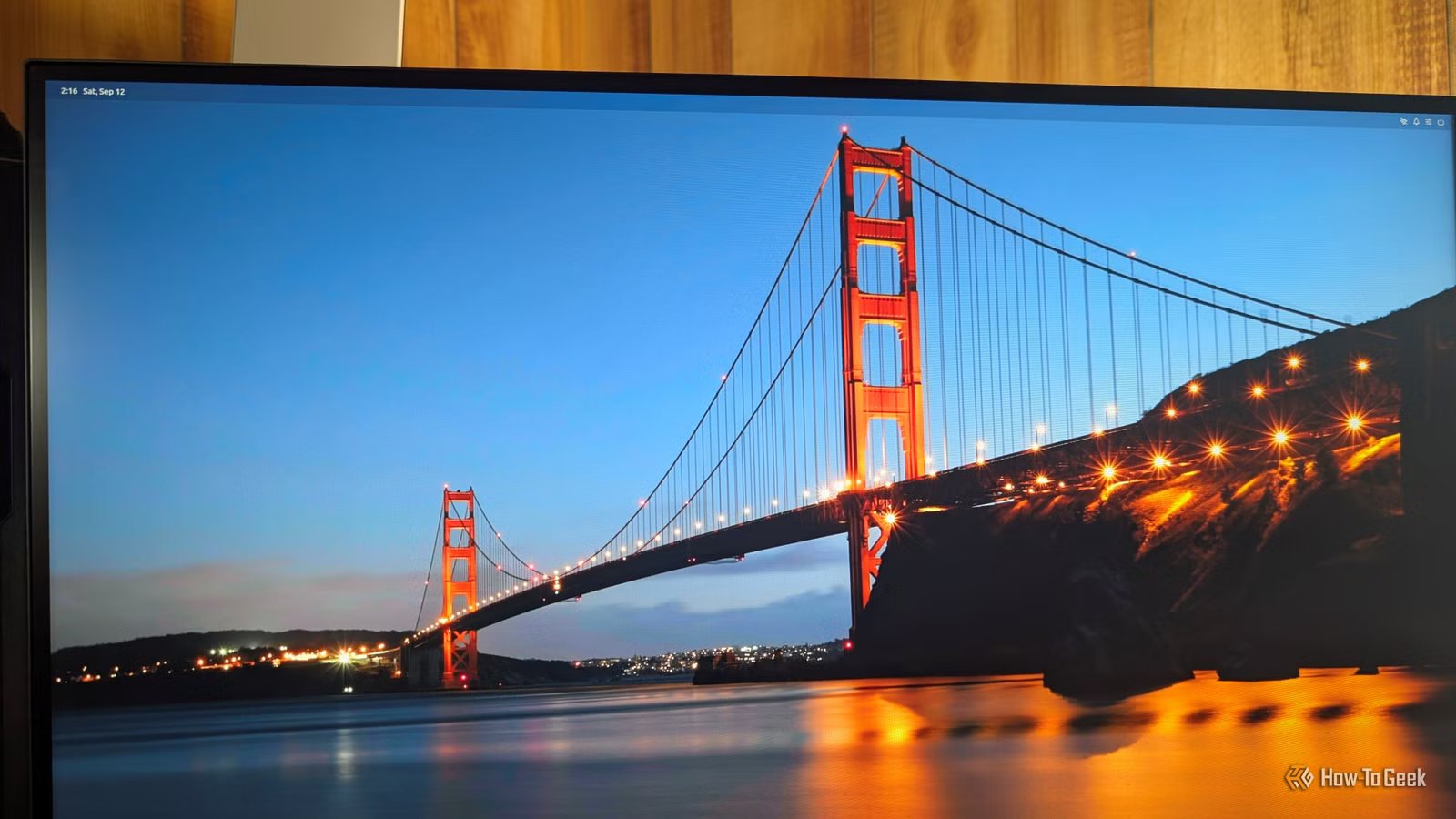
The Linux desktop ecosystem is traditionally built upon a modular architecture. From the panel and compositor to the window manager and notification daemons, a typical desktop environment is a complex assembly of separate programs that coordinate to create a cohesive user experience. A new project, Starling, is challenging this paradigm by collapsing these disparate components into a single, unified application.
Starling represents a departure from standard Linux desktop design. Rather than relying on a collection of interconnected services, it functions as a single 51MB application that assumes the responsibilities of the shell, the compositor, and the window manager simultaneously. Designed for Ubuntu, the application allows users to select “Starling” directly from the login session menu, replacing the traditional environment entirely.
The technical core of Starling relies on a unique approach to user interface management. By treating the entire desktop as a single GUI framework, the developer has repurposed standard interface elements—turning traditional application menus into taskbars and treating the desktop canvas as the primary workspace. Within this framework, every application window is rendered as a “widget” that the system manages, clips, and animates, much like a button or a toggle in a standard piece of software.
One of the most notable advantages of this design is its flexibility regarding display output. Because Starling controls the rendering process, it is capable of operating in non-traditional environments. It can run on headless systems without a dedicated GPU or login manager, and it is particularly compatible with Windows Subsystem for Linux (WSL). By leveraging this, users can project the Starling desktop directly into an RDP (Remote Desktop Protocol) session, bypassing the need for complex VNC configurations or virtual displays.
However, this consolidation comes with significant trade-offs, particularly regarding security and system stability. Traditional Linux environments benefit from years of compartmentalization; if a window manager crashes, the underlying shell often persists. With Starling, the entire desktop environment is consolidated into a single process. If this primary process encounters a critical error, the entire user interface fails. Furthermore, the reliance on AI-generated code for core components like the Wayland and X11 servers raises questions about long-term auditability. While the project is a noteworthy technical achievement, it lacks the institutional development cycles, security auditing, and accessibility features that mature environments like GNOME or KDE Plasma have cultivated over decades.
For those interested in exploring the project, it is currently available for Ubuntu 26.04. Installation is straightforward, requiring the download of a DEB package from the Starling GitHub repository. Once installed, users can select the Starling session from the login screen.
Despite its potential as an innovative “one-app” desktop solution, Starling remains in the experimental phase. Due to its early stage of development and the inherent risks of a centralized, single-process desktop, it is not recommended for daily use on production machines. For now, running the environment within a virtual machine or a WSL instance is the safest way to evaluate this bold reimagining of the Linux desktop.
Disclaimer: This content is auto-generated for informational purposes only.
Source: Read Original News