









The Hidden Culprits Slowing Down Your Internet
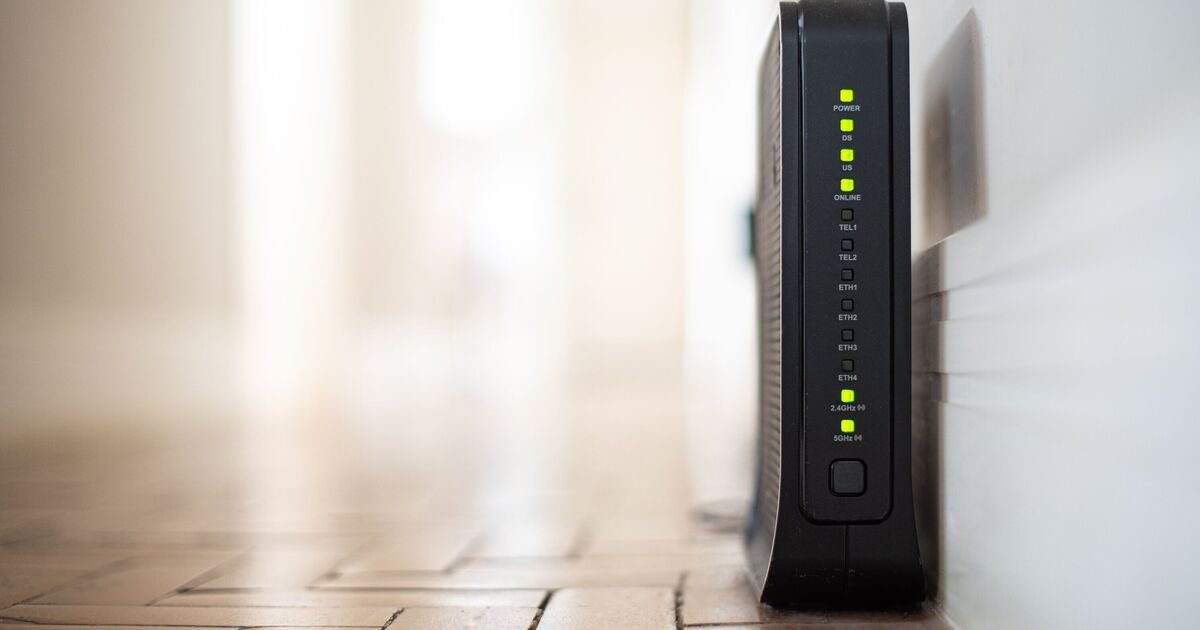
We have all been there. You are settled on the sofa, ready to stream the latest hit show or join a crucial conference call, only for the dreaded spinning wheel of doom to appear on your screen. It is frustrating, especially when you are paying for a high-speed connection that seems to be underperforming. Before you start drafting a stern email to your internet provider or looking into expensive hardware upgrades, there is a very simple, cost-free solution to explore: look at where your router is living.
In the modern home, we are surrounded by gadgets. From smart speakers to kitchen appliances, our living spaces are packed with technology designed to make life easier. However, many of these devices are inadvertently waging war on your internet signal. If your router is tucked away in a corner behind a stack of electronics, you are likely suffering from preventable interference. Clearing the path is the first step toward a more reliable home network.
Why Your Speakers Might Be the Problem
One of the most common items found sitting right next to a router is a smart speaker. Whether it is an Amazon Alexa, a Google Home, or a high-quality portable Bluetooth device, these gadgets are staples in our daily routines. We often group them together on a sideboard or a desk for convenience, assuming that a little bit of clutter won’t hurt.
The reality is that these speakers and your Wi-Fi router often speak the same language, but they do not like to share the conversation. Both technologies utilize similar radio frequencies to transmit data. When they are positioned in close proximity, they compete for the same space in the air. This “noise” creates a bottleneck, leading to slower speeds and frequent dropouts. By simply moving your Bluetooth-enabled speaker to a different shelf or a separate room, you can give your router the breathing room it needs to perform at its best.
The Kitchen Appliance That Disrupts Your Data
If you live in a smaller home or apartment, you might feel like your router has nowhere else to go but near the kitchen. However, this is one of the most hazardous zones for your internet signal. Beyond the common Bluetooth devices, your microwave oven is a massive source of frequency interference.
When you heat up your lunch, your microwave emits a significant amount of electromagnetic energy. Because this energy occupies a frequency range similar to that of your Wi-Fi, turning on the microwave can effectively turn off your internet for a few minutes. It sounds like a strange connection, but it is a scientific fact. If your router is currently sharing a wall with the microwave, or sitting on the kitchen counter, you will almost certainly experience a noticeable dip in performance whenever the appliance is running. Moving the router to a central, open space in the living room or hallway is a quick fix that keeps it far away from the microwave’s radius of disruption.
Finding the Perfect Home for Your Router
Now that you know what to move away from, where should the router actually live? The golden rule is height and accessibility. Routers are designed to broadcast their signal outward and downward, so placing them on the floor is often a mistake. Instead, try to position your device on a shelf, a table, or a wall mount that is roughly at chest height. This elevation allows the signal to travel through the room without being absorbed by furniture or flooring.
Think of your router like a lamp. If you place a lamp in a corner on the floor behind a sofa, the room will be dim and shadowy. If you place it on a side table in the middle of the room, it illuminates everything. The same principle applies to your Wi-Fi. By placing the router in a central, unobstructed location, you ensure that the signal reaches the corners of your home with much greater efficiency.
A Simple Audit for a Smoother Experience
Before you commit to a new broadband contract or buy a signal booster, take ten minutes this weekend to do a “home tech audit.” Walk through your rooms and identify where your router is placed. Is it huddled near a Bluetooth speaker? Is it near the kitchen wall? Clear away any metal objects, mirrors, or other electronic devices that might be blocking the signal.
By creating a clear zone around your router, you eliminate the competition for frequency space. You will find that your streaming is smoother, your video calls remain steady, and your browsing experience becomes significantly more responsive. Technology is meant to serve us, not stress us out, and sometimes the best way to improve your digital life is to give your devices a little bit of space.
Disclaimer: This content is auto-generated for informational purposes only.
Source: Read Original News