








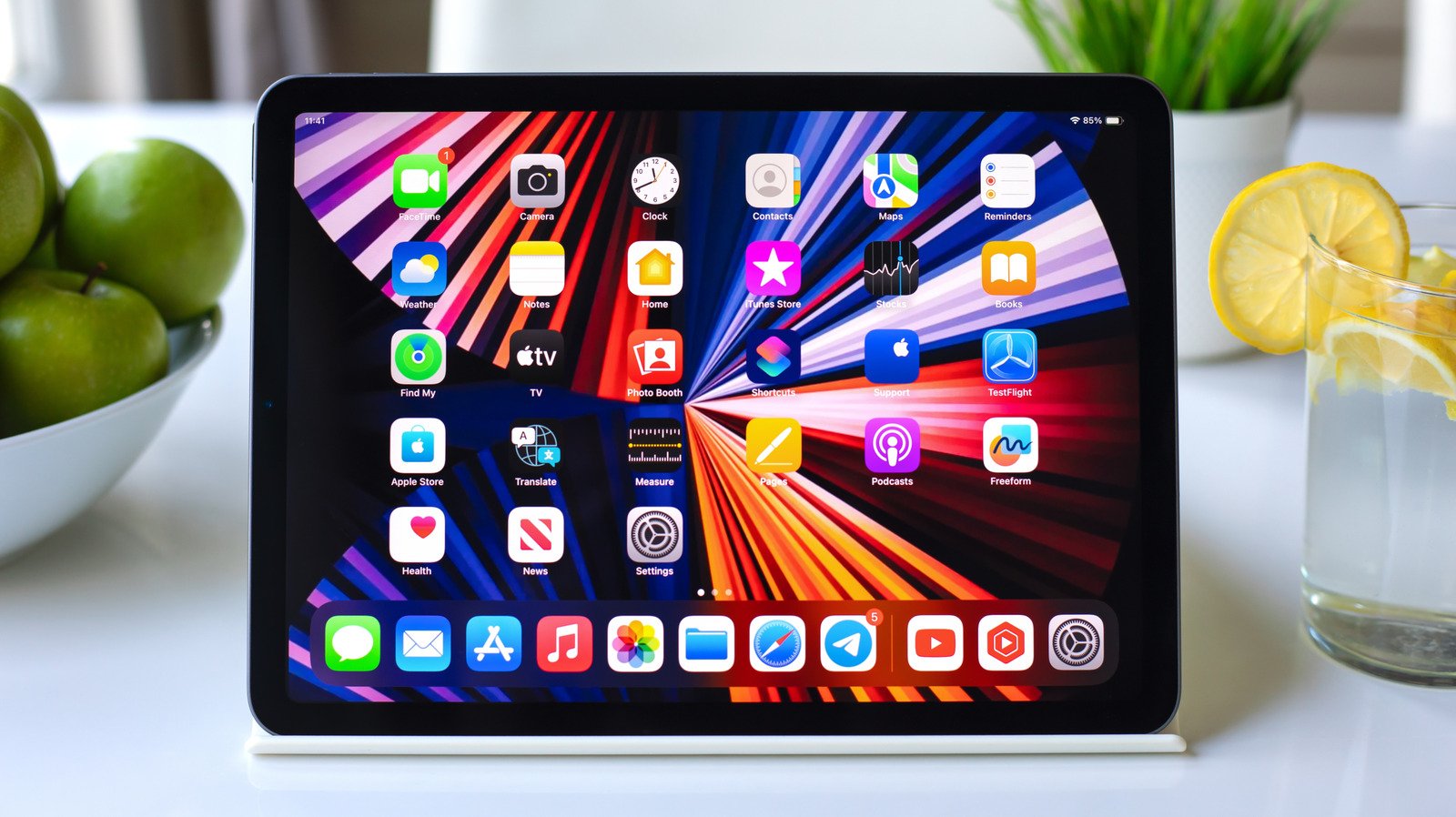
Many iPad users limit themselves to standard weather, calendar, or photo widgets, failing to realize that these tools are capable of far more than static information display. With the release of iPadOS 27, Apple introduced extra-large widget sizes for the Today View, significantly expanding the utility of the iPad’s expansive display. By integrating both Apple’s native offerings and third-party tools, users can transform their Home Screen into a highly functional dashboard tailored to their specific workflows.
Getting Started with iPad Widgets
Managing widgets is straightforward. To explore your available library, touch and hold an empty area on the Home Screen, tap Edit, and select Add Widget. This opens a menu where you can browse by app, size, and functionality. For those who prefer a cleaner interface, many app icons can be converted into widgets directly by pressing and holding the icon, which may reveal a menu of available sizes. Placing these on your Home Screen creates a centralized hub for data, effectively reducing the frequency with which you need to launch full-scale applications.
Utilities for Logistics and Smart Home Management
For those who frequently manage shipments, the Parcel app provides a robust tracking widget that supports over 300 delivery services, including FedEx, UPS, and Amazon Logistics. It eliminates the need to manually track numbers by syncing with your Amazon account or using the built-in barcode scanner to log packages.
Similarly, the native Home widget serves as an essential tool for smart home enthusiasts. As an interactive widget, it allows you to toggle lights, control smart plugs, or engage security scenes with a single tap, bypassing the need to open the full Home application. Users can customize which accessories appear, ensuring that commonly used devices remain accessible while more niche controls stay tucked away in the app.
Enhancing Productivity and Digital Wellbeing
For users who manage professional documentation or personal notes, the Craft app offers advanced widget support. It allows you to pin specific documents or manage task lists directly from the Home Screen. Because it supports different “Spaces,” you can separate professional workflows from personal projects, keeping your planning tasks front and center.
If maintaining digital balance is a priority, the Screen Time widget provides a necessary reality check. It displays a real-time summary of app usage, preventing prolonged sessions of aimless scrolling. With the integration of Time Allowances and Schedules in recent updates, the widget becomes a powerful tool for monitoring usage habits or setting limits on specific app categories.
Customization and Creative Tracking
Users who prioritize a specific aesthetic often turn to Widgetsmith. This application allows for high-level customization of font, color, and layout, ensuring that information displays harmonize with your chosen wallpaper. Its most notable feature is the ability to schedule widget appearance, meaning your Home Screen can automatically transition from showing your morning calendar to your evening fitness goals as the day progresses.
Similarly, the Journal app—now a staple of the Apple ecosystem—utilizes widgets to encourage consistent writing habits. By displaying writing prompts on the Home Screen, it serves as a subtle reminder to record thoughts. Because iPadOS allows for handwriting via Apple Pencil, the Journal app takes advantage of the larger display to provide a more comfortable writing experience than its smartphone counterpart.
Soundscapes and Specialized Monitoring
For focused work sessions, Endel provides AI-driven soundscapes designed to optimize concentration or aid in relaxation. Its widget acts as a quick-start interface, allowing you to trigger a focus soundscape without navigating menus. These audio streams function offline, which is particularly beneficial for users who rely on their iPads for work in varying environments, such as during air travel.
Finally, the Find My widget remains one of the most practical tools for daily organization. By tracking the last known locations of your devices, AirTags, and even friends or family, it minimizes the stress of misplaced items. Because the Find My network leverages nearby Apple devices to relay information, these widgets remain accurate even if the devices themselves have lost their cellular connection, making them an essential safety feature for power users.
Disclaimer: This content is auto-generated for informational purposes only.
Source: Read Original News