








The Strategic Pivot to Memory Efficiency
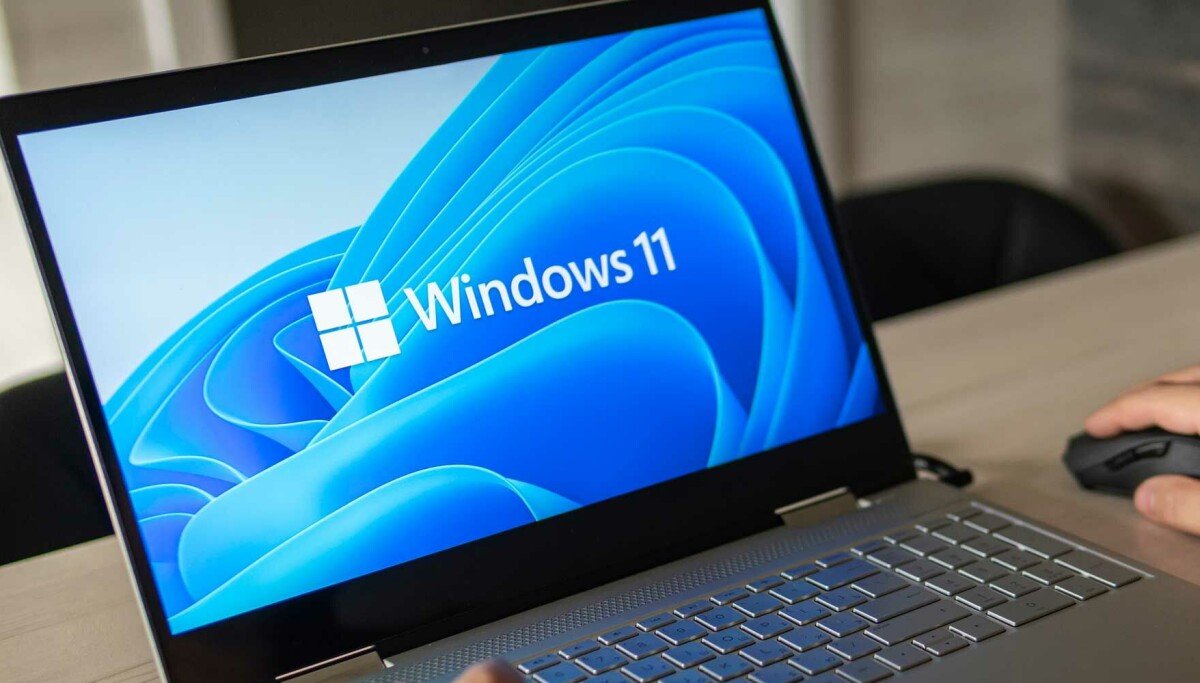
As the global technology sector faces a significant memory supply constraint—driven largely by the massive capital expenditure allocated toward AI infrastructure—the hardware landscape has shifted. DRAM and NAND prices have reached levels that discourage consumers and businesses from frequent system upgrades. In response to this fiscal environment, Microsoft has initiated a focused effort to optimize Windows 11 for machines equipped with 8 GB of RAM. This development marks a technical recalibration, shifting the focus from forcing hardware upgrades to maximizing the performance of existing, more affordable specifications.
Microsoft’s latest strategy acknowledges the reality of the current “memory crunch.” While the company continues to champion its Copilot+ PCs, which necessitate 16 GB of RAM to function effectively, it is simultaneously ensuring that the standard 8 GB configuration remains viable for the average user. By refining how the operating system manages resources, Microsoft aims to sustain the utility of entry-level hardware, thereby mitigating the impact of rising component costs on the broader Windows ecosystem.
Engineering Better Memory Management
The core of this performance update lies in granular memory management adjustments implemented in the latest version of Windows 11. Microsoft has engineered the operating system to retain significantly more active data within the RAM before resorting to the significantly slower paging process of moving data to storage. Specifically, the system now manages up to 2 GB of additional active data in memory. This reduction in disk I/O reliance directly contributes to the reported 20 percent increase in system responsiveness and a 40 percent improvement in multitasking capabilities for users with 8 GB of RAM.
These optimizations are not limited to the OS kernel. Microsoft has integrated efficiency protocols directly into its native software suite. For instance, the Microsoft Teams application now defaults to an Efficiency Mode on 8 GB systems, which allows for a 20 percent faster launch time. Furthermore, the Edge browser has been subjected to significant architectural tuning. By enabling a more direct connection between the OS and the browser when the latter is already active in the background, Microsoft has achieved a 33 percent reduction in launch latency.
Intelligent Resource Allocation and Background Processes
Beyond core performance, Microsoft is shifting its approach to background processes that traditionally drain system memory. One of the primary areas of focus is the Windows Widgets feature. Historically, these elements remained active to provide real-time updates, consuming resources regardless of user interaction. Under the new guidelines, Widgets will only load when the user actively invokes them, freeing up cycles and memory for foreground applications.
Browser tab management has also received a strict update. The default “sleep” timer for inactive Edge tabs has been slashed from two hours to just 15 minutes. This change ensures that memory is reclaimed much faster, preventing browser bloat from impacting the rest of the system. Importantly, these optimization APIs are being extended to third-party developers, allowing software manufacturers to implement similar resource-saving behaviors. This collaborative approach suggests that the performance gains seen in Microsoft’s own applications can be mirrored by external developers, provided they integrate these new efficiency standards into their products.
Performance Benchmarking and the Role of Hardware
Microsoft recently released research conducted by Principled Technologies to validate these improvements. The study compares current 2026 hardware iterations against models from 2021. The results indicate that a 2026 Dell XPS 13 equipped with 8 GB of RAM performs on par with a 2021 model sporting 16 GB of RAM across various common workloads. This data is designed to reassure consumers that the “complete PC” architecture—comprising newer processors, faster storage, and optimized software—can offset lower memory capacity.
The underlying message is clear: while memory capacity is vital, the efficiency of the software stack is equally important to the user experience. By tightening the integration between Windows 11 and modern hardware, Microsoft is attempting to break the assumption that 16 GB is the absolute floor for professional or high-performance tasks. For many typical users, this optimization makes 8 GB a sustainable target, provided the underlying system components are modern enough to take advantage of the refined instruction sets and memory handling procedures.
Economic Impact and Long-term Sustainability
The push for efficiency comes during a period of financial pressure for Microsoft’s Windows OEM and devices segment. Recent quarterly results have shown a decrease in revenue, a trend many analysts attribute to the stagnation of hardware sales caused by high component costs. By improving the performance of 8 GB machines, Microsoft is attempting to lower the barrier to entry for users who might otherwise be priced out of the current market.
These updates are currently available in the 26H2 release, specifically build 26300.9818 or later. To fully realize these performance gains, Microsoft encourages users to maintain the latest versions of all installed applications, as many of these memory-saving features are delivered through individual app updates via the Microsoft Store. As the memory market continues to fluctuate, these software-side optimizations serve as a temporary bridge for users who are delaying hardware purchases, ensuring that the Windows experience remains stable and responsive despite the persistent economic headwinds affecting the semiconductor industry.
Disclaimer: This content is auto-generated for informational purposes only.
Source: Read Original News