







Losing the TV remote in the depths of the couch cushions or misplacing it entirely can be a source of immediate frustration. While it’s always ideal to locate the original remote, there’s a surprisingly convenient and often overlooked solution: your smartphone. This is particularly useful if you have an older Android phone or tablet gathering dust, as repurposing it into a universal remote is an excellent way to give it a new lease on life. The process for setting this up can vary slightly depending on the television brand and the specific applications you choose to utilize.
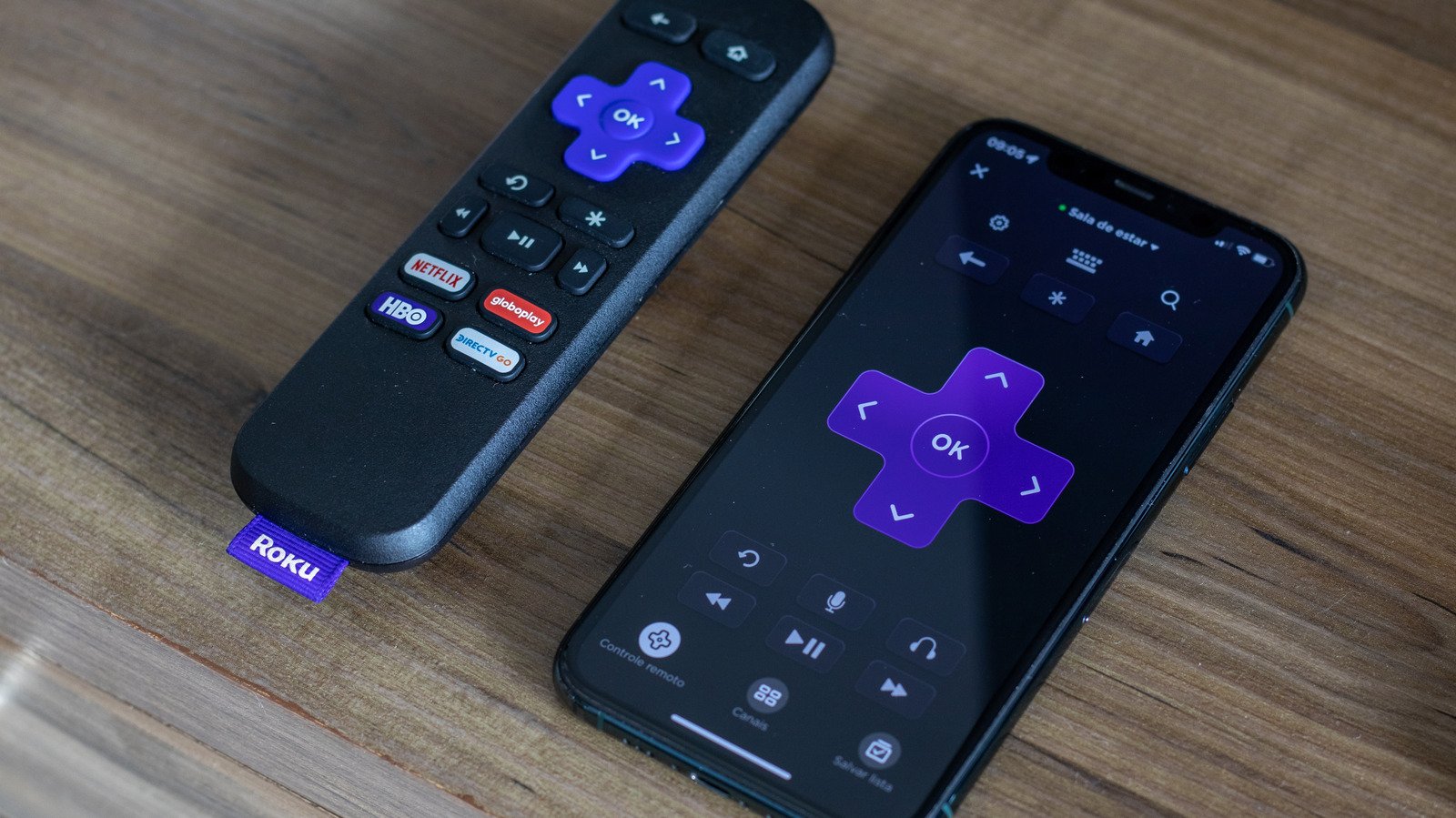
Many leading TV manufacturers offer their own dedicated remote control applications. For instance, Roku provides a specific app for its devices and televisions, just as Samsung has its SmartThings app, and Google offers its own solutions. In fact, this approach can be applied to nearly any smart TV on the market today. The most straightforward and rapid way to transform your phone into a remote involves ensuring both your smartphone and television are connected to the same Wi-Fi network. Once connected, you can download and use a mobile application of your choice. The official branded apps, such as the Roku app or those from Amazon’s Fire TV platform, are typically the best starting point. If, however, an official app isn’t available for your particular television, a quick search on the Google Play Store will reveal numerous third-party options, like “Universal TV Remote.” It’s worth noting that these third-party applications might include advertisements. Beyond Wi-Fi, some devices and apps also support Bluetooth connectivity to your TV, offering another wireless option. The “Bluetooth Remote app” is a prime example of an effective solution for this, allowing users to potentially replace all their physical TV remotes with a single, free application. Exploring different tech solutions can significantly enhance your home entertainment experience.
For those situations where Wi-Fi or Bluetooth connectivity isn’t feasible or preferred, an alternative method involves a small, affordable piece of hardware known as an infrared (IR) blaster. These devices, typically costing around $15, can effectively convert almost any smartphone into a universal remote, without requiring an internet connection. An IR blaster plugs directly into your phone or tablet’s USB-C port and functions by emitting infrared signals that mimic those of a traditional remote. Most modern televisions are equipped with an integrated IR receiver, allowing them to respond to these infrared commands.
The market offers a diverse range of IR blasters, readily available from online retailers like Amazon. You can opt for a basic, standard model or explore more advanced versions. For example, some mini-hub models, priced around $20, not only offer standard remote functionalities but also support voice commands through popular smart assistants like Google Home and Alexa. This transforms your smartphone into a truly comprehensive control center, capable of managing a vast array of devices, including smart home gadgets, media players, air conditioners, and entire home entertainment systems, thereby reducing the clutter of multiple individual remotes. Brands like SwitchBot also offer their own IR blasters, such as a $36 model, particularly useful for those already integrated into their smart home ecosystem. Ultimately, the abundance of choices ensures that you can find the perfect solution to suit your individual needs and those of your household. The best part is that most Wi-Fi and Bluetooth-based app solutions are free, and if you choose the IR blaster route, the cost remains relatively low, making this a highly accessible and practical upgrade for nearly everyone.