









A Modernized Interface for the Modern Web
Mozilla has officially released a comprehensive visual and functional overhaul for the Firefox web browser, marking a significant milestone for both its desktop and mobile platforms. This update, which has been in a testing phase within the Nightly build environment for several months, is now reaching the general public. The transition represents a deliberate effort by Mozilla to align the browser’s aesthetic with the evolving requirements of web navigation, while simultaneously integrating modern features that handle the complexities of today’s digital environment.
At its core, the redesign focuses on clarifying the user interface. Mozilla has revamped the system icons, color palettes, and overall theme structure. This modernization is not merely cosmetic; it is intended to provide a cleaner workspace that reduces visual clutter. By refining the toolbar and navigation elements, the developer has ensured that the browser remains a high-performance utility without overwhelming the user with excessive graphical density. This balance is critical, as browser interfaces have become increasingly complex due to the sheer volume of web-based tools and extensions that individuals rely on daily.
The Return of Compact Mode
One of the most notable aspects of this release is the return of “Compact Mode.” Mozilla previously removed this feature, which drew criticism from power users who prioritize screen real estate. By listening to user feedback, the development team has reintroduced this capability, allowing users to minimize the vertical footprint of the toolbar and tab rows.
Compact Mode is particularly valuable for users operating on smaller displays, such as laptops, or those who prefer to maximize the viewport dedicated to web content rather than browser chrome. This adjustment allows for a more immersive browsing experience, where the interface recedes into the background, leaving the website as the primary focus. The inclusion of such a feature demonstrates that while Mozilla is keen on modernization, it remains committed to accommodating the workflows of advanced users who require precise control over their interface environment.
Customization and New Tab Productivity
Beyond the structural changes, the update introduces a robust theme picker. Users can now tailor their browser appearance using a variety of backgrounds and color configurations. This system is designed to provide greater agency over the browsing environment, allowing users to move beyond the standard default palettes.
A significant productivity addition resides on the New Tab page. The updated interface allows for improved management of shortcuts. Users can now arrange and organize these shortcuts with greater flexibility, enabling faster access to frequently visited destinations. By transforming the New Tab page into a more personalized control panel, Mozilla is addressing the need for rapid navigation in a multi-tasking web environment. These organizational tools ensure that the most relevant digital assets are always within immediate reach, reducing the time spent searching for bookmarks or typing recurring URLs.
Enhanced Privacy and Accessibility Integration
As data security becomes a paramount concern, Mozilla has prioritized the visibility of privacy controls. In the updated architecture, privacy settings are now more discoverable and easier to configure. This change is consistent with Firefox’s long-standing focus on user sovereignty regarding web tracking and data collection. By placing these settings in more accessible locations, the browser encourages users to engage with their security profiles more frequently.
Furthermore, this release includes an integrated “off switch” for generative AI tools. This feature is a direct response to the integration of AI-driven elements within modern web software. By providing a centralized mechanism to toggle these tools, Mozilla gives users the capability to maintain control over their experience, ensuring that performance and data integrity remain under the user’s purview.
Accessibility was a central pillar of the design process. Every customization menu and interface adjustment was evaluated against accessibility standards to ensure that the browser remains usable for people with varying physical and visual requirements. The commitment to inclusive design ensures that the aesthetic improvements do not hinder the browser’s usability for any user demographic.
Maintaining Performance Amidst Change
A common concern during major interface overhauls is the potential for increased memory consumption or decreased responsiveness. Mozilla has asserted that the transition to the new design does not come at the cost of browser speed or stability. The underlying rendering engine remains optimized to maintain the rapid load times that have characterized the browser’s performance in recent benchmarks.
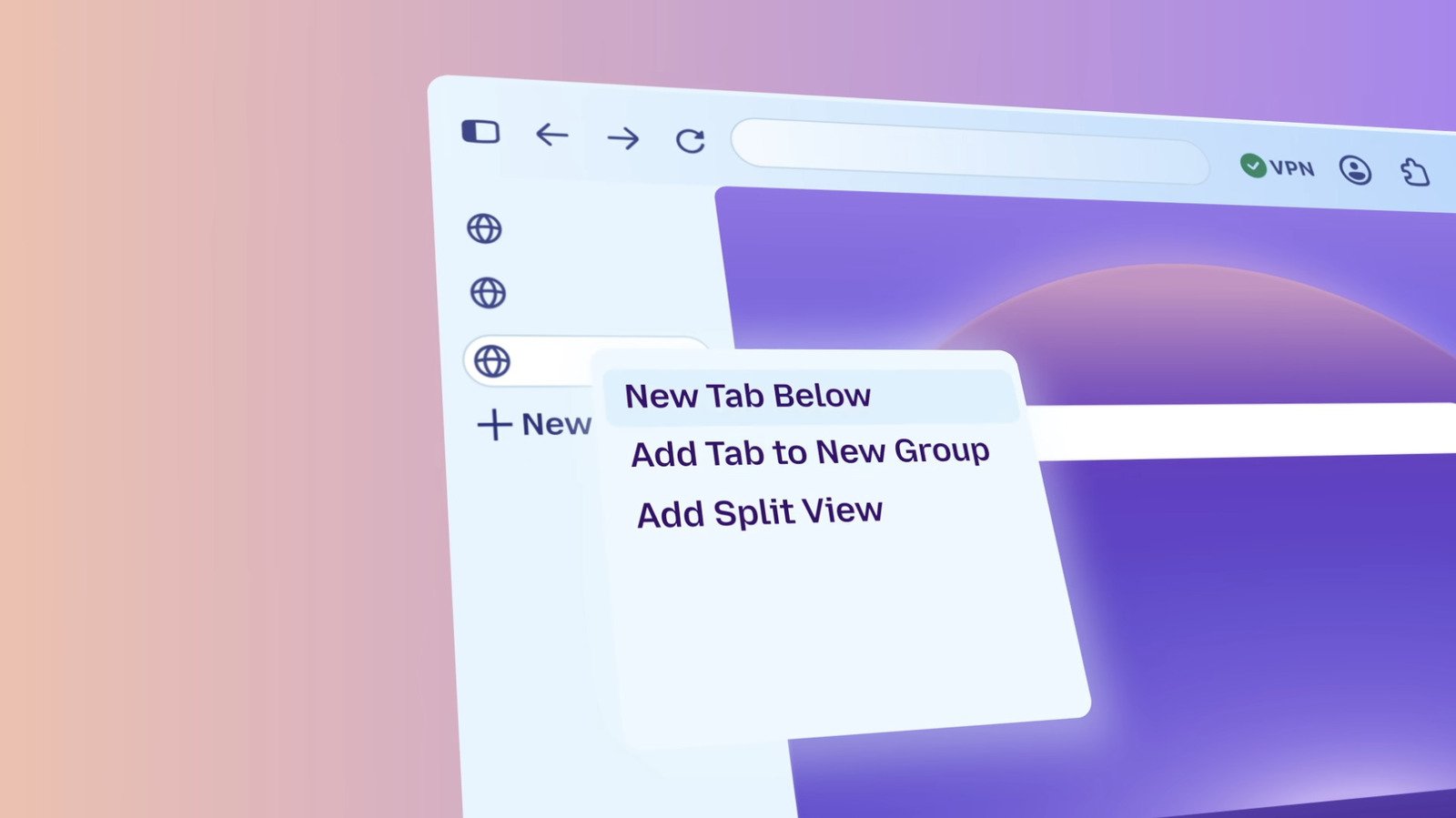
Although the redesign does not force features like tab groups, split views, or vertical tabs onto the user by default, these tools remain readily available. By adopting a modular approach, Mozilla ensures that those who prefer a traditional, streamlined browser can maintain it, while those who require advanced multi-tasking functions can enable them as needed. This approach recognizes that there is no single “correct” way to browse the internet. By allowing the browser to serve as a blank canvas, Mozilla continues to position Firefox as a flexible, user-centric tool capable of adapting to the diverse demands of the modern internet, whether on a desktop workstation or a mobile device.
Disclaimer: This content is auto-generated for informational purposes only.
Source: Read Original News