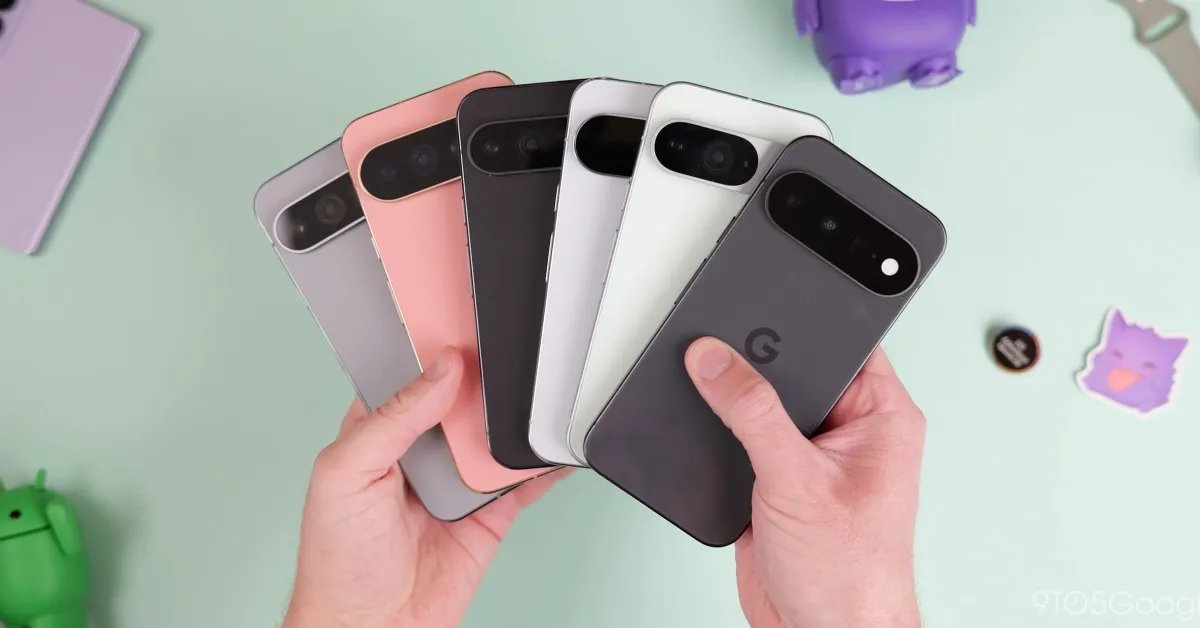









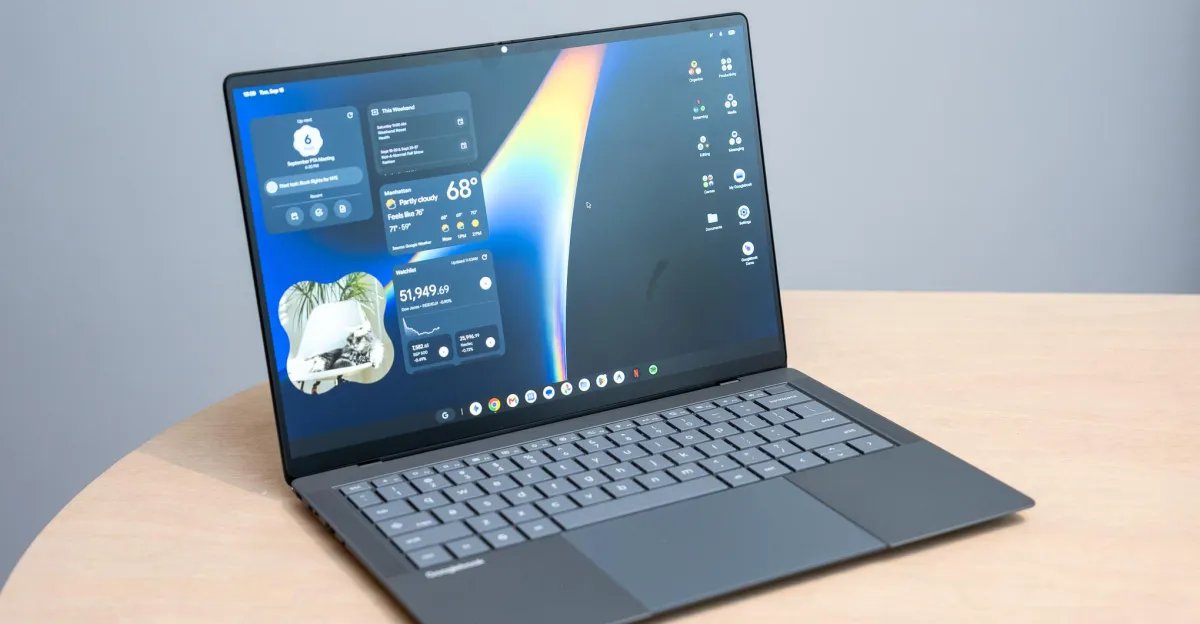
Google has officially entered the laptop hardware market with its new lineup of Googlebooks, which became available for purchase on October 4th. These devices represent a distinct effort by the company to deepen the integration between its mobile Android operating system and a traditional laptop form factor. After evaluating the initial launch units, it is clear that while the hardware carries a familiar aesthetic, the software experience is attempting to redefine how users transition tasks between their phones and computers.
The Android phone integrations are slick
The primary appeal of the Googlebook is its tight coupling with Android smartphones. The setup process is designed to be seamless, requiring nothing more than a QR code scan to pair the phone, sign into the associated Google account, and initiate the automatic synchronization of installed applications.
When these features function as intended, the productivity gains are tangible. Users can cast mobile applications directly to the laptop screen, access files stored on their phone through the native Files application, and receive synchronized mobile notifications. A standout feature is the “Continue On” tool, which allows users to pin an active task from their phone to the laptop taskbar, enabling a single-click transition. While this currently works best with Google-native applications like Sheets and Docs, it offers a glimpse into a more unified ecosystem. However, there are inconsistencies; some mobile applications, when cast to the desktop environment, suffer from pixelated text, unresponsive user interfaces, or sluggish scroll animations compared to native desktop applications.
The Glowbar is fun but not incredibly useful
Design-wise, Google has introduced a signature “Glowbar” light strip on the lid of the device. It provides aesthetic flair, pulsating in different patterns during interactions with the Gemini AI or when the device enters sleep mode. While visually striking, its utility remains limited. It currently displays an approximation of the device’s battery status when a charging cable is connected, but it lacks the depth of information that would make such a feature genuinely essential. Given its prominent placement, there is significant potential for software updates to expand its functionality, such as showing real-time charge progress or custom alerts. As it stands, it remains a decorative element rather than a core functional component.
Android apps are still a mixed bag
Google has attempted to solve the issue of app quality by introducing desktop-specific ratings in the Play Store. Apps are categorized as “Made for desktop,” “Optimized for desktop,” or “Compatible with desktop.” In practice, however, these designations appear generous. Many applications labeled as optimized still lack basic desktop functionality, such as support for right-click context menus or standard keyboard shortcuts. Users expecting a seamless desktop-grade experience for third-party software may find that the web-based version of many services remains the superior choice for a laptop environment. Achieving a truly cohesive application library will require sustained developer engagement to ensure mobile apps are adapted properly for mouse and keyboard input.
This still feels like a speedy Chromebook with nifty new phone integrations
For those familiar with existing Chromebooks, the Googlebook will feel instantly recognizable. The hardware performance is snappy, and the general operating system behavior mirrors the efficiency users have come to expect from web-focused laptops. However, this familiarity also brings older limitations. The platform still does not support distinct multi-user sessions for Chrome, meaning that while multiple Google accounts can be signed in, there is no separation between browsing history, saved passwords, or bookmarks across those accounts. This design choice limits the utility for households or professional environments where multiple users might need to share a single device while maintaining their own data privacy.
The quirks that really irk
Despite the promise of the integration features, the user experience is hampered by several software frustrations. A significant issue involves system overlays; right-click menus and app folders often open behind active windows rather than on top of them, forcing the user to manually clear or move windows to access necessary settings.
Additionally, power users who rely on custom keyboard layouts will likely encounter resistance. Current system settings for modifying keys like Caps Lock or Ctrl appear to be misaligned, with remapping attempts failing for the integrated physical keyboard while only applying to external peripherals. These small, persistent bugs create a sense of software immaturity. While the foundational concept of a bridge between mobile and desktop computing is compelling, the current implementation of Googlebooks suggests the platform is still in an early, evolving stage that requires further development and polish to meet the demands of power users. The success of the product will ultimately depend on whether Google can resolve these technical friction points and entice developers to commit to the desktop-focused Android ecosystem.
Disclaimer: This content is auto-generated for informational purposes only.
Source: Read Original News