







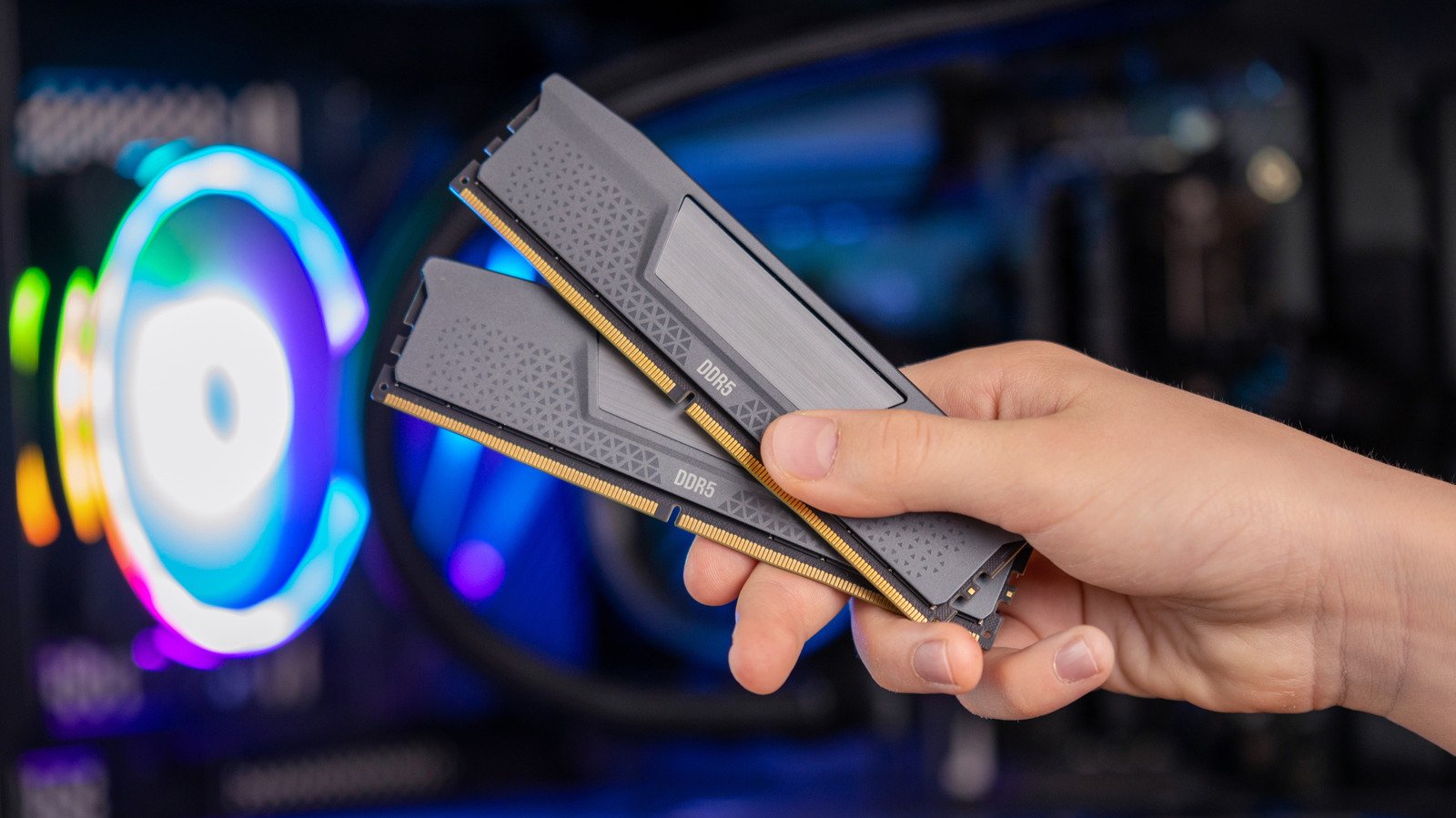
Determining the functional lifespan of Random Access Memory (RAM) is a complex challenge for PC enthusiasts and professionals alike. Unlike mechanical hard drives or cooling fans, RAM modules—or Dual In-Line Memory Modules (DIMMs)—contain no moving parts. This physical architecture suggests a high level of durability, yet component failure remains a possibility. While anecdotal evidence ranges from hardware lasting mere months to decades of operation, understanding the variables that influence longevity is essential for maintaining system stability.
Understanding the Physical Resilience of DIMMs
The primary reason RAM is remarkably durable is its solid-state nature. Because the modules lack spinning platters or mechanical actuators, they are immune to the wear-and-tear associated with kinetic movement. Furthermore, when operated within standard parameters, RAM produces relatively low amounts of heat compared to a central processing unit (CPU) or a graphics processing unit (GPU).
In optimal conditions, RAM can technically function for several decades. Most modules are rated for hundreds of thousands of read and write cycles per memory cell. Given that the typical computer user will not reach these limits through standard day-to-day operations, the hardware is often retired due to the natural progression of computing technology rather than internal component degradation.
The Role of Technological Obsolescence
While physical longevity is a key metric, the practical lifespan of RAM is more frequently dictated by technological obsolescence. A user might possess a set of high-quality memory sticks that are still functioning perfectly after ten years, but those sticks become effectively useless when the motherboard and processor move to a newer generation of memory standards.
For instance, the shift from DDR4 to DDR5 reflects a generational divide that renders previous hardware incompatible. With the industry eyeing the rollout of DDR6 in the coming years, current memory standards face a predefined period of relevance. Even if a hardware component remains electrically sound, it becomes a liability if it cannot support the memory bandwidth requirements of modern operating systems or if the socket architecture is no longer supported by current hardware manufacturers. Navigating this cycle often involves balancing the cost of current memory against the inevitable move toward the next hardware standard.
Manufacturer Quality and Reliability
Not all RAM is created equal. The market is saturated with modules ranging from well-established tier-one manufacturers to budget-oriented, obscure brands. Choosing a reputable manufacturer is one of the most effective ways to ensure longevity. Larger companies often utilize higher-grade silicon wafers and superior production processes, which significantly reduce the rate of early-life failures.
These reputable brands frequently offer multi-year or even lifetime warranties, providing a buffer against manufacturing defects. Conversely, purchasing unverified or low-cost components increases the risk of encountering unstable memory cells. When building or upgrading a system, prioritizing components from established names can save significant diagnostic time and hardware costs down the road.
External Factors and Thermal Management
Although RAM is generally efficient, user behavior and environmental conditions can impact its performance and lifespan. Intensive workloads, such as continuous video rendering, scientific simulations, or running large virtual machines, impose high loads on the memory architecture. When paired with high-voltage overclocking, these stressors can exacerbate electrical degradation over time.
Thermal management is another factor to consider. Although modern RAM does not require specialized cooling for most applications, systems with restricted airflow can trap heat around the DIMM slots, potentially accelerating wear on the memory controller or the modules themselves. Users operating in extreme environments or those utilizing high-performance overclocked memory may benefit from auxiliary cooling solutions. Add-ons like dedicated memory fans or aftermarket heatsinks can mitigate excessive heat buildup, ensuring that the memory maintains stability throughout its expected service life.
Identifying Signs of Memory Failure
If you suspect your memory is nearing its end, there are specific symptoms that warrant investigation. Common indicators include frequent “Blue Screen of Death” (BSOD) errors, unpredictable system crashes, or data corruption. If a computer fails to boot or experiences recurring memory-related alerts, diagnostic tools such as MemTest86 can be utilized to verify the integrity of the hardware.
If a diagnostic test reveals a failing module, the issue is typically binary; the component is either functional or requires replacement. Because RAM is modular, users do not need to replace their entire system when a module fails. Replacing the faulty stick with a modern, compatible equivalent is often a straightforward process that restores system performance without the need for a full hardware overhaul. By monitoring system health and practicing responsible thermal management, users can effectively maximize the return on their hardware investment.
Disclaimer: This content is auto-generated for informational purposes only.
Source: Read Original News