








Ridding myself of Google and Microsoft’s shackles
The modern digital ecosystem often feels like a series of walled gardens. Whether it is the tight integration between a Googlebook and an Android phone or the feature-rich, yet restrictive, nature of Microsoft Phone Link, users are frequently pushed into specific hardware and software silos. While these tools offer convenience, they often require mandatory account logins, data syncing that you cannot fully control, and sometimes, a premium price tag for new hardware.
For those who prefer a more modular approach to their workstation, the Windows-Android combination remains a powerful standard. By leveraging open-source utilities, you can achieve a level of cross-platform synergy that rivals proprietary ecosystems without the need for additional accounts or forced updates.
Open source as a bridge
While Microsoft Phone Link acts as an all-in-one suite, it lacks the flexibility to communicate with devices outside of the Windows-to-Android pipeline. Many power users, myself included, have long relied on Android’s built-in Quick Share for moving files. It is an efficient utility because it functions independently of a specific user account. However, managing notifications, clipboards, and remote inputs across different platforms often required a mix of disparate applications.
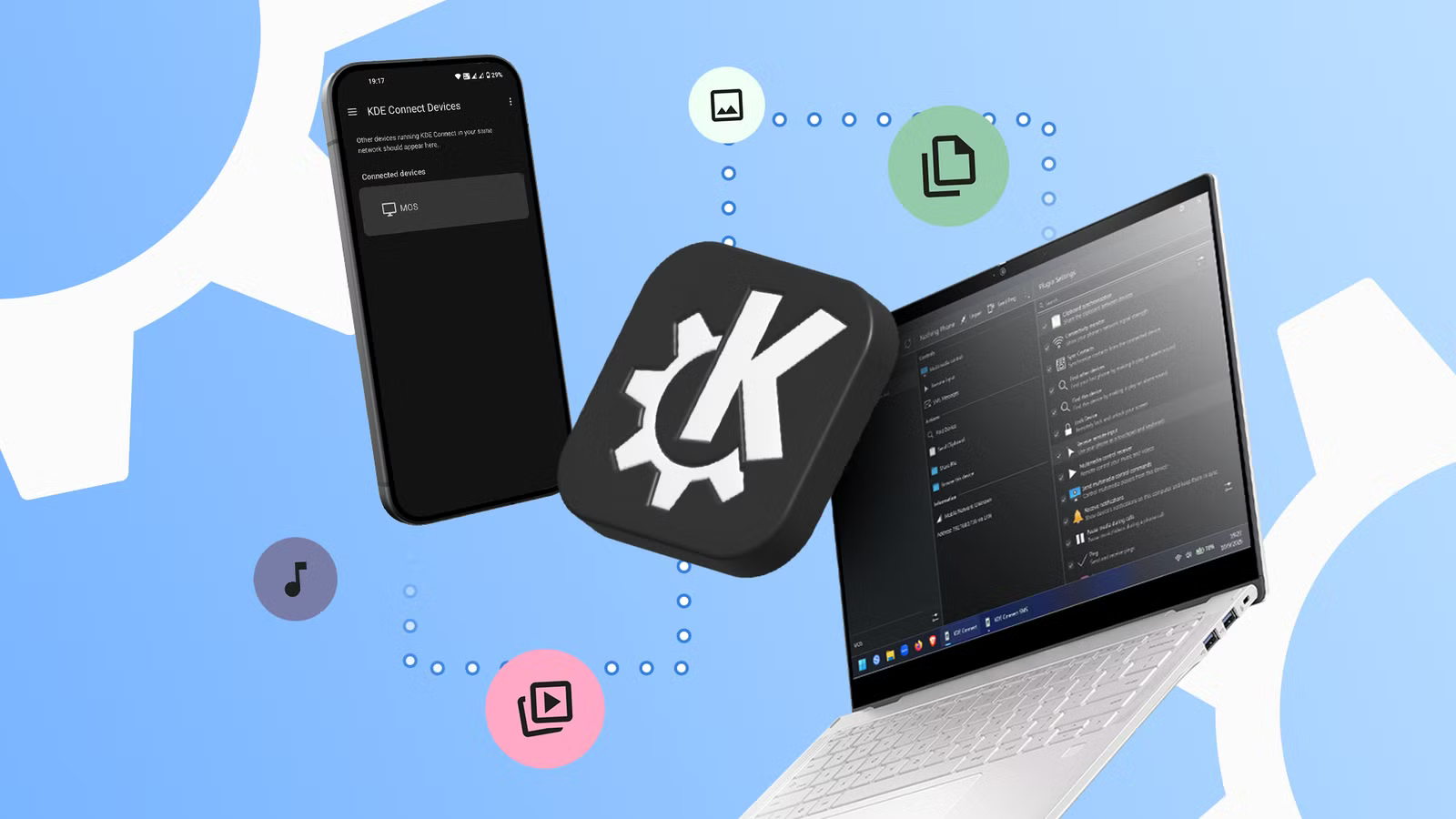
KDE Connect offers a superior, unified alternative. It is a free, open-source project designed for Android, Windows, macOS, Linux, and iOS. Because it operates on a peer-to-peer connection model rather than cloud-based syncing, it does not require you to sign in to a third-party account to link your devices. You simply install the application on your chosen hardware, ensure the devices are on the same local network, and pair them through the interface. The lack of an authentication wall means you can connect multiple laptops to multiple phones without creating individual profiles, providing a level of freedom that proprietary software rarely offers.
Communication across the local network
The true utility of KDE Connect lies in its extensive feature set that keeps your devices in constant communication. The most impactful feature is the notification synchronization. Rather than checking your phone every time it vibrates, your laptop can mirror alerts directly to your Windows desktop. This integration extends to replying, allowing you to dismiss notifications or respond to text messages without breaking your workflow on the computer.
Beyond messaging, the shared clipboard feature is a productivity catalyst. By enabling bidirectional clipboard syncing, you can copy text or links on your PC and paste them instantly on your smartphone, or capture a photo on your phone and immediately paste it into a document on your laptop. This eliminates the tedious process of emailing files or messages to oneself.
File sharing is similarly streamlined. Unlike cloud-based solutions that rely on internet bandwidth, KDE Connect transfers files locally over your Wi-Fi, which is significantly faster for large documents or high-resolution media. Once the devices are paired, you can push a file from your Android storage to your Windows desktop, where it automatically routes to your designated directory.
Advanced control and remote input
For users who frequently present or consume media, KDE Connect includes a sophisticated remote input suite. It can effectively transform your Android device into a wireless trackpad or keyboard, granting you control over your computer’s cursor and typing input. This is particularly useful for controlling multimedia playback from a distance or operating a presentation without needing a dedicated remote control.
Because the app is modular, you can tailor the experience to your needs. If you find the presentation remote unnecessary, you can disable that specific plugin in the settings to conserve battery life on your mobile device. While the software runs a persistent background notification on Android to maintain the connection, this can be easily managed or toggled off via the system settings, ensuring that the app remains unobtrusive.
The learning curve of independent software
While KDE Connect is powerful, it is not a plug-and-play solution. Users accustomed to the polished, guided experiences provided by tech giants may find the initial setup slightly more demanding. Unlike proprietary apps that automate every step, KDE Connect requires you to actively manage your pairings and permissions.
Furthermore, the interface remains grounded in its Linux-based origins. While functional and efficient, the visual design may appear disparate when running on a modern Windows 11 desktop. Additionally, because the architecture relies on local network visibility, traveling can introduce challenges. If you are away from your home network, the devices cannot see each other unless you configure a mobile hotspot on your phone to bridge the connection. Despite these hurdles, the trade-off is a robust, ad-free experience that prioritizes user control over data harvesting.
One open-source app to replace them all
KDE Connect represents the best of the open-source philosophy: it is built by developers who prioritize functionality and user feedback over subscription models or data locks. By addressing bug reports and feature requests through a transparent development process, the software continues to evolve in ways that meet the actual needs of its user base.
For those attempting to optimize a desktop-to-mobile workflow without investing in expensive, proprietary hardware ecosystems, KDE Connect is an essential tool. It provides a level of inter-device cohesion that makes the transition between platforms nearly seamless, proving that you do not need to spend significant capital to achieve a professional, integrated, and private computing environment. As it continues to mature, it remains a testament to the value of community-driven software in a world dominated by restrictive, walled-garden technology.
Disclaimer: This content is auto-generated for informational purposes only.
Source: Read Original News