








The Hidden Sanitation Challenges at Security Checkpoints
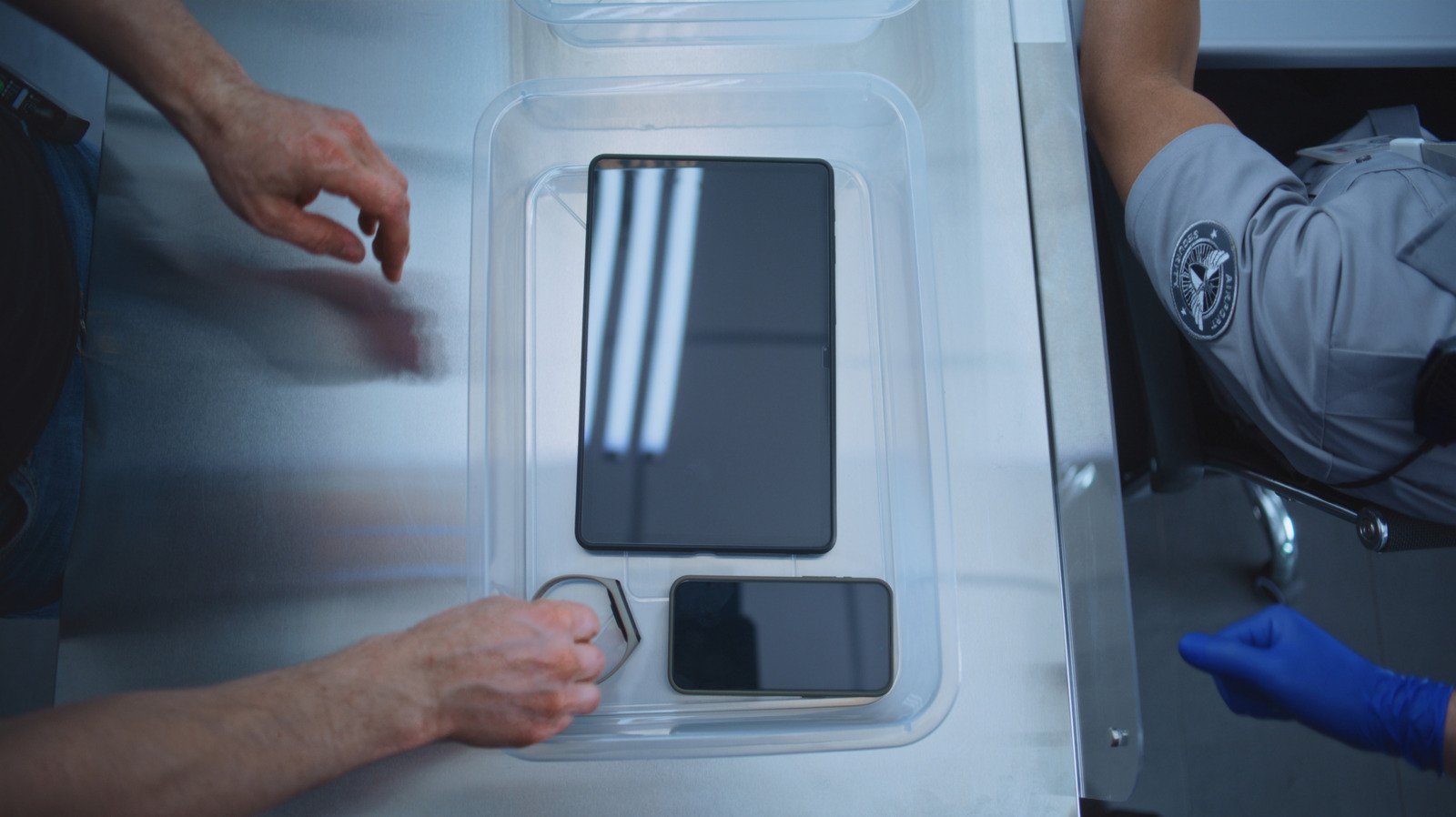
The plastic bins utilized at Transportation Security Administration (TSA) checkpoints serve as a bottleneck for travelers, but they also serve as a reservoir for pathogens. While these bins are essential for the logistics of airport security, their structural design and the volume of traffic they facilitate make them nearly impossible to keep sanitary. Thousands of passengers pass through airport security lines daily, and these bins are rarely subjected to high-level disinfecting protocols between uses.
Beyond the visible dust and debris that often accumulate at the bottom of these containers, there is a more significant concern regarding microscopic contamination. Research into high-traffic public surfaces suggests that plastic bins, which regularly come into contact with footwear, luggage, and personal items, harbor bacteria and viruses. Because your smartphone is a device that maintains constant physical contact with your hands and face, introducing it to the surface of a communal bin creates a direct pathway for the transfer of contaminants from the bin to your skin.
Technical Mitigations for Your Electronics
Protecting your mobile devices requires a shift in how you organize your carry-on luggage. The most effective way to prevent contamination is to eliminate direct contact between your phone and the bin altogether. Before reaching the front of the security line, consider tucking your phone and other small pocket contents—such as keys or wallets—into a designated zippered pocket within your carry-on bag or inside the secure pocket of a jacket. By keeping these items enclosed, you shield them from the porous and unclean surface of the plastic bin.
For larger electronics, such as tablets and laptops, the situation is slightly more complex. Many TSA checkpoints still require these items to be removed from carry-on bags to ensure the X-ray equipment can scan them without interference from dense batteries or metal components. In these instances, the best defense is a high-quality, non-porous protective case. Cases constructed from hard-shell plastic, silicone, or treated leather are easier to wipe down with an alcohol-based sanitizing wipe once you are through the checkpoint. A robust case acts as a barrier, ensuring that even if your device must occupy a bin, it does not directly touch the base or sides of the container.
Understanding Modern Scanning Infrastructure
It is important for travelers to differentiate between traditional X-ray machines and advanced Computed Tomography (CT) scanners. The latter technology is increasingly being deployed at airports globally. CT scanners utilize 3D imaging to analyze the contents of bags, allowing the software to differentiate between various materials. When a checkpoint is equipped with this modern hardware, travelers are often permitted to leave laptops, tablets, and liquids inside their carry-on luggage.
Utilizing these lanes is the single most effective way to reduce the need for bin contact. By keeping your tech safely stowed within your bag throughout the entire screening process, you avoid the most significant risks associated with bin surfaces. When approaching security, observe the signage or ask the TSA officers if the lane is equipped for “no-empty” screening. This simple inquiry can be the difference between exposing your equipment to a high-traffic bin and keeping it safely contained.
Best Practices for Post-Security Recovery
Once you successfully pass through the imaging equipment, the immediate reaction is to rush to repack your belongings to avoid impeding the flow of traffic. However, this haste often leads to disorganized stowage and accidental physical contact with high-touch surfaces. Establish a mental routine for the transition from the checkpoint to the boarding area. Once your items are retrieved, prioritize the sanitization of your hands before touching your phone again.
Keep travel-sized hand sanitizer or alcohol-based wipes easily accessible in a side pocket of your bag. Even if you took precautions to stow your phone, your hands likely touched the edges of the bins or the conveyor belt belt while gathering your belongings. Sanitizing your hands immediately after clearing security mitigates the risk of cross-contamination. Furthermore, if you are a frequent traveler, consider keeping a dedicated microfiber cloth in your laptop bag specifically for cleaning your screens and case exterior after each security screening.
Long-Term Impact on Personal Hygiene and Tech Health
Treating your electronic devices with the same level of care as your hygiene routine is becoming a necessity for the modern traveler. The accumulation of debris—ranging from common dust to potentially harmful microbes—can impact the physical integrity of your devices over time. For instance, lint and debris from airport bins can migrate into charging ports or speaker grilles, potentially causing hardware malfunctions or connection failures.
By adopting a proactive approach, such as using protective gear and choosing smarter screening lanes, you extend the lifespan of your equipment while simultaneously protecting your personal health. The goal is to move through the airport with efficiency, but not at the expense of cleanliness. Integrating these small procedural changes into your travel routine ensures that your technological assets remain functional and sanitary, regardless of how many security checkpoints you encounter on your journey.
Disclaimer: This content is auto-generated for informational purposes only.
Source: Read Original News