








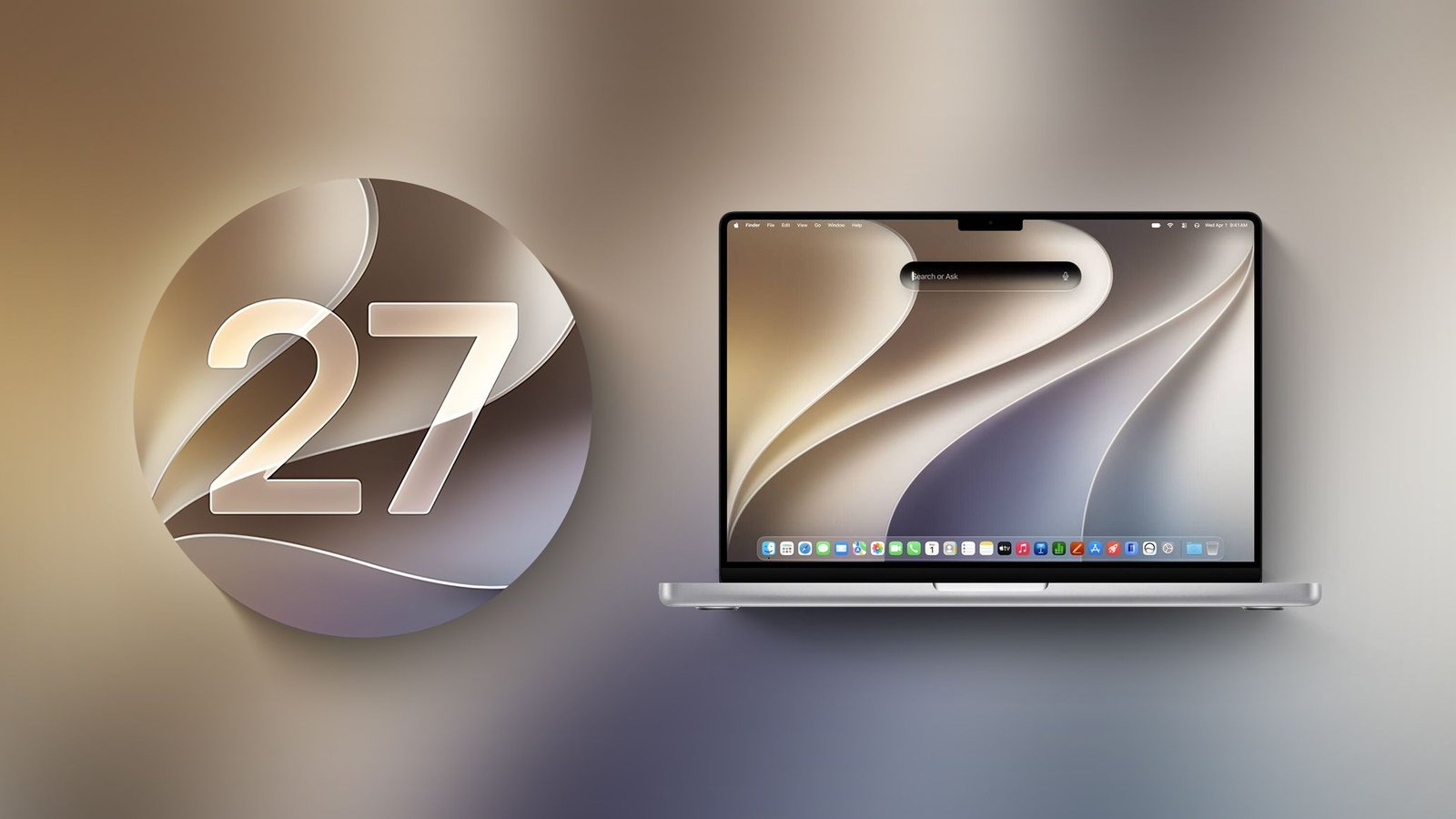
Apple has officially released macOS Golden Gate 27.2, marking the first substantial update to the macOS 27 ecosystem since its debut in September. This release focuses on refining the user interface, broadening the linguistic capabilities of its artificial intelligence framework, and introducing deeper system-wide integration for productivity. By optimizing the interaction between the operating system and user data, Apple is positioning this update as a bridge between traditional desktop computing and the emerging era of intelligent, context-aware automation.
Enhanced Siri Intelligence and Context Retention
The core of the macOS Golden Gate 27.2 update lies in the expanded capability of Siri. Previously, virtual assistants often functioned in isolated silos, requiring users to restate information or provide specific constraints for every new request. The updated Siri engine now employs advanced memory management to retain context from previous interactions. This shift allows the assistant to maintain a fluid conversational state, recognizing references to tasks, documents, or communication threads initiated earlier in a session.
Beyond simple retention, the AI now integrates a wider range of personal context into its reasoning process. By securely analyzing data points across the system, Siri can provide more accurate suggestions, such as adjusting task priorities based on upcoming calendar deadlines or summarizing communication patterns to highlight relevant files. This evolution aims to reduce the friction of manual search and organization, turning the Mac into a proactive tool rather than a passive workstation.
Intelligent Suggestions and Workflow Automation
A standout feature in this release is the introduction of contextual Suggestions within the Messages application. When users engage in conversations, the operating system now identifies actionable information—such as meeting times, project milestones, or deadline commitments—and surfaces them through intelligent prompts. By clicking these suggestions, a user can trigger immediate actions in other integrated applications like Calendar or Reminders without having to navigate away from the conversation or perform repetitive data entry.
This automated cross-application interaction signifies a trend toward a more unified operating environment. By allowing the OS to bridge the gap between communication platforms and productivity software, Apple is reducing the cognitive load on the user. The system effectively parses intent from text, offering to schedule a meeting or log a task as soon as the relevant information is exchanged, thereby streamlining the transition from conversation to concrete action.
UI Refinements and Ergonomic Improvements
While much of the focus is on intelligence and automation, Apple has also implemented significant visual and functional changes in macOS 27.2. The brightness and volume sliders have received a complete overhaul, moving away from previous iterations toward a design that prioritizes visibility and tactile response. These UI components are now more reactive, providing clearer visual feedback during adjustment.
This design refresh serves a dual purpose. It enhances the visual consistency of the system while ensuring that critical controls are easier to access in various lighting conditions. Such refinements are necessary as Mac hardware enters new form factors; ensuring that interface elements are responsive and intuitive is a prerequisite for a cohesive experience across different screen technologies and input methods.
Future-Proofing Through Gesture Recognition
Underlying the surface improvements in macOS 27.2 is a subtle yet significant evolution in how the system manages input. Recent code analysis reveals the integration of touch-specific gesture recognition tools across core applications, including Safari, Notes, and Photos. While the current MacBook lineup relies on the trackpad for input, the inclusion of “touch sentinel” recognizers suggests that Apple is actively preparing for hardware that supports direct screen interaction.
By embedding these capabilities into the software now, Apple is ensuring that its ecosystem is ready for future hardware releases, such as the rumored MacBook Ultra. This move reflects a broader industry strategy: adapting desktop operating systems to be input-agnostic. Whether a user is employing a trackpad, a mouse, or a potential high-resolution touchscreen, the underlying logic of the operating system will remain consistent, ensuring a seamless user experience across a diversifying hardware portfolio.
Security and Privacy in the Age of AI
The release of 27.2 arrives alongside stricter controls for “Full Disk Access.” As AI agents become more prevalent, the risk associated with broad system permissions has increased. Apple’s latest policy changes mandate that developers justify the need for such extensive access, protecting users from unauthorized data harvesting by third-party agents. This approach underscores Apple’s commitment to privacy-first engineering, ensuring that as the operating system grows more capable through AI, the user maintains granular control over their sensitive information.
By balancing the demand for intelligent automation with rigorous security standards, Apple is setting a framework for future development. macOS Golden Gate 27.2 is not merely a collection of bug fixes; it is an architectural milestone that prepares the Mac for a more intelligent, proactive, and versatile future. Users are encouraged to perform the update via the System Settings menu to ensure their hardware benefits from these security patches and functional enhancements.
Disclaimer: This content is auto-generated for informational purposes only.
Source: Read Original News