






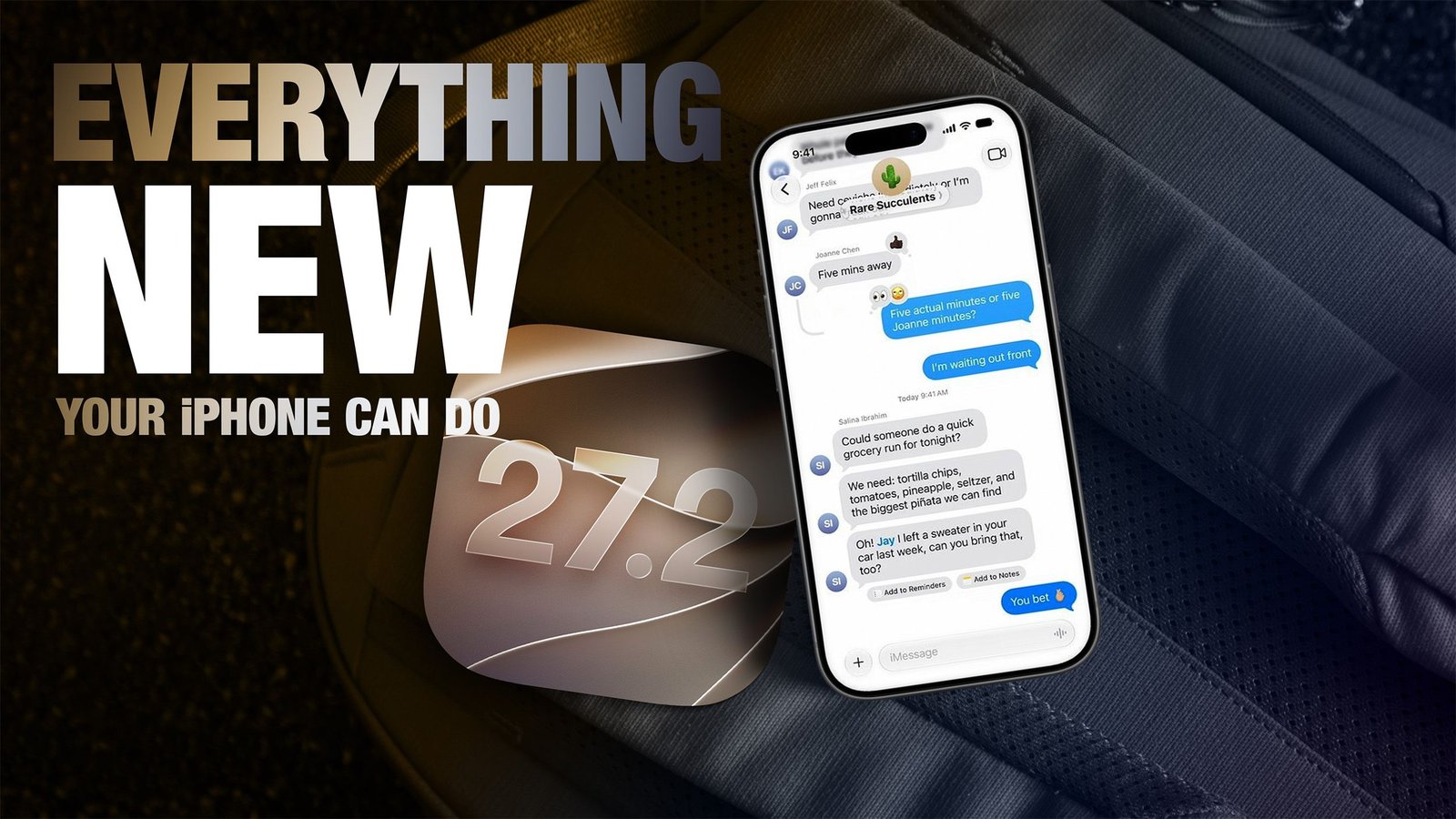
Apple has officially released iOS 27.2, an incremental update that brings significant intelligence enhancements to Siri and introduces a variety of quality-of-life improvements across the iPhone ecosystem. Available now via the Settings menu, the update refines the user experience by leveraging deeper contextual awareness and expanded integration across core system applications.
Elevated Siri AI Intelligence
The primary focus of iOS 27.2 is the maturation of Siri AI. One of the most notable changes is the model’s new ability to recall previous conversations. Users can now query Siri about information shared in earlier sessions, such as specific restaurant recommendations or topics discussed in past interactions. This functionality is reserved for devices equipped with advanced processing hardware, specifically the iPhone 16 series and newer, as well as the iPhone 15 Pro and iPhone 15 Pro Max.
Beyond simple recall, Siri now draws from a wider spectrum of personal data. By integrating information from attached photos in Messages, calendar event participants, and voicemail transcripts, the assistant provides more relevant and precise answers. Improvements to Safari history and Reading List indexing also contribute to more accurate search results. Furthermore, the assistant’s language support has been extended to include French, Japanese, Korean, Portuguese, and Spanish. To maintain user agency, Apple has introduced a dedicated management section in settings where users can explicitly define which apps the assistant and Search can access.
Enhanced Productivity and Messages
Following its absence from the initial release of iOS 27, the “Suggestions in Messages” feature has finally arrived. This tool analyzes the context of active text conversations to offer proactive actions. For example, if a conversation mentions dinner plans, the system may suggest creating a calendar invite or setting a reminder directly within the interface. Additionally, users can now perform granular text selection on Siri responses, allowing for the precise copying of specific data points rather than necessitating the capture of the entire response.
Refinements in Photos and Media
The Photos application has received updates to improve the management of shared content. Participants in shared albums can now modify captions and comments, while the system logic has been updated to prevent the addition of duplicate files. To ensure no content is lost, the app now provides expiration reminders for albums, prompting users to secure important media before a shared space closes. Security regarding digital media is also bolstered through the implementation of SynthID watermarking, which identifies images generated or altered by AI tools within the Photos app and Image Playground.
Gaming and Media Consumption Improvements
For users who utilize their iPhone as a gaming device, the dedicated Games app now offers more transparency regarding social activity. The updated Friends tab provides context for friend suggestions and displays recent titles played by individuals on their profile pages. Meanwhile, the Apple TV app has expanded its Multiview capabilities to the iPhone, allowing viewers to stream up to four live sports events simultaneously. This feature applies to content available via an Apple TV subscription, including Major League Soccer, Formula 1, and Friday Night Baseball.
Advanced Device and Call Functionality
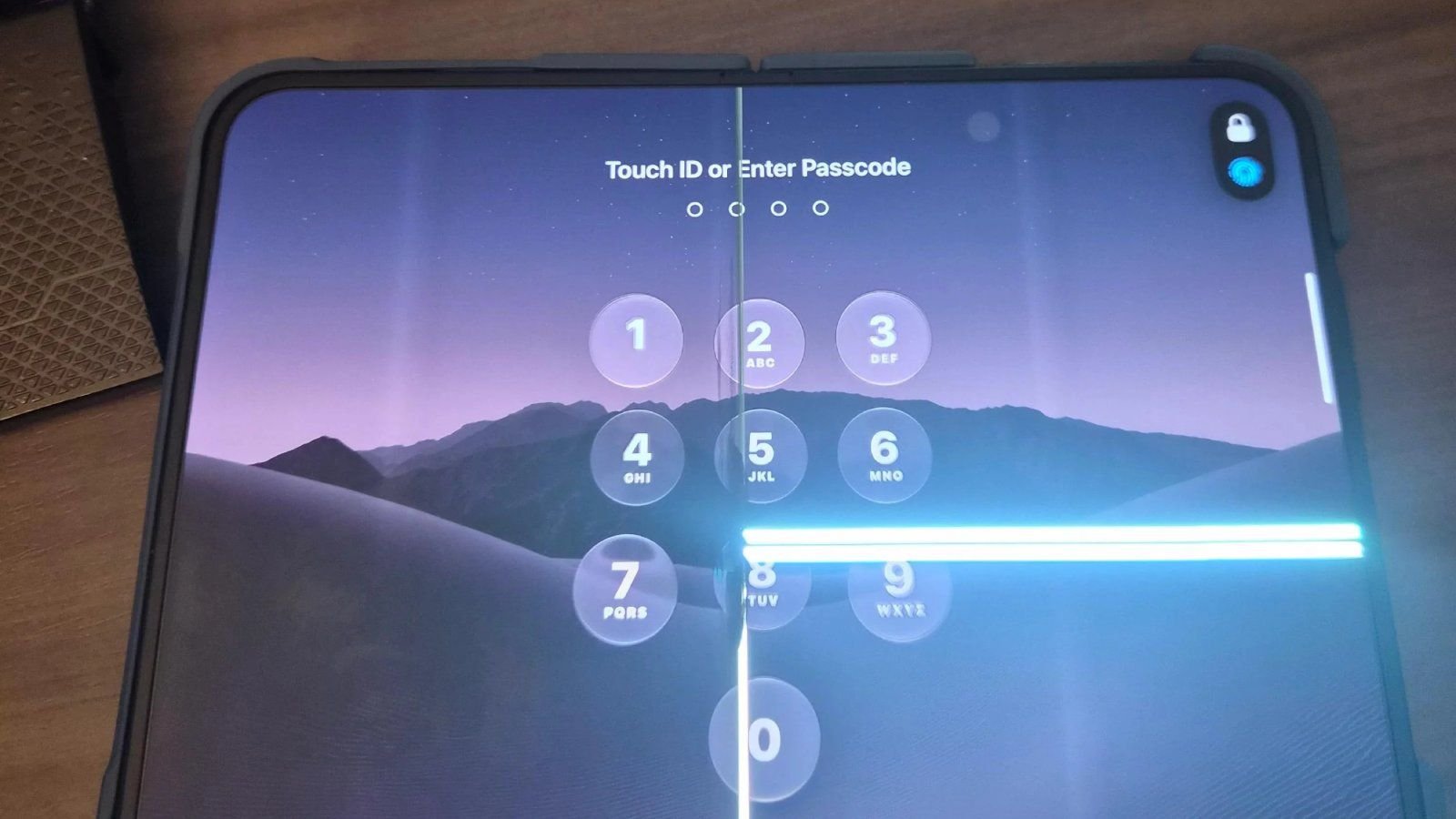
The update introduces several hardware-specific features to broaden the capabilities of newer devices. The iPhone Duo now supports Apple Pencil (USB-C) and the Edge Light feature, which uses the screen to provide consistent illumination for the user’s face during video calls. In the FaceTime app, Dual Capture—the ability to stream video from both front and rear cameras simultaneously—is now enabled for group calls on supported devices, including the iPhone 17 series and the latest Pro models.
Finally, Apple has introduced a minor but meaningful update to the Phone app. Users can now receive anniversary reminders when initiating a call to a contact, provided the date has been recorded in the Contacts application. By accessing the edit section of a contact’s entry, users can add an anniversary date, which the system will then highlight during future phone interactions. These updates, while varying in scale, reflect a clear emphasis on increasing the interconnectedness of user data and improving the efficiency of daily workflows.
Disclaimer: This content is auto-generated for informational purposes only.
Source: Read Original News