









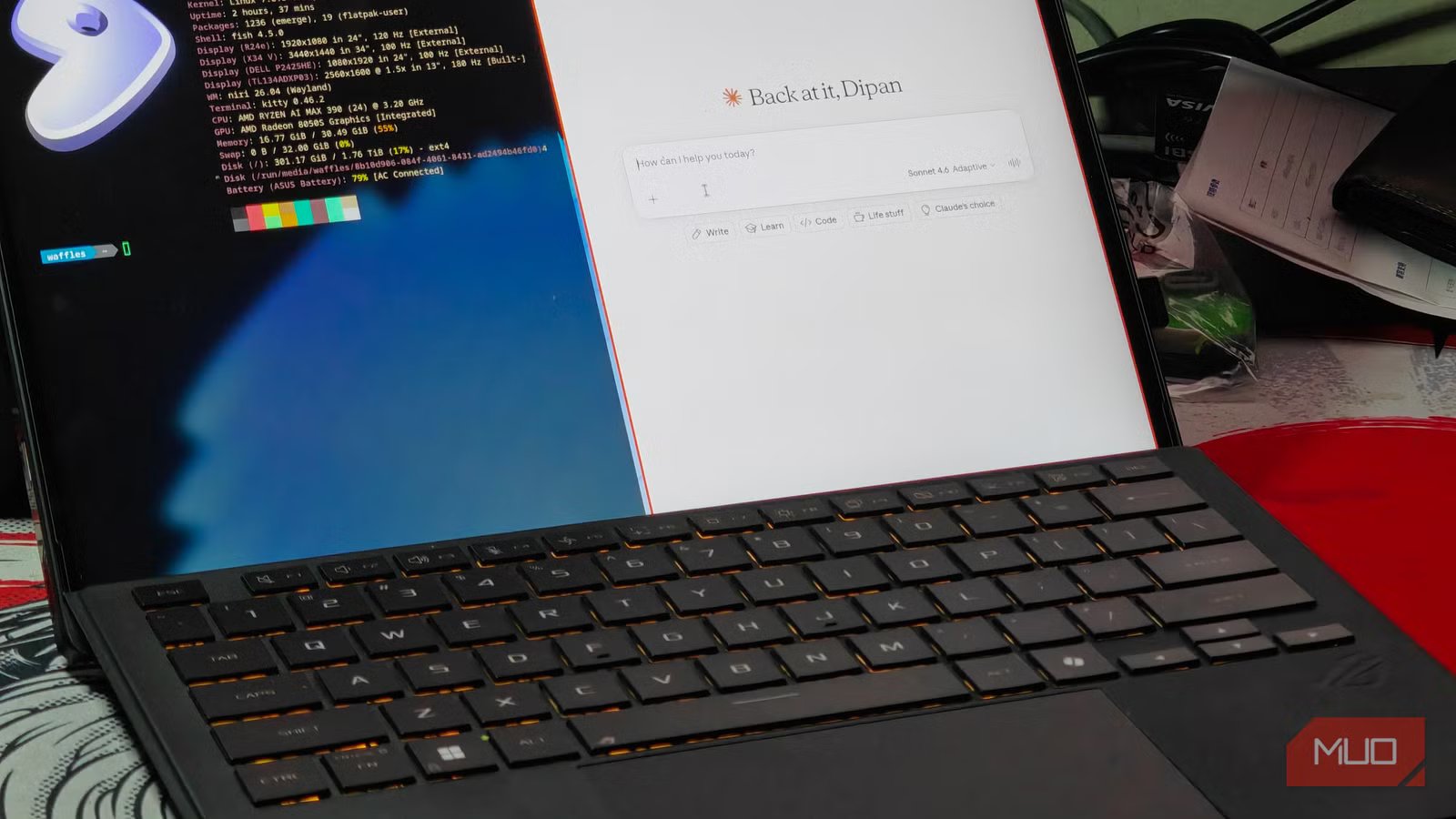
The Linux desktop landscape has long been defined by a tension between feature-rich, comprehensive environments and the minimalist, highly specialized world of tiling window managers. While established environments like KDE Plasma and GNOME provide a “complete” experience—out-of-the-box functionality that appeals to the majority of users—there has always been a segment of the community seeking the efficiency of automated window management. Historically, this has required a steep learning curve, involving the manual assembly of disparate components and the editing of complex, opaque configuration files.
Recent developments in the Linux ecosystem, specifically the emergence of “shells” for Wayland compositors, are bridging this gap. These shells act as a bridge, offering the granular control of a tiling window manager without the necessity of building the entire interface from scratch. One such project, Niri, has gained significant traction for its unconventional approach to layout management.
Unlike traditional tiling managers that partition a screen into a static grid, Niri utilizes a scrolling layout. This design facilitates an infinite horizontal strip of windows, allowing users to move through their workspace with a fluid, scrolling motion rather than managing multiple virtual desktops or overlapping layers. For many, this has proven to be a transformative workflow, yet Niri, in its bare state, can feel incomplete, lacking the integrated utilities that users expect from a modern desktop environment.
This is where Dux Shell enters the conversation. Dux acts as a setup wizard and management layer for Niri, effectively transforming it into a cohesive desktop environment. By providing a graphical interface for settings, wallpaper management, and keybinding configuration, Dux removes the primary barrier to entry for tiling systems: the struggle with manual configuration files.
The installation process for Dux is relatively straightforward, particularly for users of rolling-release distributions like CachyOS. While more experimental platforms like Gentoo require additional steps—such as enabling the GURU overlay—the result is a functional, lightweight environment that rivals the responsiveness of traditional window managers while maintaining the convenience of a centralized control center.
Dux includes its own suite of system applications, including a file manager and a dedicated settings panel, which reduces the dependency on external tools. For those who find the default configuration of modern software frameworks, such as Material 3 Expressive, to be intrusive or poorly implemented, the ability to stick to legacy versions—like the stable 1.6 build—provides a necessary degree of user autonomy.
Despite its benefits, the transition to a shell-based tiling system is not without compromises. Relying on such tools means tethering one’s workflow to the development path of the shell creator, which can lead to disagreements over aesthetic or functional changes. Furthermore, there is a distinct loss of the “educational” aspect of Linux—the deep, manual labor that allows a user to understand exactly how their system is pieced together.
Ultimately, the choice between a comprehensive desktop environment like KDE Plasma and a managed tiling system like Niri with Dux comes down to a preference for either “integrated functionality” or “workflow optimization.” While KDE remains the industry standard for completeness, the efficiency of a scrolling tiling setup presents a compelling argument for a shift in how we interact with our digital workspaces. For users who prioritize keyboard-centric navigation and clean, organized screen real estate, the move toward these simplified tiling shells represents a significant advancement in desktop personalization.
Disclaimer: This content is auto-generated for informational purposes only.
Source: Read Original News