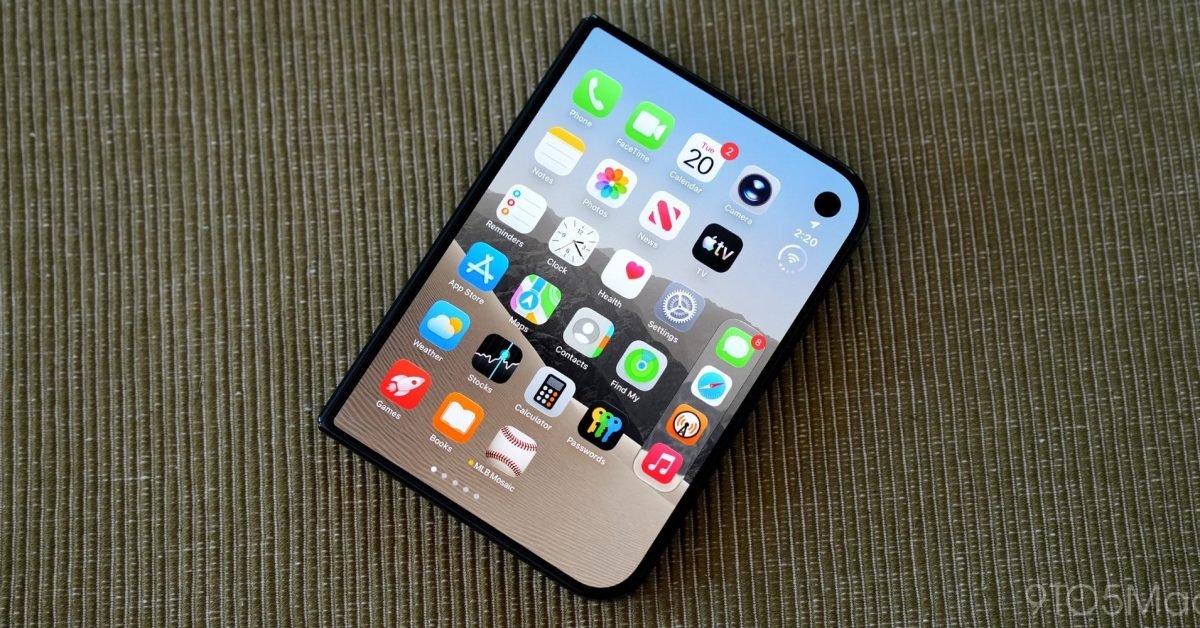









The rollout of iOS 27.3 beta 2 has introduced significant refinements to the Apple ecosystem, most notably for the iPhone Duo. While the headline feature is the debut of secure face unlock for the device, Apple has also deployed a strategic overhaul of its native Calendar application. These interface adjustments prioritize physical ergonomics and data density, signaling a broader shift in how Apple is restructuring its core software to accommodate the increasing physical size of modern smartphones.
Ergonomic Reconfiguration for One-Handed Navigation
The most prominent change within the Calendar app in iOS 27.3 involves the spatial distribution of UI elements. Previously, Apple maintained a design language that favored top-heavy interfaces, often requiring users to stretch their thumbs or use two hands to interact with primary functions. In the latest beta, the essential controls for searching historical records and initiating the creation of a new event have been migrated from the top-right corner to the lower portion of the screen.
This shift toward bottom-aligned navigation reflects a commitment to the Reachability standard that Apple has slowly integrated across iOS over the last several years. By placing the “plus” button for event creation and the search icon at the base of the display, the app becomes significantly more accessible for individuals operating their devices with a single hand. For users who commute or manage complex schedules while on the move, this refinement reduces the physical strain associated with navigating large-display iPhones and streamlines the rapid entry of time-sensitive data.
Optimized Temporal Data Presentation
Beyond the shift in button placement, the app now provides improved visual clarity regarding temporal context. The interface header has been updated to display the current month and the corresponding year at the top-center of the screen. Previously, the year was often obscured or relegated to secondary text within navigation menus. By centralizing this information, Apple has provided a more immediate reference point for users planning events across long durations, such as quarterly business meetings or annual milestones.
As a functional byproduct of this new header, Apple has simplified the back button functionality. Since the year is now consistently represented in the primary header, the system no longer needs to repeat it within the navigation hierarchy. This reduction in visual noise allows the interface to feel cleaner while still providing the necessary context for users to orient themselves within the calendar grid.
Dynamic Date Labeling for the Today Button
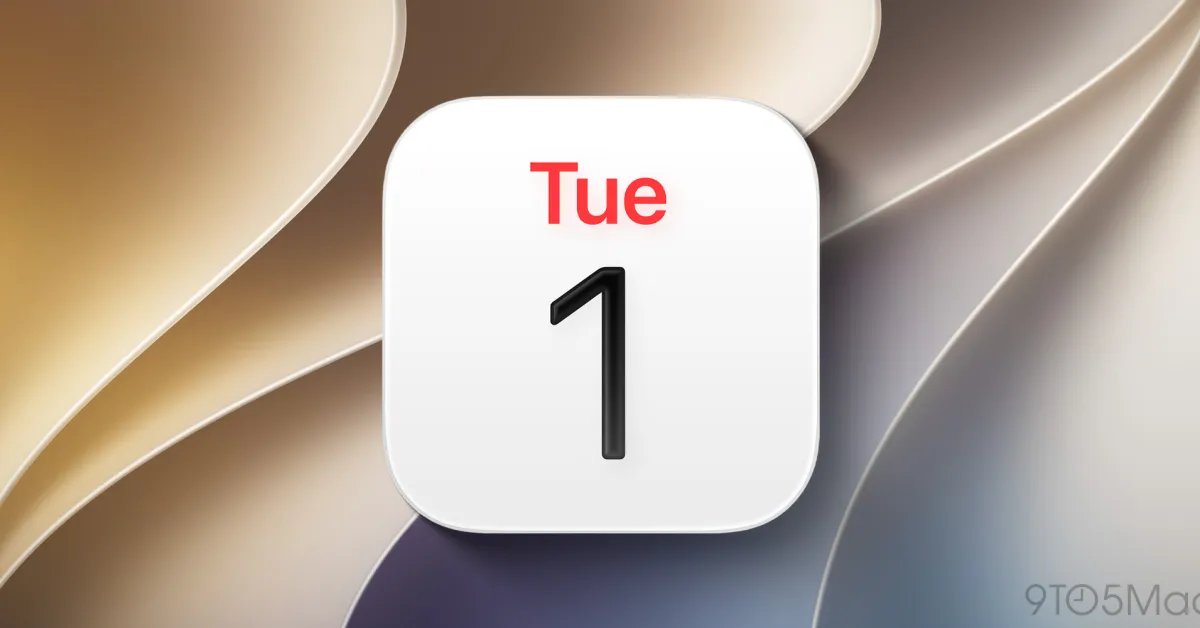
Perhaps the most practical update is the functional evolution of the “Today” button. In previous versions of iOS, this control functioned as a static return-to-home indicator. In iOS 27.3, the button is now contextually aware and displays the specific day and date—such as “Mon 16″—in real-time.
This change transforms a passive navigation element into an active information delivery system. It allows users to quickly verify the date without needing to scan the calendar grid or exit the app to view the Lock Screen. By embedding this live data into the navigation bar, Apple has minimized the number of taps required to perform standard scheduling tasks, thereby increasing the efficiency of the application for high-frequency users.
Broader Implications for System-Wide Design
These updates to the Calendar application serve as a microcosm of Apple’s broader software development philosophy in the mid-2020s. As the hardware portfolio has grown to include larger and more diverse display form factors, the software layer must evolve to maintain usability. By moving functional elements into the “thumb zone,” Apple is acknowledging that modern smartphone usage requires a focus on tactile efficiency rather than legacy aesthetic conventions.
While these changes may appear incremental in isolation, their cumulative impact on user productivity is substantial. By reducing the distance between the user’s hand and the primary interface controls, the system encourages faster interaction cycles. For professional users who rely on the native Calendar app to manage dense, interconnected schedules, these modifications reduce the cognitive load of navigation, allowing the user to focus on content rather than the mechanics of the interface.
Technical Integration and Future Outlook
The arrival of iOS 27.3 beta 2 suggests that Apple is in the final stages of polishing its mid-cycle software refinements before a wider public release. The integration of face unlock for the iPhone Duo alongside these UI shifts indicates that the company is simultaneously working on hardware-specific security improvements and broader accessibility upgrades.
Developers and power users should monitor how these bottom-aligned interface paradigms potentially propagate to other system applications in future iterations of iOS. The trend is clear: as physical hardware screens reach their peak ergonomic limitations, the software will continue to migrate toward the bottom of the viewport to ensure that the primary user experience remains fluid, intuitive, and accessible. These Calendar updates are a successful execution of that strategy, turning a standard utility into a more responsive and user-centric tool.
Disclaimer: This content is auto-generated for informational purposes only.
Source: Read Original News