








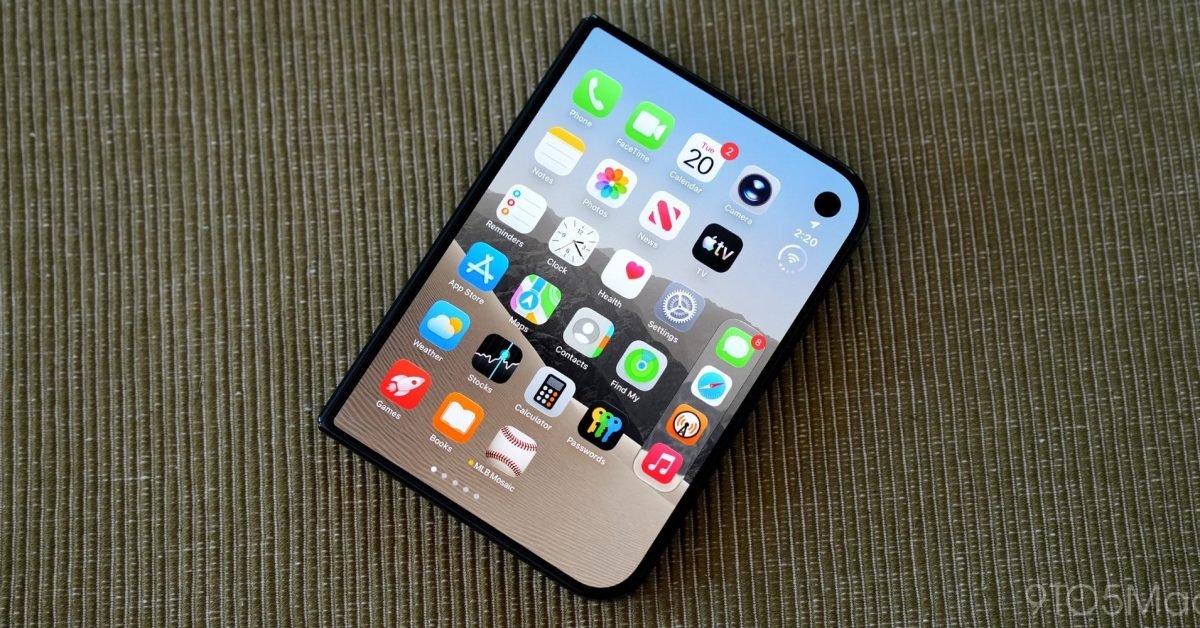
The latest iteration of the iOS 27.3 beta brings significant refinements to the iPhone Duo, Apple’s foldable hardware entry. By prioritizing user feedback and expanding the functional capabilities of the device’s exterior screen, this update streamlines the interaction process for those who frequently switch between folded and unfolded states. These changes address specific operational nuances that have defined the user experience since the device’s launch, focusing on security and display management.
Enhancing Access with Face-Based Authentication
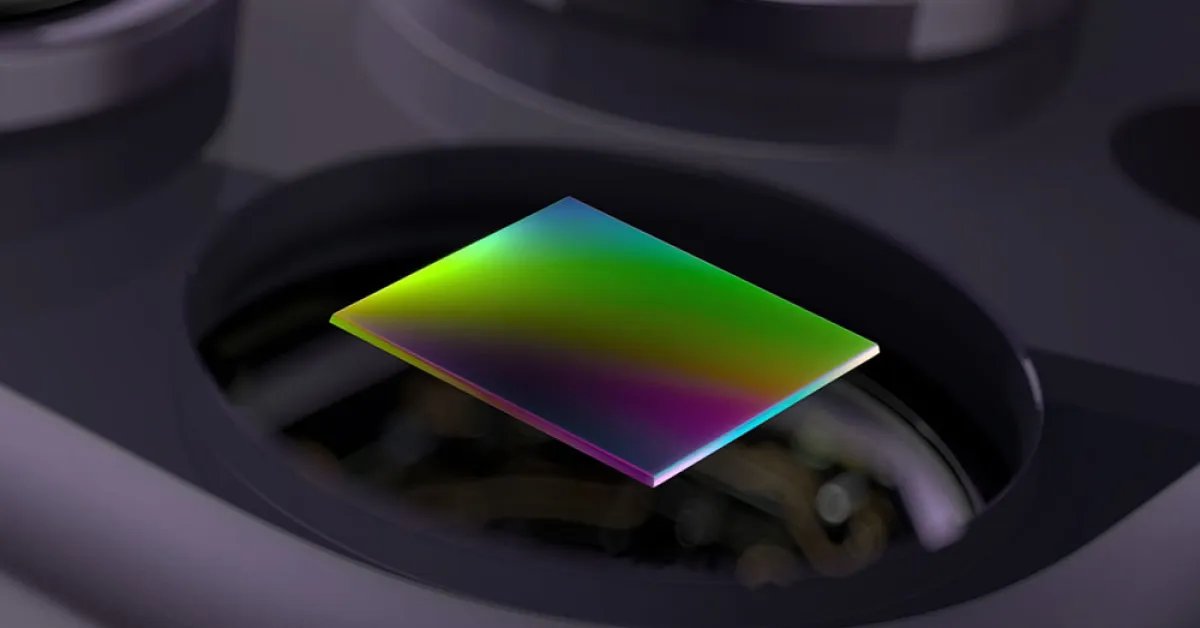
The most prominent feature introduced in the iOS 27.3 beta is a new facial recognition mechanism specifically designed for the iPhone Duo in its closed state. It is critical to note that this functionality is distinct from the sophisticated Face ID system found on standard iPhone models. Because the iPhone Duo lacks the specialized TrueDepth infrared sensor array required for secure 3D depth mapping, this new feature relies exclusively on the front-facing camera on the exterior display.
Apple has implemented this as a convenience utility rather than a high-security authentication layer. To ensure integrity, the system requires a recent Touch ID verification or passcode entry before the camera-based recognition is permitted to unlock the device. Once the initial secure entry is performed, the front camera can verify the user’s face to grant access to the device while it is folded. This provides a bridge between the physical security of biometric sensors and the speed of modern recognition software.
Security Guardrails and Limitations
Because this implementation lacks the hardware-level security of Face ID, Apple has established strict parameters for its use. The feature is limited solely to the task of unlocking the iPhone Duo when it is folded. It does not extend to high-stakes authentication scenarios. Users will find that Apple Pay, password management, and the unlocking of specific secure applications remain gated behind Touch ID or a traditional passcode. This separation ensures that while the user gains quick access to notifications and home screen widgets, the most sensitive data remains protected by proven, hardware-verified authentication methods.
Furthermore, the feature includes a timeout mechanism to minimize risks. If the iPhone Duo remains inactive for 45 minutes, the facial recognition system automatically suspends itself. At that point, the user must provide a physical credential—Touch ID or a passcode—to re-enable the functionality. Additionally, this feature is intentionally disabled when the device is unfolded. When the user opens the phone to utilize the full-sized internal display, the system defaults back to standard biometric security, ensuring that the larger, more immersive experience maintains a consistent security profile.
Refining Display Transitions with Lock-When-Closed
Beyond security, iOS 27.3 introduces a long-requested management feature for the device’s physical state. Within the Display & Brightness settings, users can now toggle a setting that forces the iPhone Duo to lock immediately upon closing. Previously, the device was designed to transition content from the internal display to the exterior display, maintaining the session rather than terminating it.
This update acknowledges that not all users desire a continuous workflow when they snap the device shut. For those who use the closing of the phone as a physical indicator that they are finished with a task, this new setting provides a clean break. It simplifies the user experience by turning the act of folding the hardware into an intuitive “stop” command. This prevents the exterior display from remaining active in a pocket or bag and saves battery life by ensuring the system enters a low-power state as soon as the hinge is fully closed.
Technical Impact on User Workflow
The inclusion of these features demonstrates an evolution in how Apple approaches foldable device ergonomics. The iPhone Duo is inherently a multitasking-heavy device, and by allowing the outer screen to be more accessible, Apple is encouraging users to perform quick, one-handed tasks on the exterior panel. The facial recognition feature lowers the friction for these quick interactions, while the lock-on-close setting prevents accidental inputs.
These updates are likely to improve the satisfaction of professional users who rely on the Duo for rapid information retrieval. By automating the display management and lowering the entry barrier for the closed-screen experience, the operating system is becoming more responsive to the physical state of the hardware. The distinction between the security levels—limiting face recognition to screen-unlocking while reserving Touch ID for sensitive data—reflects a pragmatic approach to mobile security in an era of complex hardware form factors. As the beta period progresses, these features will likely serve as a benchmark for how iOS handles the unique requirements of foldable hardware across its broader product ecosystem.
Disclaimer: This content is auto-generated for informational purposes only.
Source: Read Original News