







Refining the Intelligence of Home Automation
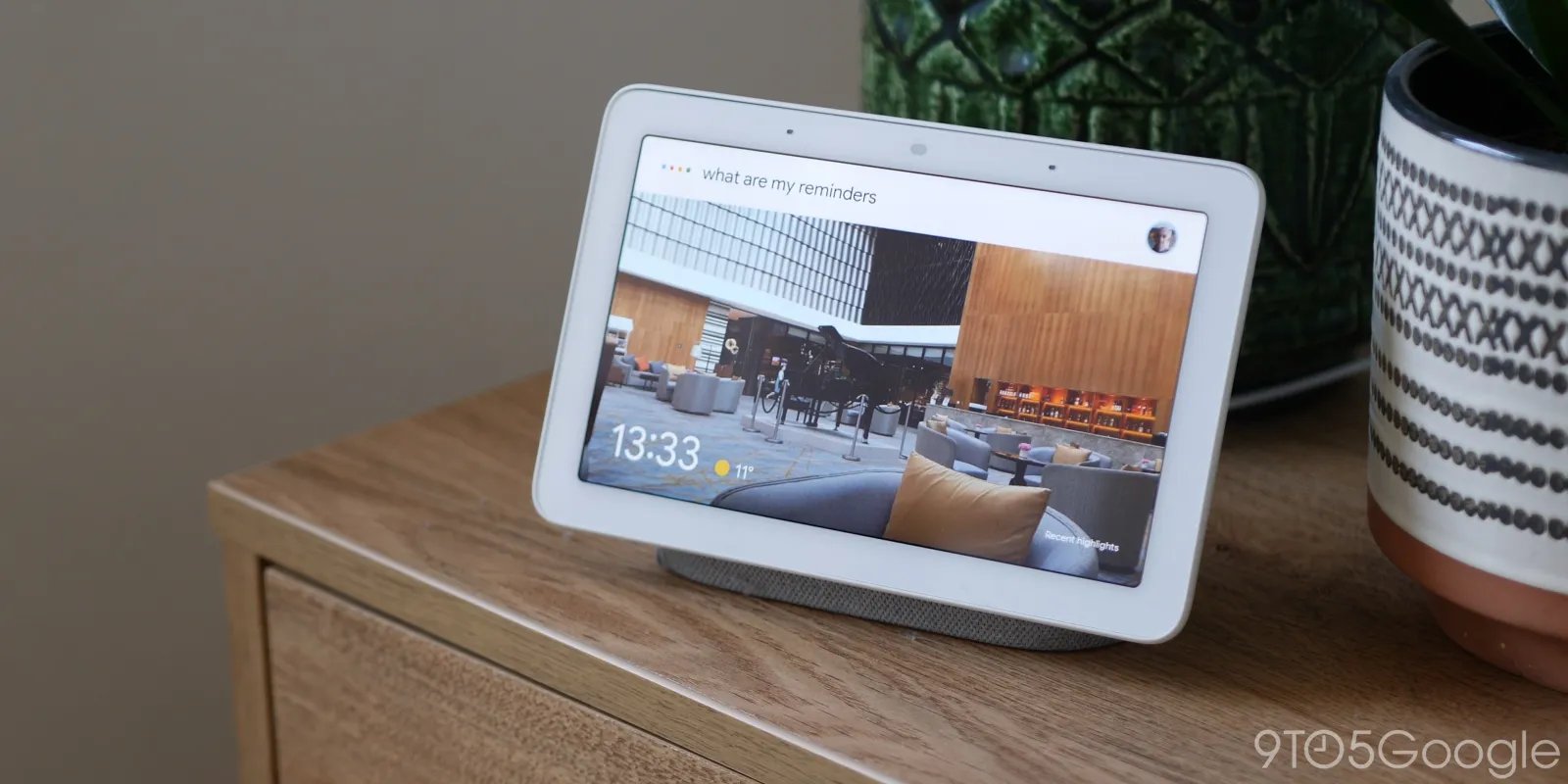
The integration of advanced generative AI models into household hardware has promised a more fluid interaction between humans and their environments. However, the transition from legacy Google Assistant commands to the more sophisticated Gemini framework has faced technical hurdles. The latest October update for Gemini for Home addresses critical functional gaps that have persisted since the rollout of this new architecture. By targeting specific software bugs, Google aims to standardize the behavior of Nest speakers and displays, ensuring that the hardware performs as a reliable home management tool rather than a source of unpredictable interruptions.
This update focuses on stabilizing the communication bridge between the user and the smart home ecosystem. One of the primary improvements involves correcting input processing errors that previously caused devices to trigger unprompted responses. Users frequently reported instances where Nest devices would announce, “Sorry, I didn’t understand,” without any prior request or engagement. These phantom interactions were not merely inconveniences; they disrupted the perceived privacy and reliability of voice-controlled systems. The technical resolution implemented in this cycle effectively filters out false positives in the audio stream, ensuring the system remains dormant unless a specific wake word or intent is detected.
Addressing Semantic Misunderstandings in Voice Control
A significant portion of the recent firmware refinement is dedicated to improving the semantic interpretation of user requests. Gemini for Home is designed to handle more complex, natural language queries than its predecessors, but it has struggled with specific context-heavy commands. The update specifically corrects logic errors that hindered the “move music” functionality. Previously, asking a device to transfer media playback from one room to another often resulted in the request being misinterpreted or ignored. By refining the intent classification model, the system can now better map user requests to specific device IDs, ensuring that music streams are correctly rerouted across multi-room audio setups.
Similarly, the update corrects a logic flaw that miscategorized time-based requests. Users observed that commands intended to manage specific timers—such as those for sleep or media playback—were frequently being processed as generic alarm adjustments. This misclassification frequently resulted in the wrong application state being changed. The new patch optimizes the underlying intent engine to distinguish between different categories of temporal events, allowing the system to accurately differentiate between a media timer and a standard alarm or notification.
Enhancing Media Playback and Device Synchronization
Beyond general voice recognition, the update addresses technical inconsistencies in multimedia execution. Reliable voice interaction with YouTube TV on smart displays has been a point of friction, with users reporting that voice commands often failed to launch content correctly. The patch streamlines the handoff between the voice command layer and the media player application. By improving the reliability of these playback triggers, Google ensures that commands are parsed and executed with lower latency and higher accuracy, directly improving the utility of smart displays as media controllers.
Another critical fix involves the synchronization of volume controls across distributed devices. A common frustration occurred when a user requested a volume change for a speaker in a distant room, only to have the request misinterpreted or redirected to the local device due to network discovery delays. The updated firmware implements a more robust lookup process for device identification. This ensures that when a command is directed at a specific target, the system correctly validates the target device’s connectivity status before applying the volume adjustment. If the target device is unresponsive, the system is now calibrated to reject the command gracefully rather than defaulting to an incorrect local device.
Resolving Critical Power and Alarm Logic Errors
System stability is paramount when smart devices are used as daily utility tools, such as alarms or kitchen timers. The latest update rectifies a high-priority bug that caused alarm and timer volumes to default to zero under specific conditions. In previous versions, the logic governing the device volume profile sometimes conflicted with the independent volume levels of timers, leading to silent alerts.
The updated logic enforces a strict synchronization policy: if a timer or alarm is triggered, its volume settings are now constrained by the master device volume, preventing the accidental muting of essential alerts. This change simplifies the internal state management for the hardware, removing the risk of silent failures. By ensuring that audio output is correctly prioritized and active, this fix restores confidence in the hardware for time-sensitive tasks.
The Impact of Iterative Software Updates
The transition toward Gemini for Home represents a move toward more capable, context-aware smart home infrastructure. However, the success of this transition relies heavily on rapid iterative cycles that address performance degradation in real-world environments. By bundling these fixes into a single deployment, Google is actively reducing the friction that often accompanies the adoption of new, complex AI models.
These updates are currently in the process of rolling out to the broader user base. While users may not notice a change in the aesthetic interface, the underlying improvements to intent recognition, media handling, and volume management are significant for the operational longevity of Nest devices. As smart home systems grow more intricate, the necessity for such maintenance becomes increasingly vital. With these technical adjustments in place, the interaction between users and their connected home should prove more intuitive, predictable, and responsive, fulfilling the original functional goals of the Gemini integration.
Disclaimer: This content is auto-generated for informational purposes only.
Source: Read Original News