






Evolution of the Pixel Lock Screen
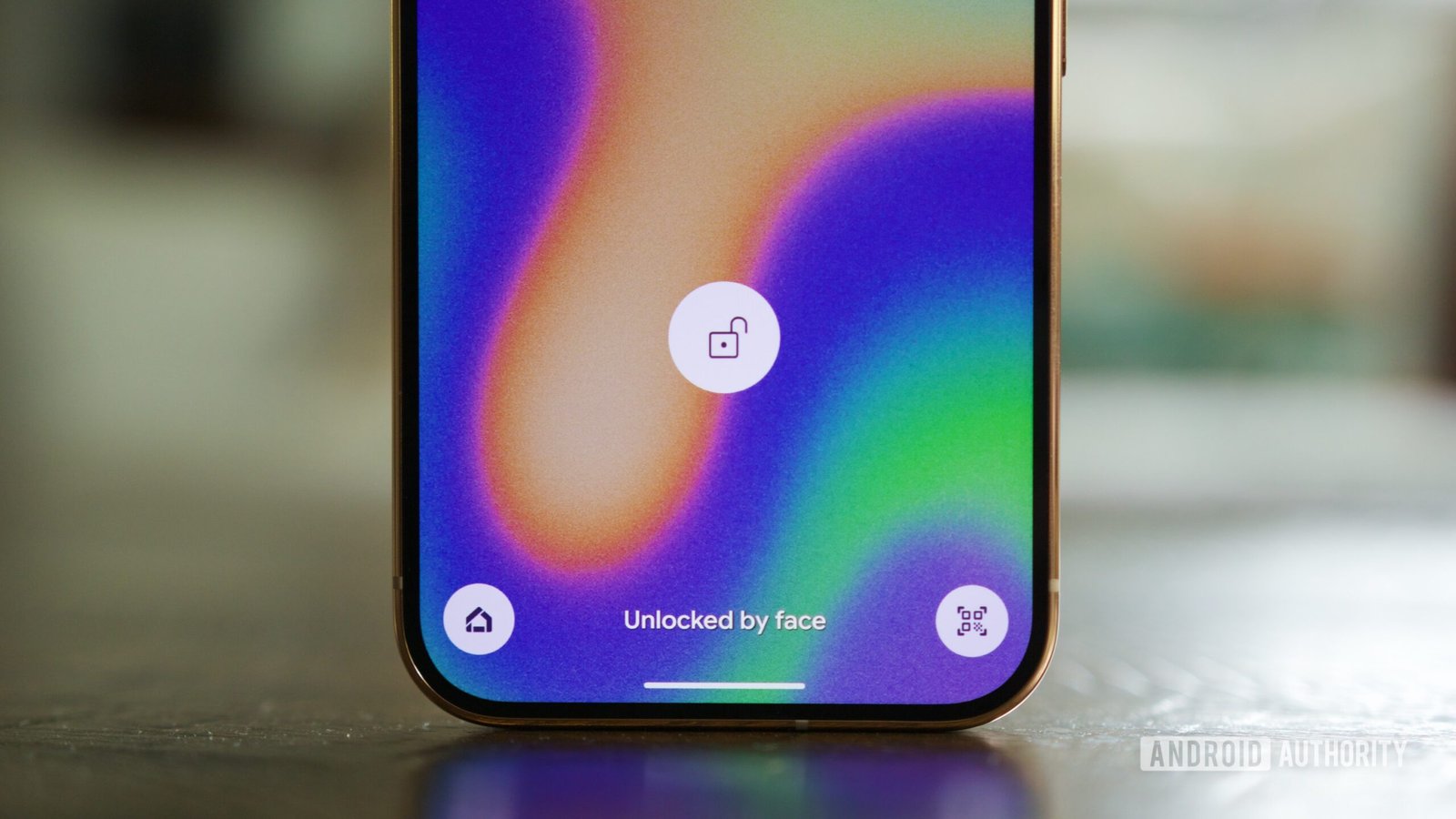
Google has long positioned the Wallpaper & Style application as the primary hub for personalizing the aesthetic profile of Pixel smartphones. As Android has matured, so too has the level of control afforded to users over their lock screen interface. Currently, Pixel owners navigate a system where swiping between the lock screen and home screen views within the app reveals various parameters, such as clock styles, system color themes, and quick-access shortcuts for features like Google Wallet or Now Playing.
However, recent investigations into the Android 17 QPR3 beta indicate that Google is preparing a significant structural change. A new, dedicated lock screen customization page has been identified within the app’s code, suggesting that the company is looking to centralize and refine how users interact with their device’s front-facing display before authentication. While the current iteration of this feature remains in its nascent, largely blank state, the underlying framework points toward a more comprehensive organizational model for UI adjustments.
Deconstructing the New Interface
The emerging design features a consolidated row of interactive buttons at the bottom of the display. These buttons provide granular control over several core elements: wallpapers, color palettes, clock designs, widgets, and a mysterious new category labeled “media.” This design choice hints at a departure from the current swiping navigation, moving toward a more static, menu-driven architecture that could allow users to jump directly to specific customization tasks without navigating through layered sub-menus.
The inclusion of a “media” button is particularly notable. In the existing software environment, media controls on the lock screen are generally managed by the system’s notification shade and active media session APIs. By creating a dedicated category in the customization app, Google may be planning to give users more control over how media information—such as album art, playback controls, or visualizers—is presented or prioritized when a device is locked.
Potential Benefits for User Personalization
The shift toward a more robust customization dashboard addresses a common critique of Android’s current fragmentation regarding visual settings. By grouping essential elements into a single, high-level view, the user experience becomes more predictable. Rather than digging into “More lock screen settings” to find specific toggles, a unified menu allows for a holistic view of the lock screen configuration.
This change could be particularly useful for managing complex lock screen setups, such as those incorporating multiple widgets or specific, high-contrast clock faces. If executed correctly, this redesign would reduce the time spent navigating menus and allow for more rapid experimentation with different device themes, aligning the Pixel experience more closely with the sophisticated customization systems seen in other modern mobile operating systems.
The Role of APK Teardowns in Feature Development
It is important to note that this information originates from an APK teardown of the Android 17 QPR3 beta. An APK teardown is a method used to analyze the code base of an application package to uncover hidden or unfinished features. While this process is highly effective at predicting the direction of software development, it is not a guarantee of a final product release.
Code found in these preliminary versions can represent experimental prototypes that developers may modify, delay, or discard entirely before a stable build is pushed to the public. Consequently, while the discovery of this new menu provides a clear signal regarding Google’s internal development roadmap, the final user interface, its functionality, and the specific categories included are subject to change.
Expectations for Future Android Updates
As Google continues to refine the Android 17 experience, the primary expectation from the user community is improved functionality rather than superficial cosmetic updates. A redesign that offers a truly intuitive way to manage lock screen widgets and media playback would represent a meaningful step forward. The potential for this update lies in the ability to balance power-user configuration needs with the ease of use that remains a trademark of the Pixel software experience.
Whether this new page ultimately replaces the existing system or serves as an auxiliary tool for advanced users remains to be determined. As the beta process continues, additional details regarding the “media” category and the full extent of widget support will likely emerge. For now, the development confirms that the lock screen remains a core priority for Google’s design team, signaling that further enhancements to the first point of contact between user and device are firmly on the horizon.
Disclaimer: This content is auto-generated for informational purposes only.
Source: Read Original News