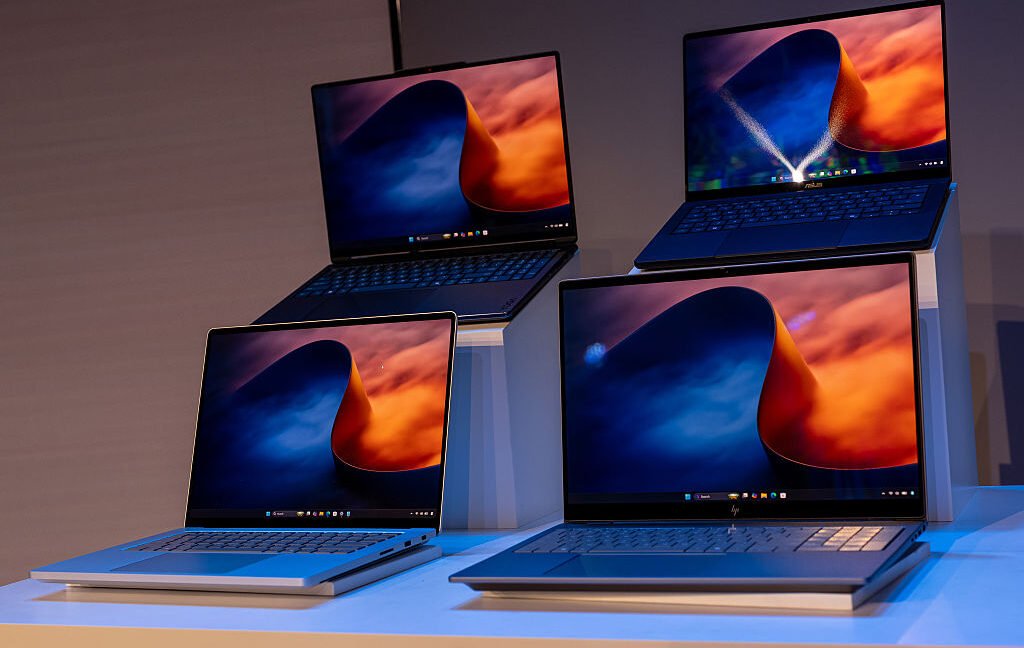









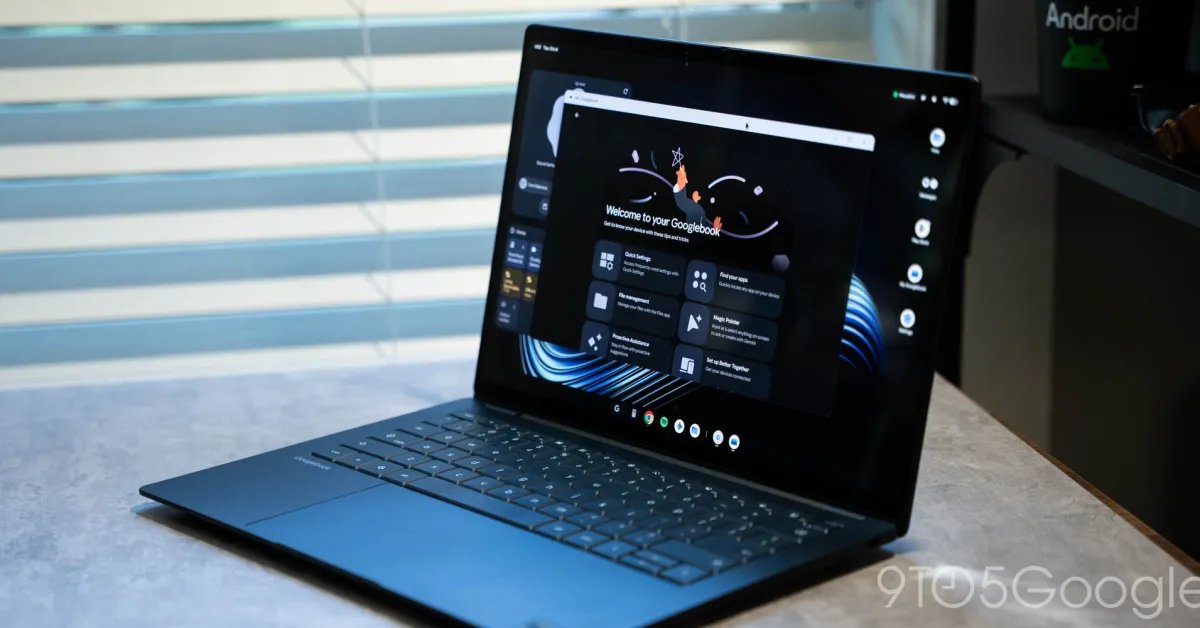
The transition to the Googlebook platform has brought the long-standing challenges of Android-on-desktop into sharp focus. While the hardware seeks to define a new category of computing, the software experience remains fragmented and often counterintuitive. For early adopters, the current state of application availability is the primary hurdle, highlighting a significant gap between the promise of a unified ecosystem and the reality of daily productivity.
The App Ecosystem Dilemma
At its core, Googlebook relies on the Google Play Store as the primary hub for software. However, the platform suffers from a lack of native, desktop-class applications that users expect from established operating systems like Windows or macOS. The absence of professional-grade tools, such as the Adobe Creative Cloud suite, is particularly noticeable. Furthermore, the decision to remove legacy Linux support—a feature previously found in ChromeOS—has limited the capability for power users to bridge these software gaps through alternative methods. This leaves the user reliant on a mix of mobile-first Android applications and web-based services, neither of which consistently delivers a seamless desktop experience.
Navigating Google’s Classification System
To manage the wide variance in application quality, Google has implemented a five-tier labeling system within the Play Store. These labels, applied exclusively by Google without developer input, are intended to guide user expectations. The categories include:
– Built for mobile: Applications not tested for desktop environments.
– Better on the website: Indicators that the web-based version offers superior performance or feature sets.
– Compatible with Desktop: Apps functional with traditional mouse and keyboard inputs.
– Optimized for Desktop: Software adapted for a more comfortable desktop user interface.
– Made for Desktop: Applications developed specifically with desktop-centric controls and features.
While the intention behind these labels is transparency, the execution adds layers of complexity. Users are often steered toward Android apps that perform poorly, yet the platform rarely provides a direct link to the superior web-based alternatives. This inconsistency forces the user into a trial-and-error process, undermining the efficiency of the device.
Performance Inconsistencies and Productivity Impacts
The discrepancy between the intended behavior of an app and its actual performance on Googlebook is a recurring point of friction. For instance, messaging platforms like Telegram demonstrate the limitations of mobile-to-desktop scaling. The Android version of Telegram often fails to support basic keyboard shortcuts, such as using the Enter key to send messages. Even the web counterpart, often presented as the preferred alternative, frequently exhibits stability issues or unexpected behavior.
Similarly, workplace staples like Slack remain problematic. Despite being essential for modern professional environments, the Android app is poorly suited for a laptop interface, and the inability to properly install the web version creates an immediate productivity barrier. Even applications marked as “Optimized for Desktop,” such as Spotify, often struggle to scale their interfaces effectively. Rather than offering a true desktop environment, these apps often appear as stretched mobile interfaces, missing the nuance and control layouts that users demand from a PC-class device.
The Competitive Challenge
The struggle to deliver a consistent software experience places Googlebook in a precarious market position. Consumers comparing the platform against established competitors will find that Windows laptops and the MacBook Air offer mature, stable environments at competitive price points. When a device requires a “workaround” to run essential software, the value proposition weakens. For a new platform to succeed, it must do more than simply aggregate existing mobile applications; it must provide a reliable environment where professionals can complete their work without constant software intervention.
Looking Toward Future Improvements
While the current state of Googlebook is challenging, the foundational architecture suggests potential for growth. If Google can improve the integration of Android features and refine the quality of its app ecosystem, the platform may eventually overcome these initial hurdles. However, the current reliance on labels to explain poor software behavior is a stopgap measure, not a solution. Real progress will require deeper collaboration with developers to build applications specifically for the desktop form factor, rather than simply forcing mobile code to run on a larger screen. Until then, users navigating this landscape must manage their expectations, balancing the allure of new hardware against the reality of an evolving, yet incomplete, software foundation.
Disclaimer: This content is auto-generated for informational purposes only.
Source: Read Original News