








The Intersection of Mobile Productivity and Stylus Precision
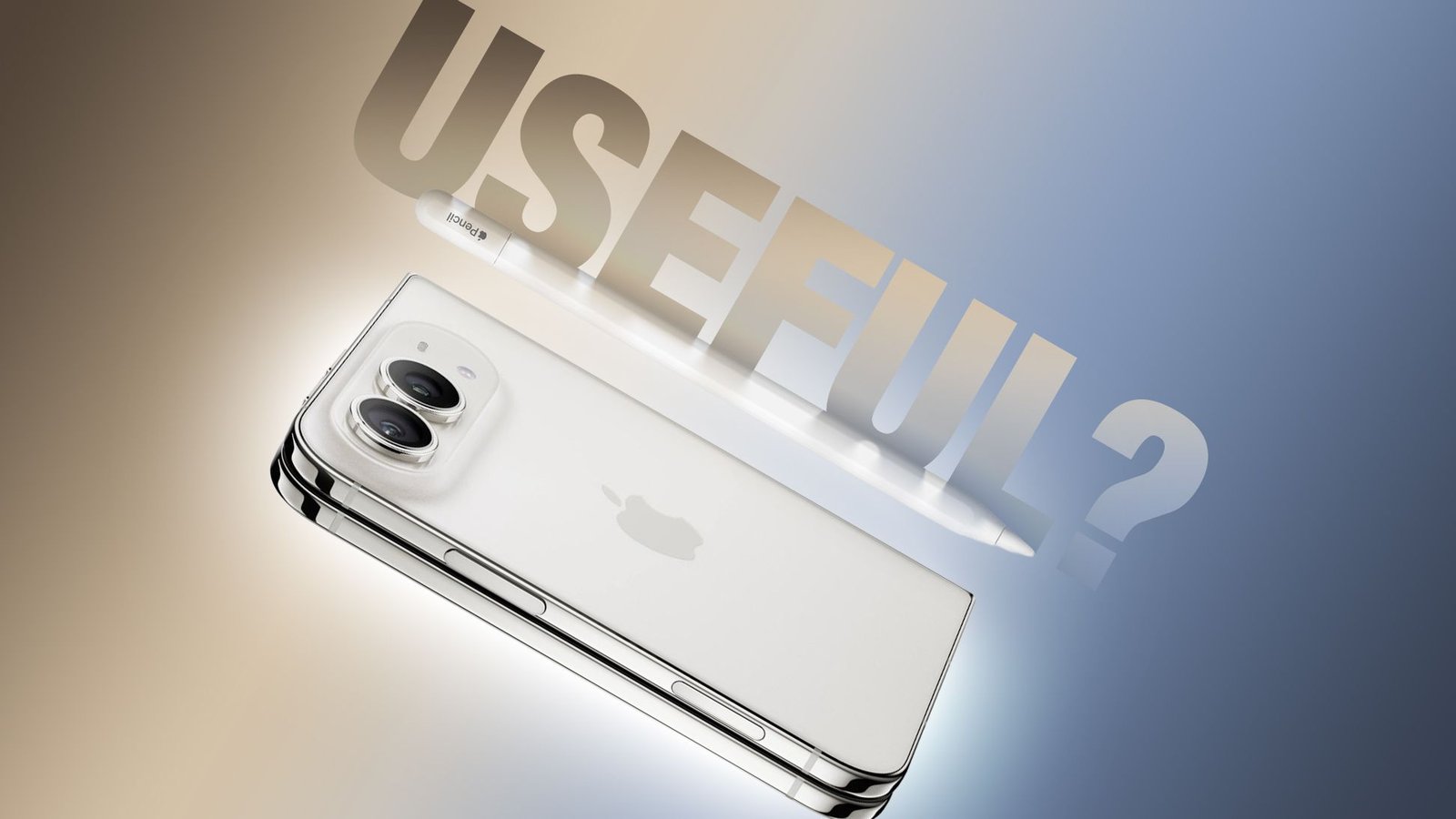
The arrival of the iPhone Duo marks a significant shift in how users interact with handheld hardware. With the release of iOS 27.2, currently in its beta phase, Apple has introduced native support for the Apple Pencil on the iPhone Duo. This expansion of the Pencil ecosystem represents an attempt to bridge the gap between pocketable communication devices and creative tablets. However, the integration is highly specific, requiring users to look past the flagship models they may already own in favor of a specialized piece of hardware.
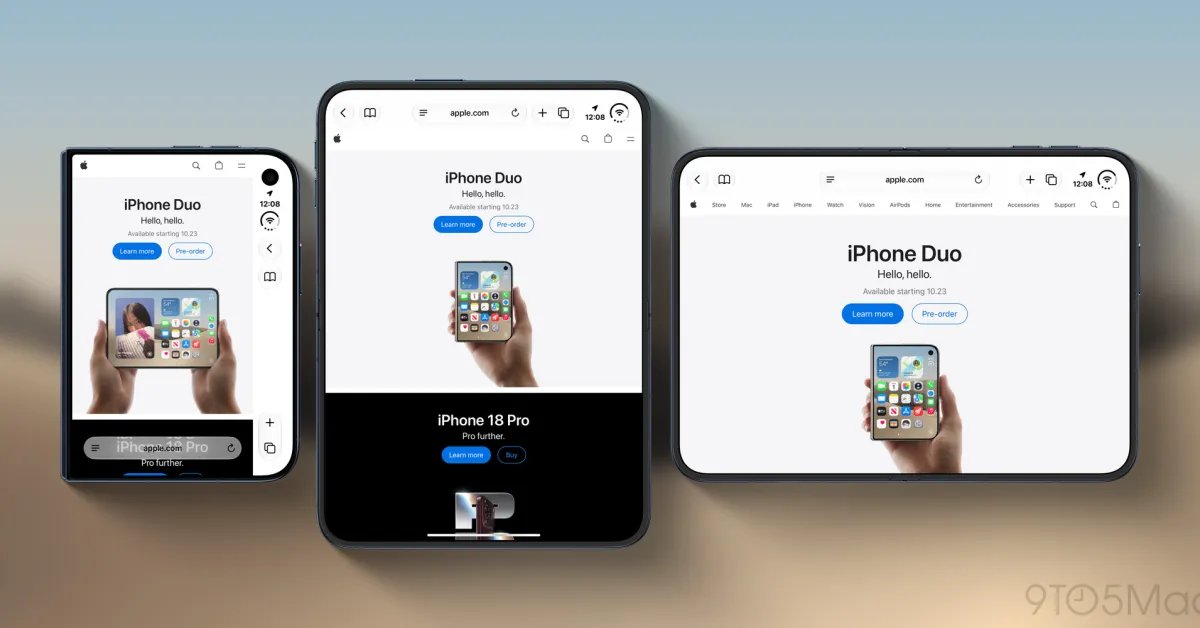
The iPhone Duo introduces a dual-screen architecture that challenges traditional input methods. By allowing stylus input, the device transforms from a standard smartphone into a digital notepad or a compact sketchbook. While the capability is impressive, the strict hardware requirements dictate that only the Apple Pencil with USB-C is compatible. Legacy versions of the stylus, including the Apple Pencil 1, 2, and the high-end Pro model, are entirely unsupported. This restriction is primarily due to the specific signal protocols and pairing mechanisms developed for this specific hardware tier.
Understanding the Hardware Pairing Process
Unlike the seamless magnetic pairing experienced by iPad Pro or iPad Air users, the iPhone Duo requires a manual initialization process. Because the device lacks the proprietary inductive charging and pairing surface found on newer iPads, users must connect the Apple Pencil with USB-C directly to the iPhone Duo via a USB-C cable. This handshake registers the device within the iOS 27.2 environment, enabling the interface to translate touch input from the stylus into distinct coordinates on the display.
This manual pairing reflects a departure from the “it just works” philosophy typically associated with Apple accessories. Users should be prepared to keep a cable on hand if they need to re-pair the device after a hard reset or firmware update. Once established, the connection remains stable throughout the session, allowing for consistent input across the primary inner display and the secondary outer screen.
Functional Features and Stylus Capabilities
Upon successful connection, the Apple Pencil provides a familiar interface for those accustomed to the iPad experience. The most critical component of this integration is the palm rejection system. Embedded within iOS 27.2, this software logic identifies the difference between a stylus tip and a hand resting on the screen, allowing users to write naturally without fear of stray marks or accidental menu activations.
Despite the software sophistication, hardware limitations persist when compared to the Apple Pencil Pro. The USB-C model lacks pressure sensitivity, which is a significant omission for digital artists who rely on varying line weights to achieve depth and texture. Furthermore, the absence of the “double-tap” gesture and the “squeeze” interaction means that users cannot quickly switch between tools or trigger contextual menus as they would on a tablet. The experience is primarily focused on precision input, handwriting, and basic annotation rather than professional-grade illustration.
Ergonomics and Long-Term Display Maintenance
One of the more interesting hardware design choices is the inclusion of a magnetic storage point on the hinge of the iPhone Duo. While the device does not provide wireless charging for the stylus through this magnetic strip, it offers a secure location to keep the tool attached during transit. This prevents the user from misplacing the stylus, though it does not replace the necessity of a physical cable for charging or pairing.
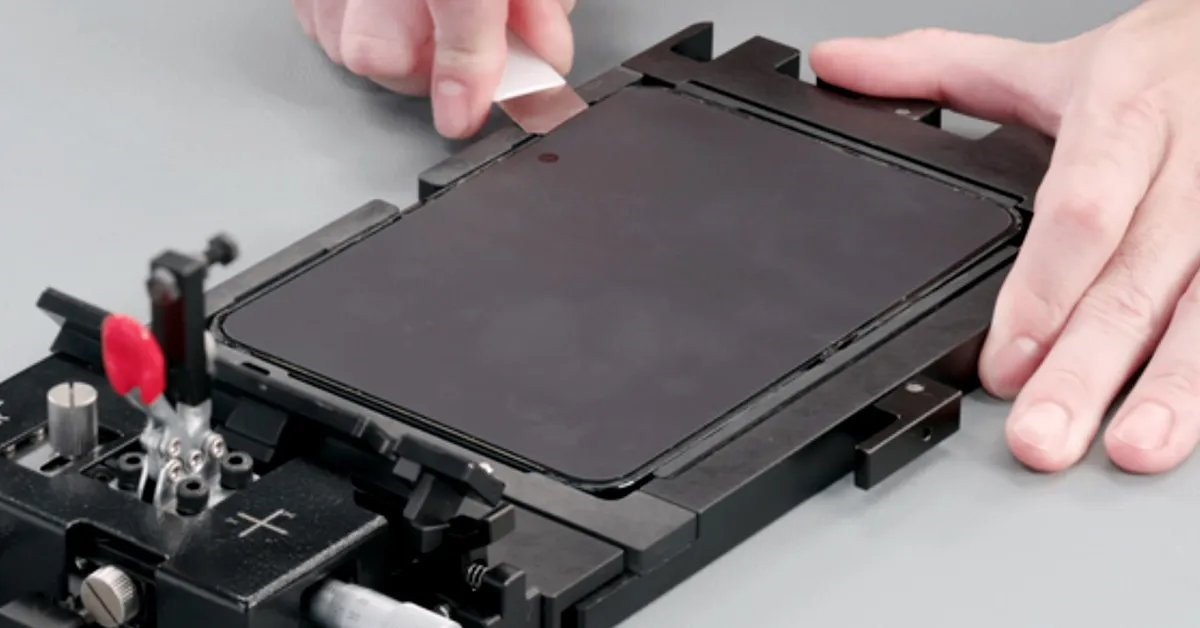
A common concern among users is the potential for wear and tear on the iPhone Duo’s display material. During frequent use, the plastic tip of the Apple Pencil may leave faint, temporary lines or smudges on the screen surface. While these marks are easily removed with a standard microfiber polishing cloth, they highlight the sensitivity of the foldable screen technology. Apple has mitigated concerns regarding long-term degradation by introducing a dedicated cover layer replacement program. With AppleCare+, the cost for a display surface refresh is $19, rising to $49 for those without coverage. This structured support plan indicates that while the stylus is a supported feature, it is intended to be used with the understanding that the display is a sacrificial surface designed for utility.
Use-Cases in a Modern Professional Workflow
The primary value of the Apple Pencil on the iPhone Duo lies in rapid information capture. Professionals who attend meetings or individuals who favor handwritten checklists will find the input method superior to on-screen keyboards for specific tasks. The ability to annotate PDFs, sign documents, or sketch out architectural diagrams on a folding display provides a level of versatility that standard smartphones cannot achieve.
However, the screen real estate of the iPhone Duo is substantially smaller than even the smallest iPad. This physical limitation means that extensive note-taking sessions may feel cramped. The utility is best realized during transit or in situations where bringing a tablet is impractical. Ultimately, the iPhone Duo functions as a hybrid device—a powerful smartphone that gains a modest, yet functional, set of creative tools. For users already invested in the Apple ecosystem, adding the USB-C Apple Pencil is a manageable investment of roughly $70 to $80 that expands the potential of their hardware, provided they manage their expectations regarding the feature set compared to the iPad range.
Disclaimer: This content is auto-generated for informational purposes only.
Source: Read Original News