







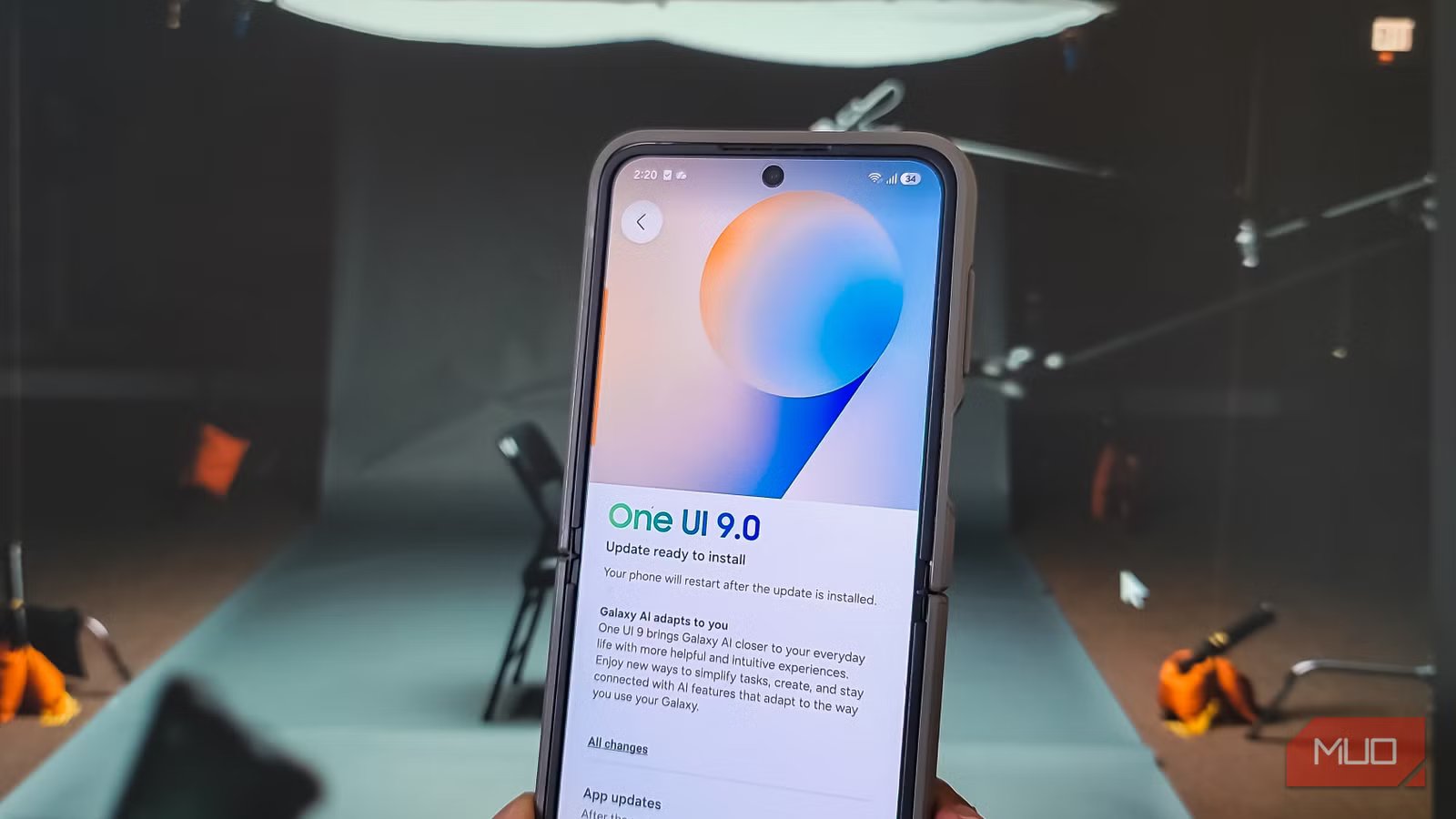
The rollout of One UI 9.0, built upon the foundation of Android 17, is currently reaching Samsung devices, including the Z Flip 6. While previous iterations of Samsung’s software skin have leaned heavily into AI-driven marketing, this update prioritizes practical quality-of-life adjustments that enhance day-to-day usability. After spending time with the new firmware, it is clear that the most significant improvements are found not in the default state, but in the granular controls now available to users.
The Quick Settings panel is more customizable
The Quick Settings panel has undergone a visual and functional transformation. Building on the architecture introduced in One UI 8.5, which established separate rows for brightness and volume, One UI 9.0 introduces superior modularity. Users can now resize these sliders, adjusting their dimensions or orientation—switching to vertical sliders for more precise control—to better suit their ergonomic preferences.
A major shift in this update is the ability to detach control buttons from the sliders. Previously, buttons such as Dark Mode and Sound Mode were locked to the proximity of the brightness and volume bars. In One UI 9.0, these functions are independent tiles that can be repositioned anywhere within the panel, shrunk into pill-shaped icons, or removed entirely. This separation allows the sliders to occupy more horizontal space if desired, or conversely, stay compact. The media controller has also been refined; it can now be scaled down to a small, unobtrusive tile, making the entire panel easier to navigate with one hand.
Multi-finger gestures
Samsung continues to expand the capabilities of its Good Lock ecosystem, and the Home Up module for One UI 9.0 is a standout addition. It introduces advanced gesture support that moves beyond standard single-finger navigation. By enabling multi-finger gestures, users can assign specific commands to two, three, four, or five-finger interactions.
The system supports nine distinct gesture types for each finger count—including swipes in four directions, pinches, spreads, taps, double-taps, and long-presses—resulting in 36 potential configuration combinations. For example, a three-finger tap can trigger a screenshot, while a three-finger swipe can facilitate app switching. To utilize these, the navigation bar must be set to Swipe gestures (multiple directions) in the main display settings. Once configured, these gestures allow for highly efficient device control that bypasses the need for physical buttons or menu diving.
Show network speed on the status bar
One UI 9.0 finally addresses a long-standing request from power users: a native network speed monitor. Previously, achieving this required the installation of third-party utilities, which often lacked consistent integration with the system font and were prone to performance issues after system reboots.
This feature is now integrated via the QuickStar module in the Good Lock suite. After installation from the Galaxy Store, users can navigate to QuickStar and select “Visibility of Indicator Icons” to toggle the Network Speed switch. This provides a real-time readout of upload and download speeds directly in the status bar. The implementation is lightweight, system-integrated, and maintains the visual aesthetic of the One UI interface, providing a reliable way to monitor connectivity without the overhead of external applications.
Cut specific apps from the internet
Security and bandwidth control have been bolstered with the introduction of AI Network Guard. Found within the “Connectivity Labs” submenu under Intelligent Wi-Fi, this tool allows for the per-app restriction of internet access. While this is useful for parents managing device usage, it is also highly effective for curbing intrusive advertisements.
By blocking network access for specific apps, users can effectively strip away server-side advertisements that interrupt offline activities. Because the restriction is handled at the network level, the applications simply register an “Access Blocked” state, effectively silencing data-hungry or ad-heavy software. Accessing this feature requires setting a Guardian PIN within Connectivity Labs, ensuring that the restrictions remain persistent and secure against accidental changes.
Motion Assist
Recognizing that many users interact with their devices while in transit, One UI 9.0 introduces Motion Assist, an accessibility feature designed to mitigate motion sickness. The feature functions by displaying subtle, animated shapes along the left and right margins of the screen.
These shapes provide visual cues that sync with the physical movement of a vehicle, helping the brain reconcile the sensory mismatch that often causes nausea when looking at a stationary display while moving. Users can enable this through the Google “Personal & device safety” menu. Once active, the system automatically detects vehicular motion and triggers the display cues. A shortcut can be added to the Quick Settings panel for manual activation or deactivation, providing a discreet solution for those prone to travel discomfort while performing essential tasks on their phones.
The cumulative effect of these updates is a more cohesive mobile environment. While the headline features of the past year focused on generative intelligence, One UI 9.0 succeeds by refining the interface to be more responsive to the specific, varied needs of the end user. Through a combination of system-level settings and the modular nature of the Good Lock suite, Samsung has provided a path to a more personalized and fluid experience.
Disclaimer: This content is auto-generated for informational purposes only.
Source: Read Original News