








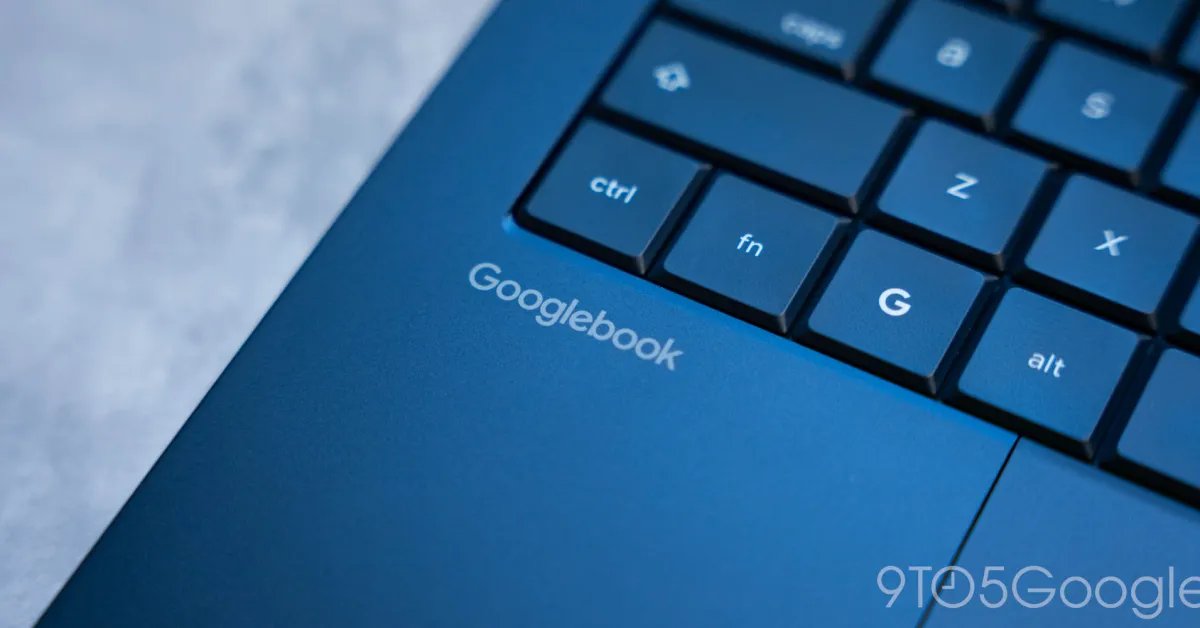
Googlebook has entered the market as a desktop platform designed to bridge the gap between portable mobile computing and high-performance desktop productivity. Its primary value proposition centers on the “Better Together” ecosystem, a suite of features intended to create a seamless interface between Android handsets and the Googlebook hardware. However, the initial launch period was marked by functional inconsistencies and limited device compatibility that hindered the user experience. A new series of software updates is currently being distributed to address these technical hurdles, finally bringing long-awaited support for Samsung Galaxy devices into the fold.
Streamlining the Cross-Device Connection
A core component of the Googlebook platform is the integration of mobile functionalities directly into the desktop environment. Users expect to utilize app streaming, notification synchronization, and “Continue On” capabilities—which allow tasks started on a phone to be picked up immediately on the larger display—without significant friction. Upon release, many of these features suffered from latency, sporadic connectivity, and cumbersome setup procedures that required manual intervention.
To resolve these issues, Google has deployed an update aimed at simplifying the initial handshake between devices. The update specifically targets the pairing mechanism, correcting a bug that caused the interface to display persistent QR codes even after a successful connection. By reducing the number of steps required for the initial synchronization, the platform is becoming more reliable, transforming the “Better Together” features from a theoretical advantage into a practical, everyday utility for users.
Ensuring Compatibility Across Android Hardware
The absence of support for Samsung smartphones was the most notable gap in the platform’s launch-day compatibility list. Given Samsung’s dominant position in the Android market, the lack of functionality left a large segment of potential users unable to leverage the full suite of cross-device services. Google has confirmed that the latest updates enable support for these devices, provided they meet specific firmware requirements.
For Samsung users, the primary prerequisite is the adoption of One UI 9.0. While this requirement limits accessibility to the most recent devices, it ensures that the hardware can support the necessary communication protocols required for smooth synchronization. Beyond Samsung, the platform remains compatible with a broad spectrum of Android 17 devices from manufacturers such as Xiaomi, Oppo, OnePlus, Motorola, Lenovo, Honor, Sharp, and Sony.
Technical Requirements for Optimal Performance
Achieving a stable connection between a smartphone and a Googlebook requires precise version control across multiple system components. To utilize the improved cross-device features, users must ensure their Android phone is running Android 17. Furthermore, the underlying services that facilitate these connections must be updated to current standards. Specifically, Google Play Services must be updated to version 26.37 or higher, and the Cross-device Services application must reach version 1.0.1346.
These updates are delivered via the Play Store, and users are encouraged to verify their current version numbers through the application settings menu. Beyond software versions, network configuration plays a critical role. The integration relies heavily on local connectivity; therefore, networks that implement client isolation—such as public Wi-Fi in cafes or office buildings—often block the direct communication necessary for these features to function. Users are advised to operate within a private home network and to disable any active VPNs or network-wide DNS blockers that might interfere with the localized data stream.
The Future of Integrated Desktop Computing
The move to normalize these features represents a significant step in the development of the Googlebook ecosystem. The objective is to create a fluid transition between devices where the hardware—whether a mobile phone or a desktop workstation—becomes secondary to the workflow. Features like file and media sharing, along with synchronized task management, allow the Googlebook to act as an extension of the mobile device rather than an isolated terminal.
As Google continues to refine these tools, the focus will likely shift from basic connectivity to performance optimization. With the foundational pairing issues resolved and the scope of supported devices expanded to include Samsung handsets, the platform is moving toward a more stable, mature state. For those who have already integrated these tools into their daily routine, the impact is a notable reduction in the time spent manually transferring files or checking mobile notifications, allowing for a more cohesive digital workspace. The successful rollout of these updates serves as a reminder that the utility of modern desktop platforms is increasingly defined by their ability to integrate with the mobile hardware already in the user’s pocket.
Disclaimer: This content is auto-generated for informational purposes only.
Source: Read Original News